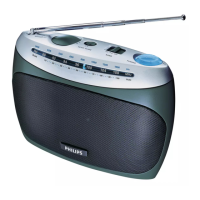
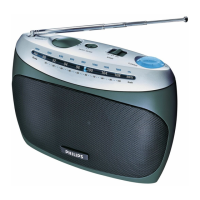
h TUNING
• Tune to a radio station.
• Adjust hour/minute digits.
i PROG/AUTO SCAN
• Program preset radio stations.
• Scan and store radio stations automatically.
• Set time.
3 Get started
Always follow the instructions in this chapter in sequence.
Note
• The type plate is located on the bottom of the apparatus.
If you contact the Consumer Care, you will be asked for the model and
serial number of this apparatus. The model number and serial number
are on the rear of the apparatus. Write the numbers here:
Model No. __________________________
Serial No. ___________________________



 To Next Page