10 Repair and Disassembly
149
6
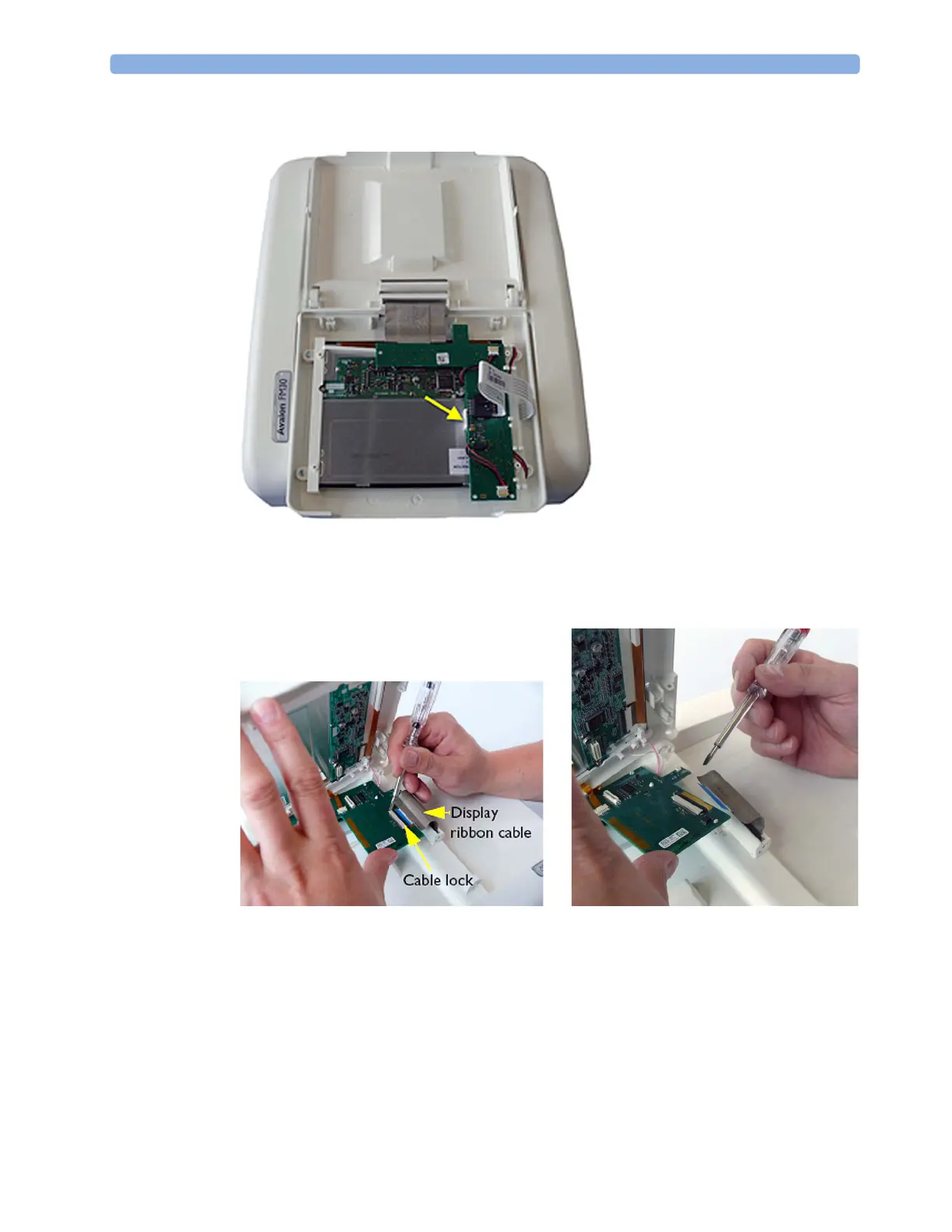
If you have the new version with LED back-light, release the white plastic snap on the display
board with a screwdriver.
7 Disengage the cable lock for the display ribbon cable on the display assembly side using a small,
flat-bladed screwdriver, then disconnect the ribbon cable. You will reuse this original ribbon cable
to connect the new display assembly (after discarding the ribbon cable that comes with the new
display assembly). You have now removed the display assembly.













 To Next Page