- 13 -
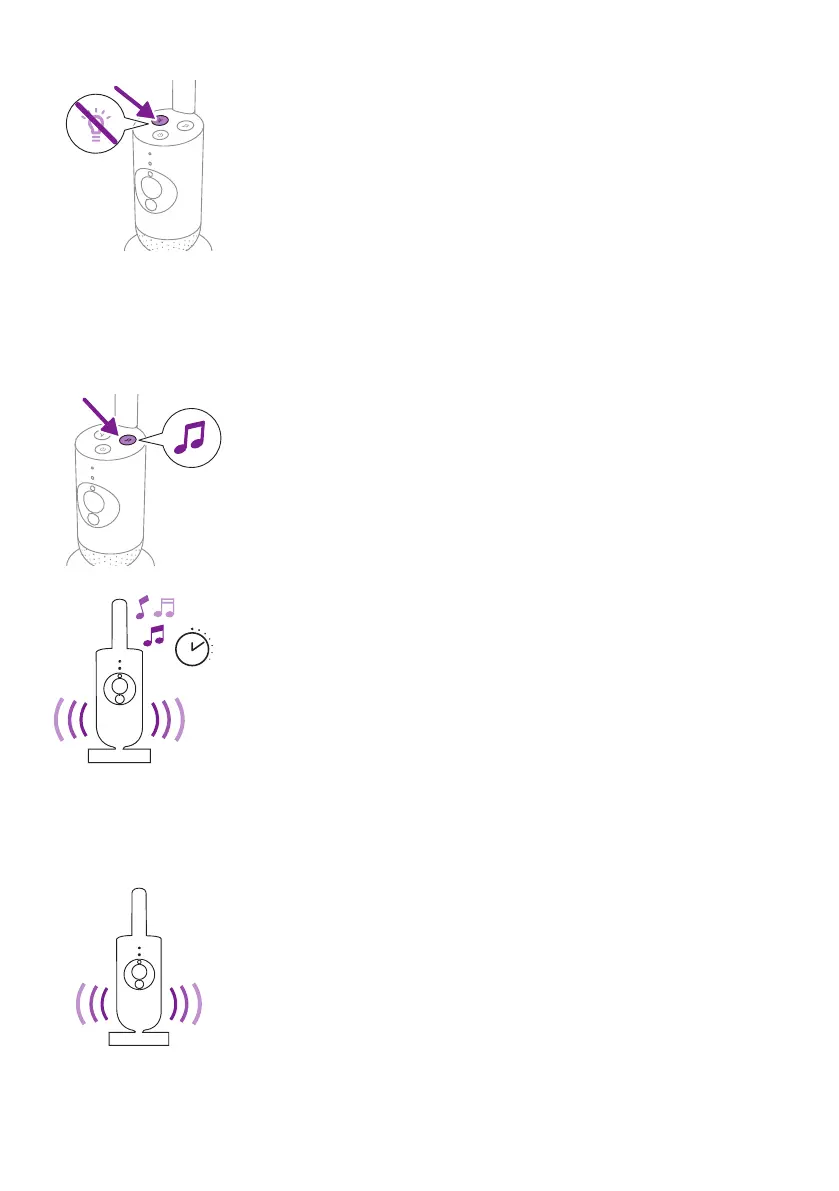
2 Press the nightlight button again to switch o.
Soothing sounds
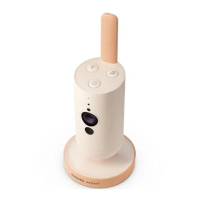
You can activate the soothing sounds feature from the baby camera or
the app�
Press the soothing sounds button on the baby camera�
The latest sound selected on the app starts to play continuously according
to the last timer setting�
To stop the soothing sounds on the baby camera, press the soothing
sounds button again�
True talk-back
You can use the true talk-back button on the app to talk to your baby�
The baby can hear you talking into the app. At the same time, you will
hear any sounds your baby makes�







 To Next Page