- 7 -
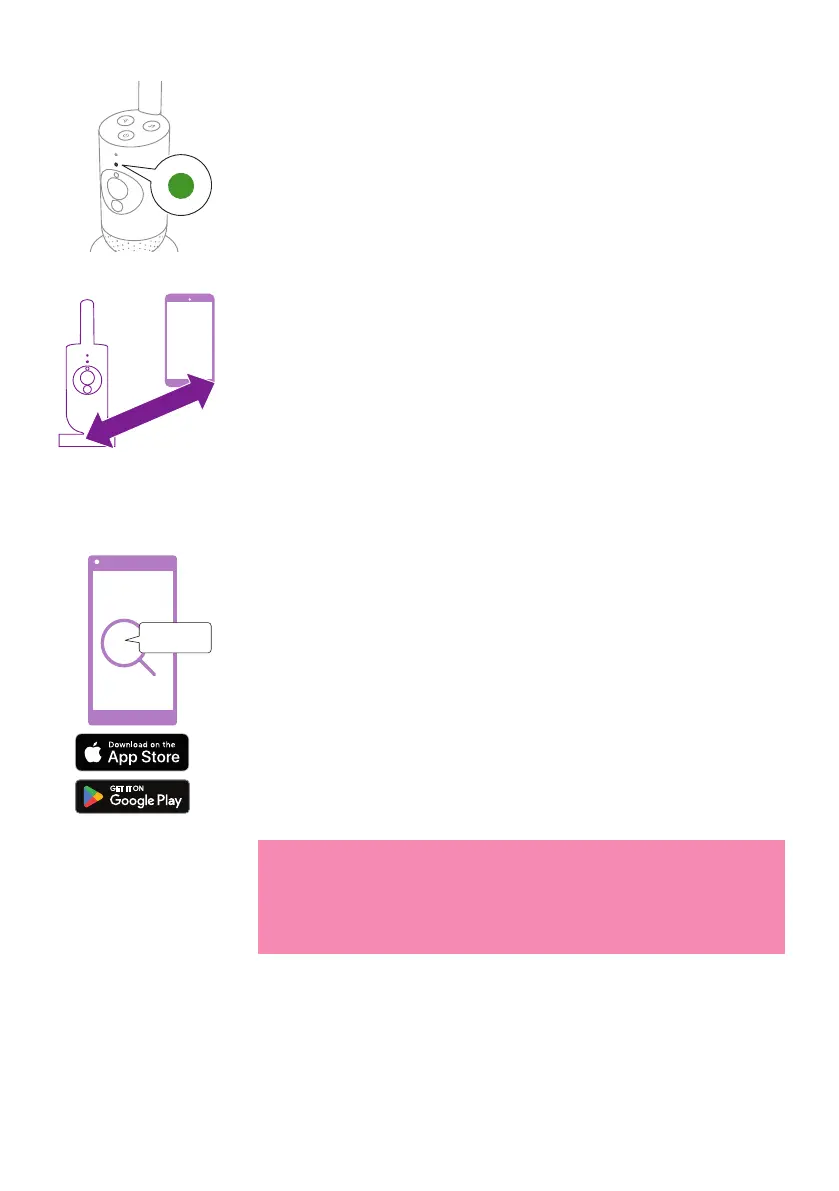
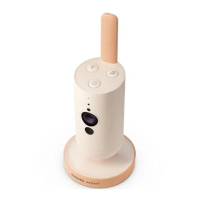
3 The baby camera is ready for use when the indicator light turns green,
you can now connect it to the app�
>2.5m/8.2ft
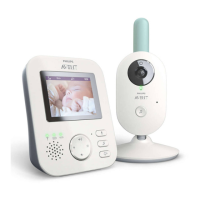
4 Make sure that the smart device and the baby camera are at least
2.5meters/ 8.2feet away from each otherto avoid acoustic feedback.
App
Philips Avent
Baby Monitor+
Before you start the set-up procedure, make sure:
- You have wireless Internet access (2.4 GHz Wi-Fi).
- You are close enough to the Wi-Fi router to have a good Wi-Fi signal�
- If you use a Wi-Fi extender, make sure that your router and your Wi-Fi
extender have the same SSID (the network name) and that you use the
same password for the router and the extender�
- You have the password of your Wi-Fi network at hand� Always connect
the baby camera to a secure network (see the 'Security and privacy'
chapter).
1 Make sure that your smart device runs on iOS 11 or higher, or
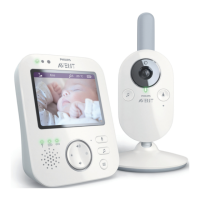
Android6 or higher. Download the Philips Avent Baby Monitor+ app
from the App Store or Google Play� Use keywords 'Philips Avent Baby
Monitor+' to search for the app�
2 Launch the app�
Tip: You get the best results if you connect your smart device to the
Internet via Wi-Fi� It will then automatically use the Wi-Fi network
to link to your baby camera� When there is no Wi-Fi connection to
the Internet, your smart device switches to its 3G or 4G mobile data
connection� Use of this data connection may involve extra charges
from your provider, depending on your subscription.







 To Next Page