PCS 107 115
3-3
INSTRUCTIONS FOR USE
1. Select CD source.
™ is displayed briefly and the function indication lights up.
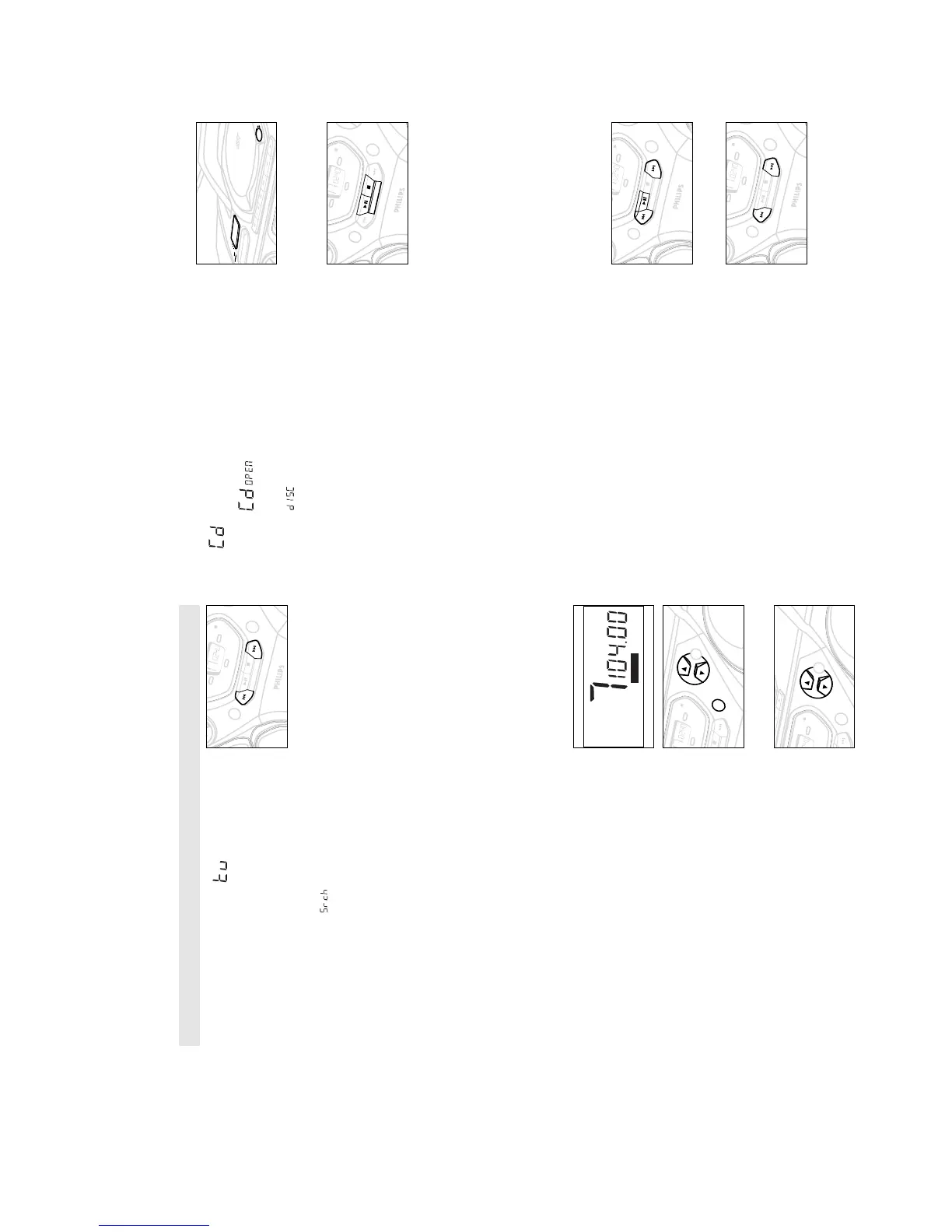
2. Press OPEN•CLOSE to open the CD door.
™ Display: when you open the CD door.
3. Insert a CD or CD-R(W) with the printed side facing up and
close the CD door.
™ Display: flashes as the CD player scans the contents of
a CD. The total number of tracks and playing time are then
shown.
4. Press PLAY•PAUSE 2; (on the remote control 2;) to start
playback.
™ Display: Current track number and elapsed playing time of the
track during CD playback.
5. To interrupt playback press PLAY•PAUSE 2;.
Press PLAY•PAUSE 2; again to resume play.
™ The display freezes and the elapsed playing time flashes when
playback is interrupted.
6. To stop CD playback, press STOP 9
7. To switch off, adjust the POWER slider to TAPE/
OFF position
with the keys on the tape deck released.
™ The function indicator goes out.
Note: CD play will also stop when:
– the CD door is opened;
– the CD has reached the end
(unless you have selected REPEAT or REPEAT ALL);
– you select another source: TAPE / TUNER.
Selecting a different track
• Press SEARCH ∞ or § on the set, (on the remote control ¡
or ™) once or repeatedly until the desired track number
appears in the display.
• If you have selected a track number shortly after loading a CD or
in the PAUSE position, you will need to press
PLAY•PAUSE 2; (on the remote control 2;) to start playback.
Finding a passage within a track
1. Press and hold down on SEARCH ∞ or §
(on the remote control 5 or 6).
™ The CD is played at high speed and low volume.
2. When you recognize the passage you want,
release SEARCH ∞ or §.
– Normal playback continues.
Note:
During a CD programme or if SHUFFLE/ REPEAT active, searching is
only possible within a track.
R
7
TUNING TO RADIO STATIONS
1. Select TUNER source.
™ The function indication lights up. is displayed briefly
and then the radio station frequency is shown.
2. Press BAND once or more to select your waveband.
3. Press SEARCH ∞ or § (on the remote control,
TUNING ∞ or §) and release when the frequency in the
display starts running.
™ The radio automatically tunes to a station of sufficient
reception. Display shows during automatic tuning.
™ If a FM station is received in stereo,
STEREO is shown.
4. Repeat step 3 if necessary until you find the desired station.
• To tune to a weak station, press SEARCH ∞ or § briefly and
repeatedly until you have found optimal reception.
To improve radio reception
– For FM, pull out the telescopic aerial. Incline and turn the
aerial. Reduce its length if the signal is too strong (very close
to a transmitter).
– For MW/AM/LW, the set is provided with a built-in aerial so
the telescopic aerial is not needed. Direct the aerial by turning
the whole set.
5. To switch off, adjust the POWER slider to TAPE/
OFF position
with the keys on the tape deck released.
™ The function indicator goes out.
Programming radio stations
You can store up to a total of 30 radio stations in the memory.
1. Tune to your desired station (see Tuning to radio stations).
2. Press PROG to activate programming.
– Display: PROGRAM flashes.
3. Press PRESET 4 or 3 once or more to allocate a number from
1 to 30 to this station.
4. Press PROG again to confirm the setting.
– Display:
PROGRAM disappears, the preset number and the
frequency of the preset station are shown.
5. Repeat the above four steps to store other stations.
– You can erase a preset station by storing another frequency in
its place.
Tuning to preset stations
Press PRESET 4 or 3 until the desired preset station is
displayed.
FM
STEREO
SH
UFFLE
ALL
V
O
LU
ME
PROG.
BA
TT
LO
W
MODE
T
A
PE
TUN
ER
CD
ST
OP
PLA
Y
•
P
A
USE
SEA
RCH
•
•
•
•
•
•
SEA
RCH


 To Next Page