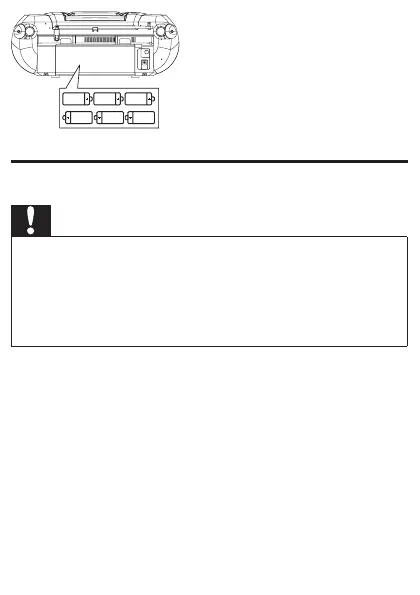
Prepare the remote control
Caution
Riskofexplosion!Keepbatteriesawayfromheat,sunshineorre. •
Neverdiscardbatteriesinre.
Risk of decreased battery life! Never mix different brands or types
•
of batteries.
Risk of product damage! When the remote control is not used for
•
long periods, remove the batteries.
For rst-time use:
1 Remove the protective tab to activate the remote control
batteries.
To replace the remote control batteries:
1 Open the battery compartment.
2 Insert1CR2025batteriewithcorrectpolarity(+/-)as
indicated.
3 Close the battery compartment.



 To Next Page