Unsupported formats:
Empty albums: an empty album is an album that does not •
containMP3/WMAles,andisnotbeshowninthedisplay.
Unsupportedleformatsareskipped.Forexample,Word•
documents(.doc)orMP3leswithextension.dlfareignored
and not played.
AAC,WAV,PCMaudioles•
DRMprotectedWMAles(.wav,.m4a,.m4p,.mp4,.aac)•
WMAlesinLosslessformat•
Maintenance
Clean the cabinet
Use a soft cloth slightly moistened with a mild detergent •
solution. Do not use a solution containing alcohol, spirits,
ammonia or abrasives.
Clean discs
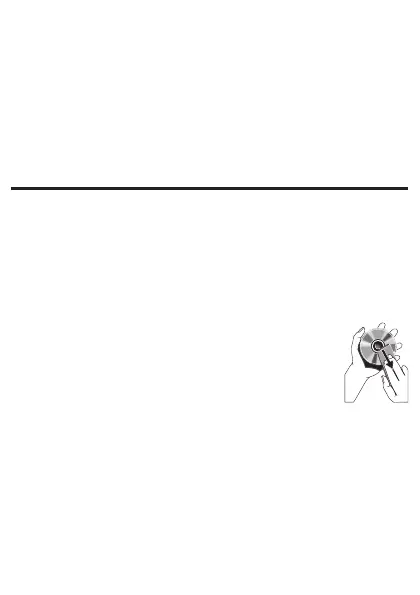
When a disc becomes dirty, clean it with a •
cleaning cloth. Wipe the disc from the centre out.
Do not use solvents such as benzene, thinner, •
commercially available cleaners, or antistatic spray
intended for analogue records.
Clean the disc lens
After prolonged use, dirt or dust may accumulate at the disc •
lens. To ensure good play quality, clean the disc lens with
PhilipsCDlenscleaneroranycommerciallyavailablecleaner.
Follow the instructions supplied with cleaner.



 To Next Page