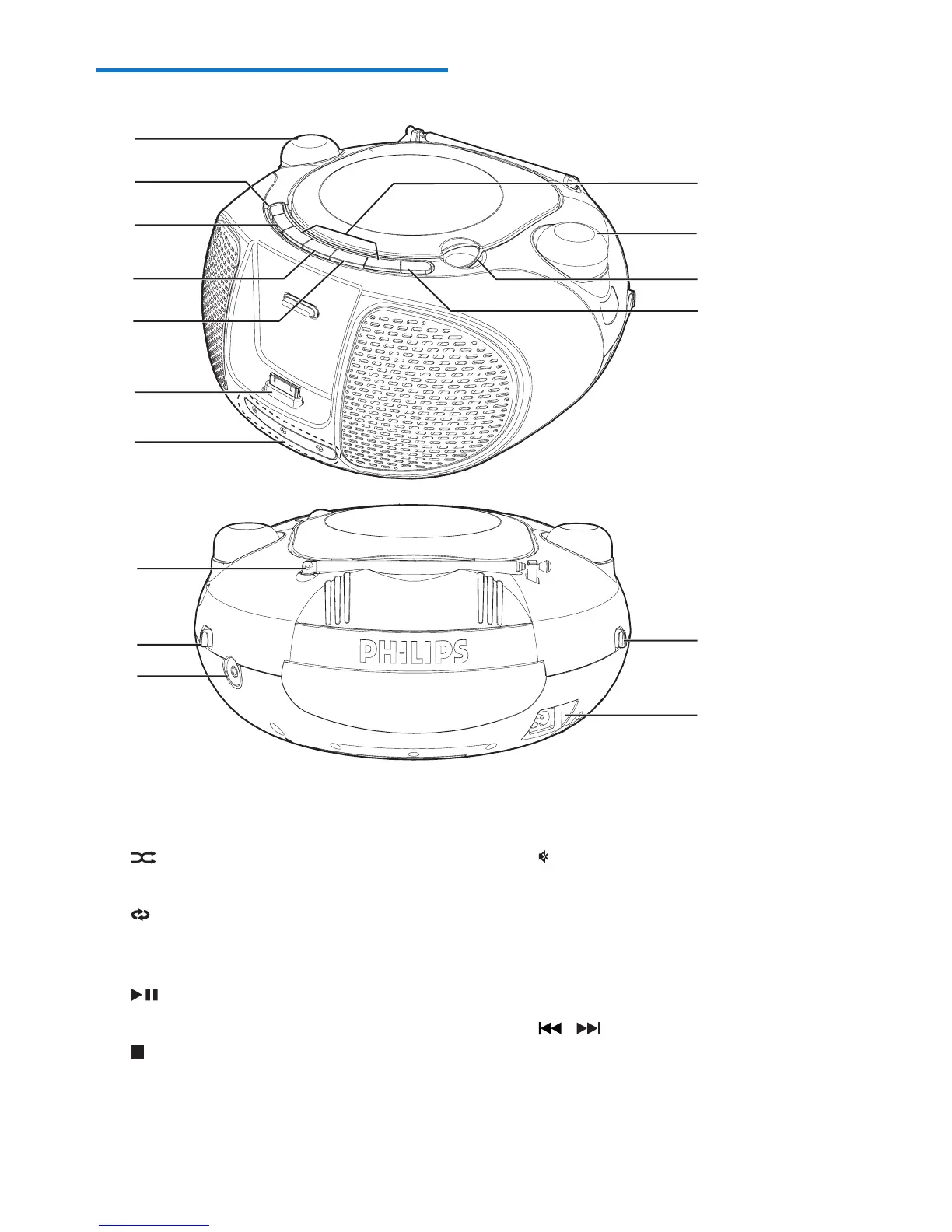
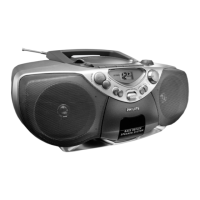
a - VOLUME +
• Adjust volume.
b
• In CD mode, play tracks randomly.
c
• In CD mode, play a track or tracks
repeatedly.
d
• Start or pause play.
e
• Stop play.
f DOCK for iPod/iPhone
a
k
b
c
d
e
f
g
h
i
j
m
n
o
l
p
g LED indicators
• In CD mode, show play status.
h
• Mute sound.
i LIFT TO OPEN
• Open or close the disc compartment.
j - TUNING +
• Tune to FM radio stations.
k
/
• Skip to the previous or next track.
• Search within a track.
l FM antenna
• Improve FM reception.



 To Next Page