EasyManua.ls Logo

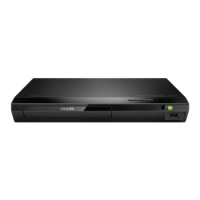
Philips BDP2190/94 - User Manual

Philips BDP2190/94
28 pages
Print Icon
To Next Page IconTo Next Page
Loading...
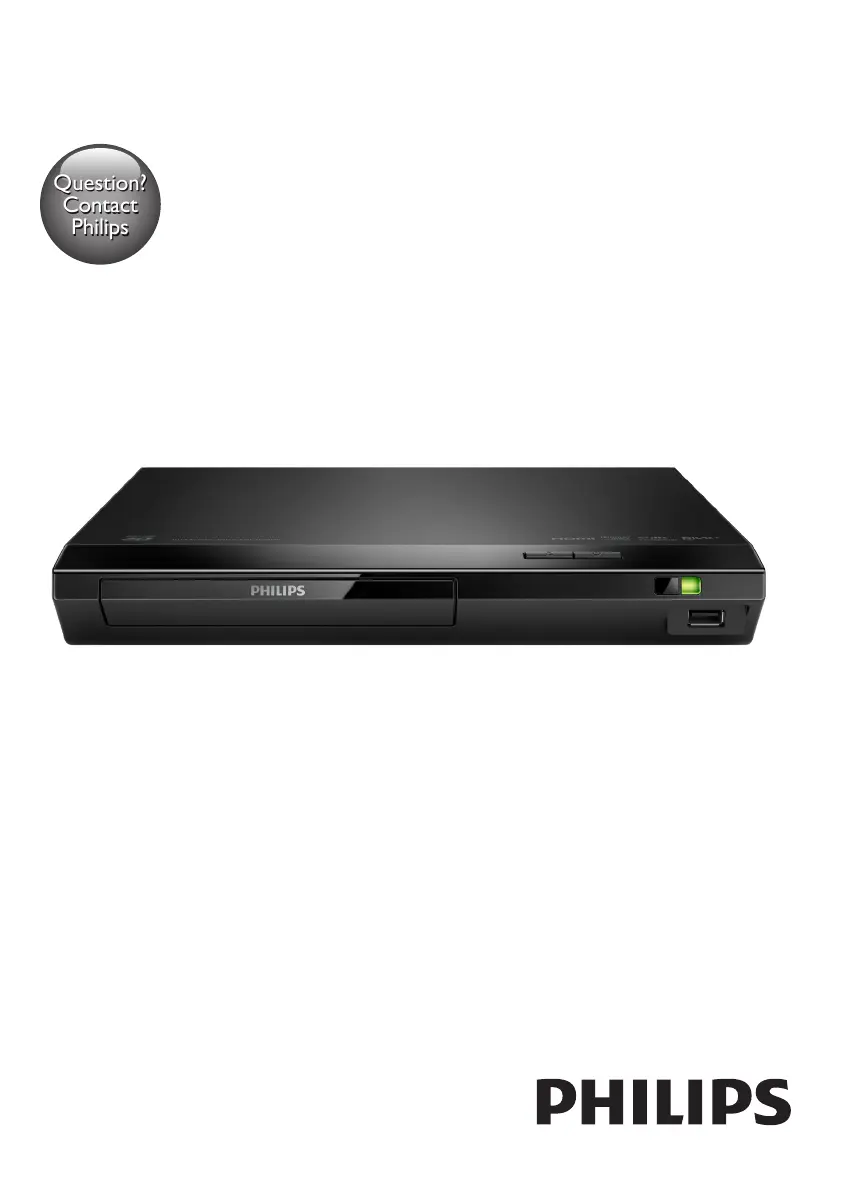
BDP2190
www.philips.com/support
User manual
Always there to help you
Register your product and get support at
Question?
Contact
Philips
BDP2190_94_UM_V3.0.indb 1 6/25/2015 11:27:48 AM

Questions and Answers

  • S
    Samantha HendrixSep 23, 2025
    Why is there no secondary audio output for Picture-in-Picture feature on my Philips BDP2190/94?
    • K
      kelseycoleSep 23, 2025
      When [Bitstream] under the [HDMI audio] or [Digital audio] menu is selected, interactive sound like secondary sound for Picture-in-Picture feature is muted. Deselect [Bitstream].
  • A
    Ashley NelsonAug 25, 2025
    Why is there no sound on HDMI connection with my Philips BDP2190/94?
    • K
      Kirk GibsonAug 25, 2025
      If you're not getting any sound through the HDMI connection on your Philips DVD Player, it might be because the connected device isn't HDCP compliant or is only DVI-compatible. In this case, you may not hear any sound from the HDMI output.
  • J
    Jennifer PetersenAug 25, 2025
    What to do if my Philips BDP2190/94 cannot play a disc?
    • J
      jose15Aug 26, 2025
      If your Philips DVD Player is not playing a disc, try cleaning the disc first. Make sure the disc is correctly loaded into the player. Verify that your player supports the disc type and the region code of the DVD or BD. If you are using a DVD±RW or DVD±R, ensure that the disc has been finalized.
  • W
    William ThomasAug 27, 2025
    How to fix no audio output from Philips DVD Player to TV?
    • J
      Jason BanksAug 27, 2025
      If you are experiencing no audio output from your TV when using the Philips DVD Player, ensure the audio cables are correctly connected to the audio input of the TV. Also, make sure that the TV is switched to the correct source input for the DVD player.
  • C
    Craig SmithAug 27, 2025
    How to troubleshoot no audio output from Philips DVD Player to external speakers?
    • K
      Kimberly TranAug 27, 2025
      If you are experiencing no audio output from the loudspeakers of the external audio device (home theater or amplifier) when using the Philips DVD Player, ensure that the audio cables are connected to the audio input of the audio device. Additionally, switch the external audio device to the correct audio source input.
  • R
    Ronald McconnellSep 14, 2025
    How to fix DivX subtitles that do not display correctly on Philips BDP2190/94?
    • K
      Katelyn DuranSep 14, 2025
      Ensure that the subtitle file has the same name as the DivX video file. Also, verify that the subtitle file has a supported extension name (.srt, .sub, .txt, .ssa, or .smi).
  • D
    Donald RichardsonSep 12, 2025
    What to do if my Philips BDP2190/94 cannot read the contents of a connected USB storage?
    • M
      Matthew CampbellSep 12, 2025
      Ensure that the format and the file system of the USB storage device are compatible with the Philips DVD player. If you are using a USB HDD, it might need an external power source.
  • E
    Ellen AdamsSep 13, 2025
    What to do if my Philips BDP2190/94 does not play high-definition video?
    • A
      Andre JacksonSep 13, 2025
      Ensure that the disc actually contains high-definition video content. Also, make sure that your TV supports high-definition video playback.
  • H
    Henry YangSep 5, 2025
    Why can't I see 3D effects on my Philips BDP2190/94 DVD Player?
    • B
      Beth MoodySep 5, 2025
      If you cannot see 3D effects with your Philips DVD Player, make sure that 3D output is turned on. Ensure that the disc title being played is Blu-ray 3D compliant. Verify that the TV is 3D and HDMI compliant, and is set to 3D mode. Also, confirm that the 3D glasses are activated.
  • J
    James AlexanderSep 2, 2025
    How to fix DivX subtitles that don't display correctly on Philips BDP2190/94 DVD Player?
    • A
      Amber PorterSep 2, 2025
      If DivX subtitles do not display correctly on your Philips DVD Player, ensure that the subtitle file has the same name as the DivX video file. Also, make sure that the subtitle file has an extension name supported by the player (.srt, .sub, .txt, .ssa, or .smi).

Philips BDP2190/94 Specifications

General IconGeneral
TypeBlu-ray Disc Player
Image formats supportedJPEG
HDMIYes
USBYes
Ethernet LANNo
Video Output Resolution1080p
Wi-FiNo
Playable disc typesCD, CD-R, CD-RW, DVD
Video formats supportedMPEG-2, MPEG-4
Audio formats supportedMP3

Related product manuals