EasyManua.ls Logo

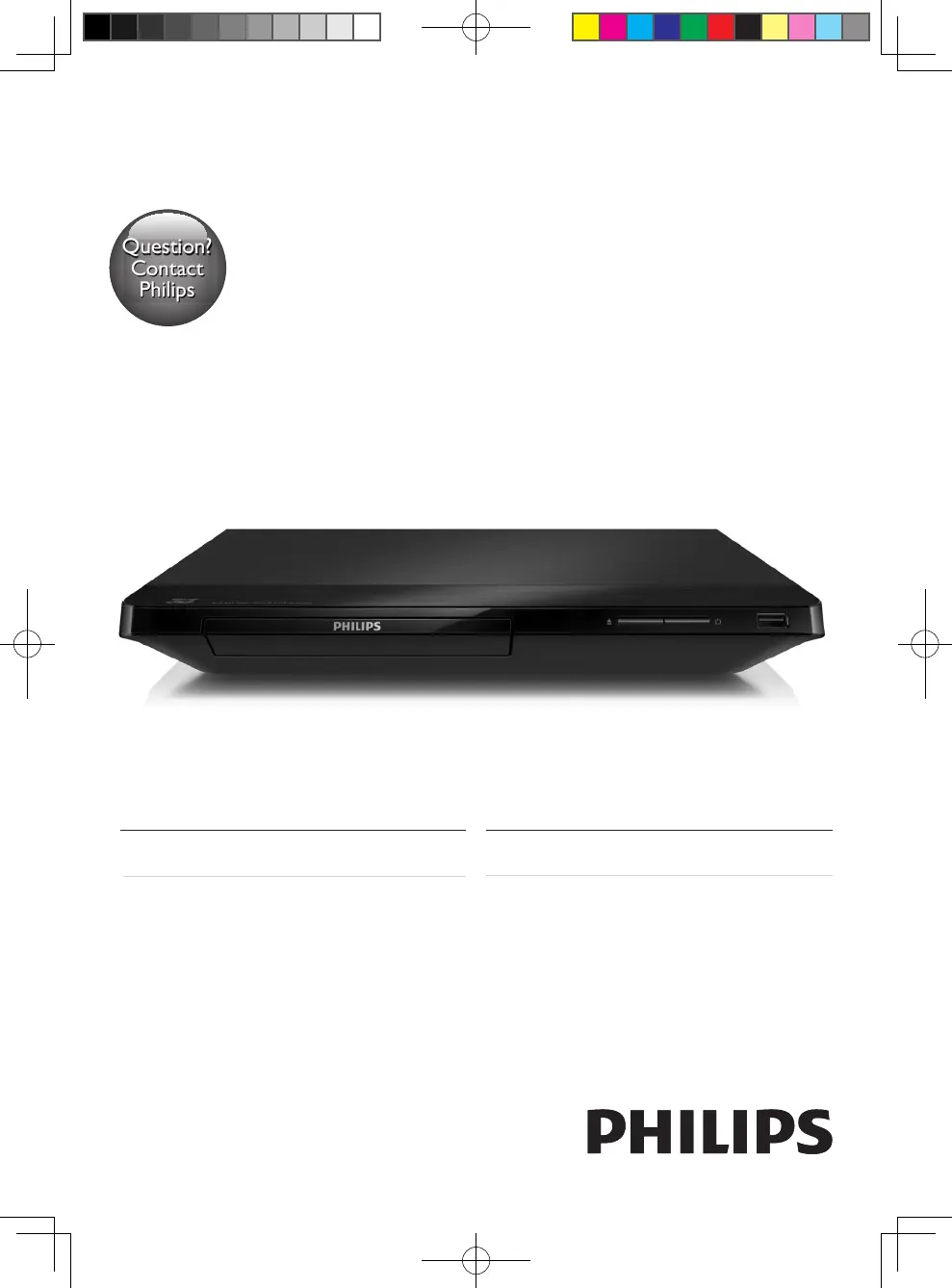
Philips BDP2285/96 - User Manual

Philips BDP2285/96
48 pages
Print Icon
To Next Page IconTo Next Page
Loading...
BDP2285
Register your product and get support at
www.philips.com/welcome
Always there to help you
Register your product and get support at
使用手冊User manual
Question?
Contact
Philips
Question?
Contact
Philips
BDP2285_96_UM_V1.0.indb 1 4/11/2014 2:03:07 PM

Questions and Answers

  • M
    Martha TurnerSep 10, 2025
    Why Philips BDP2285/96 Blu-ray Player disc does not play high-definition video?
    • S
      Shelley BryantSep 10, 2025
      If the disc does not play high-definition video on your Philips Blu-ray Player, ensure that the disc contains high-definition video. Also, make sure that the TV supports high-definition video.
  • T
    Tammy RossAug 22, 2025
    Why is there no sound on HDMI connection with Philips BDP2285/96 Blu-ray Player?
    • J
      Joel WalterAug 22, 2025
      You may not hear any sound from the HDMI output on your Philips Blu-ray Player if the connected device is non-HDCP compliant or only DVI-compatible.
  • F
    Frances GuerreroAug 25, 2025
    How to fix Philips BDP2285/96 Blu-ray Player buttons that do not work?
    • W
      William RomeroAug 25, 2025
      If the buttons on your Philips Blu-ray Player do not work, disconnect the player from the power supply for a few minutes, and then reconnect it.
  • S
    Shirley StephensAug 26, 2025
    Why no audio output from loudspeakers with Philips BDP2285/96?
    • D
      Dennis PhelpsAug 27, 2025
      If there is no audio output from the loudspeakers of the external audio device (home theater or amplifier) when using your Philips Blu-ray Player, ensure that the audio cables are connected to the audio input of the audio device. Also, switch the external audio device to the correct audio source input.
  • O
    Olivia JohnsonAug 27, 2025
    Why EasyLink feature does not work on Philips BDP2285/96 Blu-ray Player?
    • D
      Debra DawsonAug 27, 2025
      If the EasyLink feature does not work on your Philips Blu-ray Player, ensure that the player is connected to a Philips brand EasyLink TV and that the EasyLink option is turned on.
  • N
    nathanielnunezAug 29, 2025
    Why Philips BDP2285/96 cannot play a disc?
    • C
      Cheyenne PowersAug 29, 2025
      If your Philips Blu-ray Player cannot play a disc, try the following: First, clean the disc. Then, make sure the disc is correctly loaded. Check the 'Specifications' section to confirm that the player supports the disc type. Also, verify that the player supports the region code of the DVD or BD. If you are using a DVD±RW or DVD±R, ensure that the disc is finalized.
  • E
    Erin RobertsSep 18, 2025
    Why Philips BDP2285/96 Blu-ray Player cannot play online video via Miracast?
    • C
      Christopher CampbellSep 18, 2025
      If you cannot play and stream online video through Miracast on your Philips Blu-ray Player, ensure that Miracast is enabled on the Miracast source device and on the player itself. If the Miracast connection fails, press the setup button, select [Setup] > [Network] > [Miracast role] > [Group owner] > [Auto], then repeat the Miracast connection. Also, ensure that the Miracast source device supports playing videos from the internet while performing Miracast streaming to an external player simultaneously.
  • D
    donald39Sep 12, 2025
    What to do if Philips BDP2285/96 cannot play DivX video files?
    • M
      Michael MooreSep 12, 2025
      If your Philips Blu-ray Player cannot play DivX video files, ensure that the DivX video file is complete and that the video file name extension is correct.
  • P
    pedro28Sep 8, 2025
    Why do internet services work slowly on Philips Blu-ray Player?
    • W
      William WaltersSep 8, 2025
      If internet services work slowly on your Philips Blu-ray Player, consult your wireless router’s user manual for information on indoor range, transfer rate, and other factors of signal quality. You may also need a high-speed internet connection for your router.
  • L
    Laurie ForbesSep 5, 2025
    How to access BD-Live features on Philips BDP2285/96 Blu-ray Player?
    • J
      James CastroSep 5, 2025
      If you cannot access BD-Live features on your Philips Blu-ray Player, make sure the player is connected to the network and that the network installation is complete. Also, verify that the Blu-ray disc supports BD-Live features. Finally, clear the memory storage.

Philips BDP2285/96 Specifications

General IconGeneral
TypeBlu-ray disc player
USBYes
EthernetYes
Wi-FiNo
3D PlaybackNo
Playable disc formatsBD Video, DVD-Video, CD, DVD±R/RW, CD-R/RW
Digital audio outputCoaxial
Audio Formats SupportedDolby Digital, DTS
Video OutputHDMI, composite video
Audio OutputHDMI, Coaxial
Supported Media FormatsMP3, JPEG, DivX, MKV
Video upscaling1080p upscaling

Related product manuals