15
FUNCTIONAL OVERVIEW
EN
EN
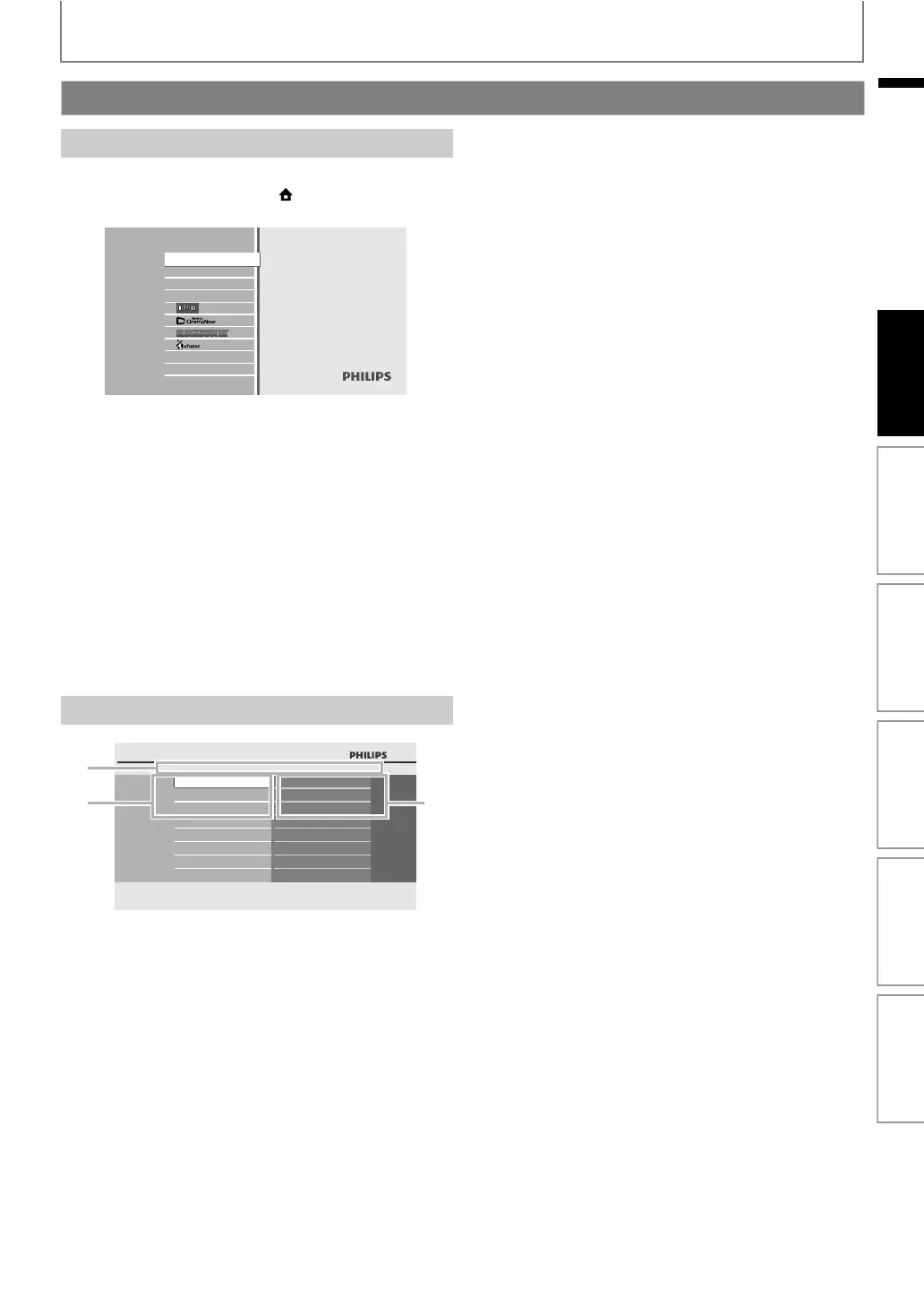
When you turn on the unit, home menu will appear
automatically. Otherwise, press [(home)].
1. Directory
Displays the current hierarchy.
2. Menus
3. Options
Displays options for the highlighted item on the left
whenever available.
Guide to On-Screen Display
Home Menu
“Disc Tray” : To access the track / file list or media
filter screen
“SD Card” : To access the file list or media filter
screen
“Settings” : To access the settings menus
“Product Info” : To access the product information
“NETFLIX” : To access the Netflix screen
“CinemaNow” : To access the CinemaNow menu
screen
“BLOCKBUSTER” : To access the Blockbuster menu
screen
“vTuner” : To access the menu screen of vTuner
Menu Screen
Blu-ray Disc Player
Disc Tray
SD Card
Settings
Product Info
Settings
Quick Setup
Player Menu
TV Shape
HDMI Video Resolution
Advanced Setup
Factory Default
23
1
Introduction Connections Basic Setup Playback OthersFunction Setup



 To Next Page