28
BASIC PLAYBACK
EN
1
Insert a disc (refer to “How to Insert
a Disc” on page 25).
• Home menu appears automatically.
2
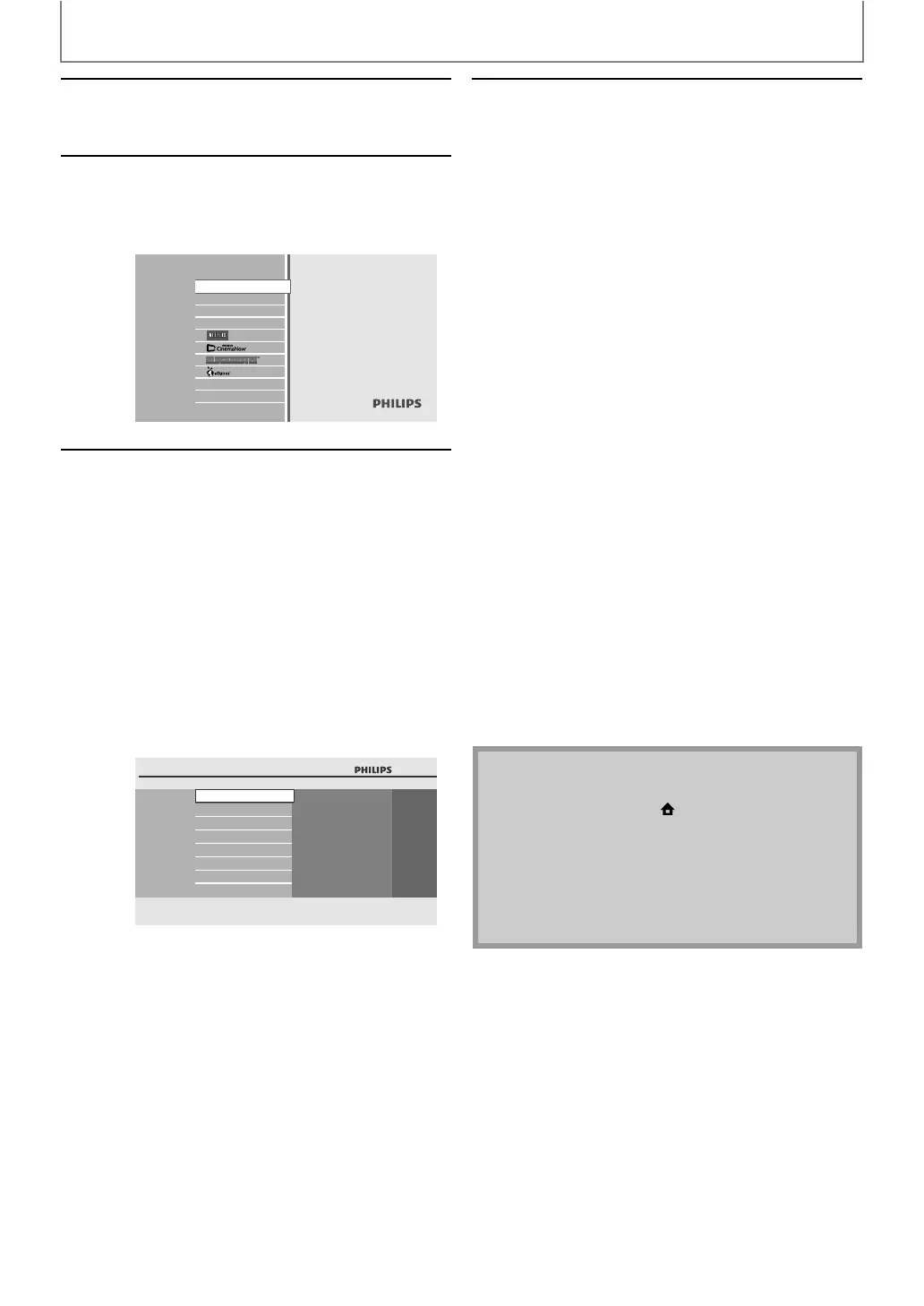
With “Disc Tray” selected, press
[OK].
• Media filter screen will appear.
• For audio CD, skip to step 4.
3
Select the type of the file you want
to play back in the media filter
screen. Then press [OK] to display
the file list.
Blu-ray Disc Player
Disc Tray
SD Card
Settings
Product Info
“Video” : If you want to play back video
files such as DivX® video, select
“Video”.
“Music” : If you want to play back music
files such as MP3 or Windows
Media™ Audio, select “Music”.
“Pictures” : If you want to play back the still
images such as JPEG pictures,
select “Pictures”.
BD-Player
Disc Tray
Video
Music
Pictures
4
Select a group (folder) or track / file
you want to play back. Then press
[B (play)] or [OK] to start playback.
Refer to “How to Navigate through the Track /
File List” on page 27.
To skip to the next track / file:
Press [T (next)].
To skip to the previous track / file:
Press [S (previous)].
To pause playback:
Press [F (pause)].
To return to the normal playback:
Press [B (play)].
To stop playback:
Press [C (stop)].
Playback will be in Resume-On-Stop mode.
<Resume-On-Stop mode for audio CD /
DivX® >
Playback will start from the point where it is
stopped next time you press [B (play)].
If you press [OK] instead of [B (play)],
playback will start from the beginning of the
track / file instead of resuming from the stop
point.
<Resume-On-Stop mode for MP3 /
Windows Media™ Audio / JPEG>
Playback will start from the beginning of the
current file next time you press [B (play)] or
[OK].
To go back to the media filter screen:
Press [RED] in Resume-On-Stop mode.
Note
• Playback will also stop and the home menu will
appear when you press [(home)].
• If a disc contains AVCHD files, the playback of other
files which are in the same disc is not available.
• With regard to the multi-border BD-RE/-R, additionally
recorded sections cannot be recognized.
• With regard to the multi-border DVD-RW/-R,
additionally recorded sections may not be recognized.



 To Next Page