EasyManua.ls Logo

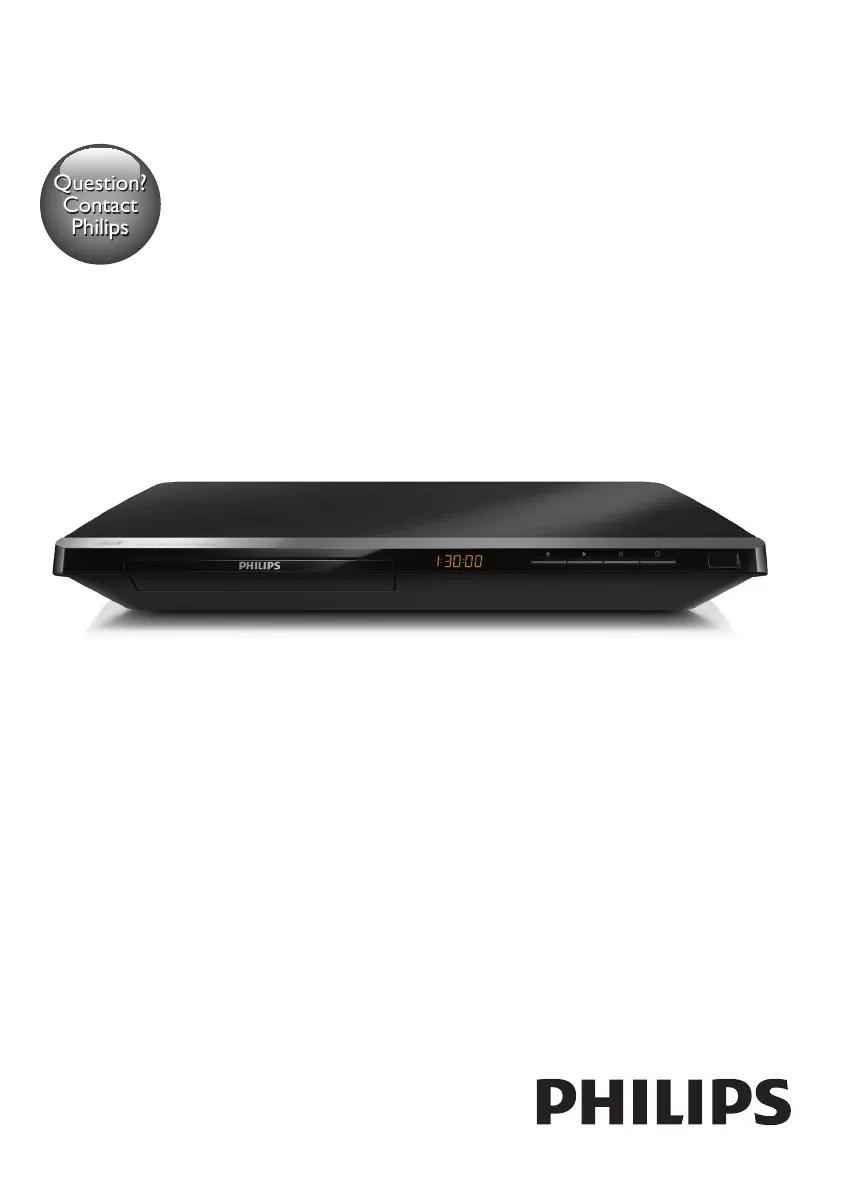
Philips BDP5650/77 - User Manual

Philips BDP5650/77
30 pages
Print Icon
To Next Page IconTo Next Page
Loading...
BDP5650
www.philips.com/welcome
User manual
Always there to help you
Register your product and get support at
Question?
Contact
Philips

Questions and Answers

  • L
    lewismarkAug 30, 2025
    Why no sound on HDMI connection with Philips Blu-ray Player?
    • B
      Brent WalshAug 30, 2025
      If you're not hearing any sound on the HDMI connection with your Philips Blu-ray Player, it might be because the connected device is non-HDCP compliant or only DVI-compatible.
  • C
    Courtney JonesSep 8, 2025
    Why is there no secondary audio output for the Picture-in-Picture feature on my Philips BDP5650/77 Blu-ray Player?
    • J
      Jason BoothSep 8, 2025
      When [Bitstream] is selected under the [HDMI Audio] or [Digital Audio] menu, interactive sound like secondary sound for Picture-in-Picture feature is muted. Deselect [Bitstream].
  • D
    Devin GonzalezAug 29, 2025
    Why Smart TV does not work on Philips BDP5650/77?
    • L
      Lindsay AndersonAug 29, 2025
      If the Smart TV function isn't working on your Philips Blu-ray Player, verify that the network is correctly connected and the network installation is complete. You may also need to check the router connection.
  • A
    Allison RiosSep 18, 2025
    How to fix cannot read USB storage on Philips BDP5650/77 Blu-ray Player?
    • K
      Keith JonesSep 18, 2025
      If your Philips Blu-ray Player cannot read the contents of a connected USB storage device, make sure that the format of the USB storage device is compatible with the player and that the file system is supported. For a USB HDD, an external power source may be needed.
  • S
    steven12Sep 9, 2025
    What to do if the Philips Blu-ray Player cannot read the contents of a connected USB storage?
    • A
      abigail34Sep 9, 2025
      If your Philips Blu-ray Player isn't reading the USB storage, verify that: * The USB storage device's format is compatible with the player. * The file system on the USB storage device is supported. * If using a USB HDD, ensure it has an external power source.
  • C
    Charles HarrisonSep 12, 2025
    What to do if Philips BDP5650/77 Blu-ray Player disc does not play high-definition video?
    • R
      Ronald FinleySep 12, 2025
      If the disc does not play high-definition video, make sure that the disc contains high-definition video and that the TV supports high-definition video.
  • J
    Joshua HigginsSep 18, 2025
    Why I cannot access BD-Live features on Philips BDP5650/77?
    • J
      Jason BrownSep 18, 2025
      If you cannot access BD-Live features on your Philips Blu-ray Player, ensure that the player is connected to the network and that the network installation is complete. Also, verify that the Blu-ray disc supports BD-Live features. As a last resort, clear memory storage.
  • T
    Timothy MayAug 27, 2025
    What to do if Philips BDP5650/77 EasyLink feature does not work?
    • J
      Jason MosleyAug 27, 2025
      If the EasyLink feature is not working, ensure that the player is connected to a Philips brand EasyLink TV and that the EasyLink option is turned on.
  • S
    Sara LawsonAug 26, 2025
    How to troubleshoot wireless network not found or distorted on Philips BDP5650/77?
    • T
      teresascottAug 26, 2025
      If your wireless network is not found or is distorted: * Ensure the network is correctly connected and installed. * Make sure the wireless network is not disturbed by microwave ovens, DECT phones, or other neighboring Wi-Fi devices. * If the wireless network does not work properly, try a wired network installation.
  • T
    Tyler NortonAug 25, 2025
    What to do if my Philips BDP5650/77 cannot play a disc?
    • D
      Dennis ChavezAug 26, 2025
      If your Philips Blu-ray Player won't play a disc: * Clean the disc. * Make sure the disc is correctly loaded. * Ensure the player supports the disc type and region code. * If it's a DVD±RW or DVD±R, make sure the disc is finalized.

Philips BDP5650/77 Specifications

General IconGeneral
BrandPhilips
ModelBDP5650/77
CategoryBlu-ray Player
LanguageEnglish

Related product manuals