EasyManua.ls Logo

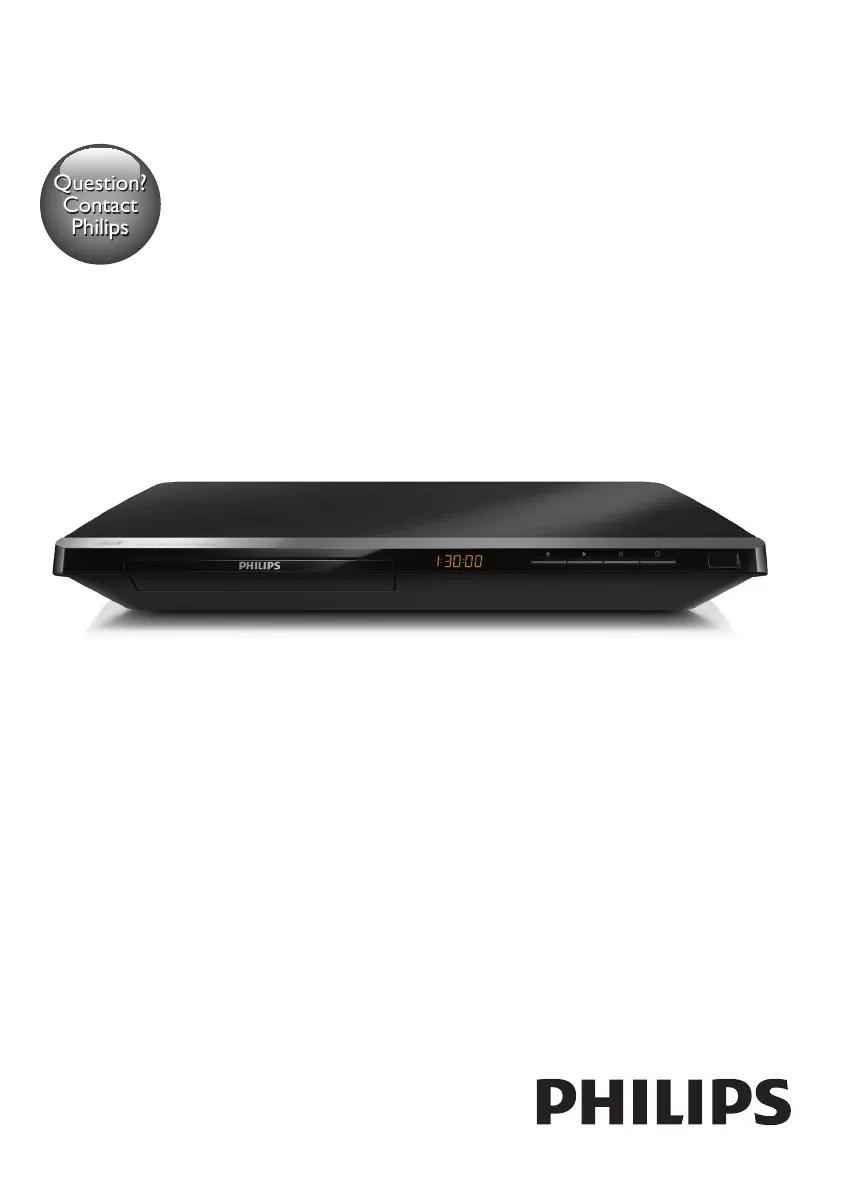
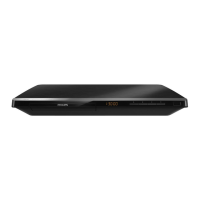
Philips BDP5650/77 - User Manual

Philips BDP5650/77
30 pages
Print Icon
To Next Page IconTo Next Page
Loading...
BDP5650
www.philips.com/welcome
User manual
Always there to help you
Register your product and get support at
Question?
Contact
Philips

Questions and Answers

  • D
    Daniel BentonSep 2, 2025
    What to do if there is no audio output from my Philips BDP5650/77 Blu-ray Player on the TV?
    • A
      Andrea BrewerSep 2, 2025
      If you're not getting any sound on your TV, check that the audio cables are correctly connected to the TV's audio input. Also, verify that the TV is set to the correct source input for the Blu-ray player.
  • W
    William NewmanSep 2, 2025
    What to do if my Philips Blu-ray Player is not playing a disc?
    • B
      Brandy GreenSep 2, 2025
      If your Philips Blu-ray Player isn't playing a disc, try cleaning the disc first. Ensure the disc is loaded correctly. Verify that the player supports the disc type, and if it's a DVD or BD, confirm that the player supports the region code. For DVD±RW or DVD±R discs, make sure they are finalized.
  • G
    gilbertmichaelSep 3, 2025
    Why is there no sound on my Philips BDP5650/77 Blu-ray Player when using an HDMI connection?
    • M
      Marc GibsonSep 3, 2025
      If you can't hear any sound through the HDMI output, it might be because the connected device is not HDCP compliant or is only DVI-compatible.
  • T
    Tanya ScottSep 3, 2025
    What to do if my Philips Blu-ray Player is not showing a picture?
    • J
      Jennifer Sanchez DVMSep 3, 2025
      Ensure that the TV is switched to the correct source input for the Blu-ray player.
  • T
    Tyler FletcherSep 4, 2025
    Why won't my Philips Blu-ray Player play high-definition video?
    • L
      Leslie ChavezSep 4, 2025
      If your Philips Blu-ray Player isn't playing high-definition video, first ensure that the disc actually contains high-definition video. Also, make sure that your TV supports high-definition video.
  • H
    Hector WrightSep 5, 2025
    What to do if my Philips Blu-ray Player cannot read a connected USB storage device?
    • F
      fdavisSep 5, 2025
      If your Philips Blu-ray Player can't read the contents of a USB storage device, ensure that the format of the USB storage device is compatible with the player and that the file system is supported. For a USB HDD, an external power source might be needed.
  • C
    cruzchelseaSep 5, 2025
    Why is there no audio output from the loudspeakers of the external audio device connected to my Philips Blu-ray Player?
    • M
      Michael GarciaSep 5, 2025
      If you're not getting audio from the loudspeakers of your external audio device, ensure that the audio cables are connected to the audio input of the audio device. Also, switch the external audio device to the correct audio source input.
  • M
    Micheal RobinsonSep 6, 2025
    How to fix a Philips Blu-ray Player that cannot play DivX video files?
    • K
      Kimberly FitzgeraldSep 6, 2025
      If your Philips Blu-ray Player can't play DivX video files, ensure that the DivX video file is complete and that the video file name extension is correct.
  • A
    Austin WyattSep 6, 2025
    Why do DivX subtitles not display correctly on my Philips Blu-ray Player?
    • M
      Ms. Terry Adkins DDSSep 7, 2025
      If DivX subtitles aren't displaying correctly, ensure that the subtitle file has the same name as the DivX video file. Also, verify that the subtitle file has an extension name supported by the player (.srt, .sub, .txt, .ssa, or .smi).
  • S
    Sean BurtonSep 7, 2025
    What does the 'No entry' or 'x' sign displayed on the TV mean when using my Philips BDP5650/77 Blu-ray Player?
    • M
      Melissa SalasSep 7, 2025
      The 'No entry' or 'x' sign indicates that the operation you are trying to perform is not possible.

Philips BDP5650/77 Specifications

General IconGeneral
BrandPhilips
ModelBDP5650/77
CategoryBlu-ray Player
LanguageEnglish

Related product manuals