EN 29
7. BASIC PLAYBACK
7.1. Playing back a disc
[UHDBD]
UHD
BD
UHD
BD
[BD Video]
BD
VIDEO
BD
VIDEO
[DVD Video]
DVD
VIDEO
DVD
VIDEO
[DVD VR]
DVD
VR
DVD
VR
[CD]
C DC D
[AVCHD]
AVCHDAVCHD
[JPEG]
PHOTO
FILE
PHOTO
FILE
[MUSIC]
MUSIC
FILE
MUSIC
FILE
[VIDEO]
VIDEOVIDEO
1. Insert a disc (refer to “How to insert a disc” on page 28).
• For Blu-ray Disc™ / DVD / AVCHD / audio CD or a disc containing only one type of file, playback will start
automatically. If not, press [ (PL AY/PAUSE)].
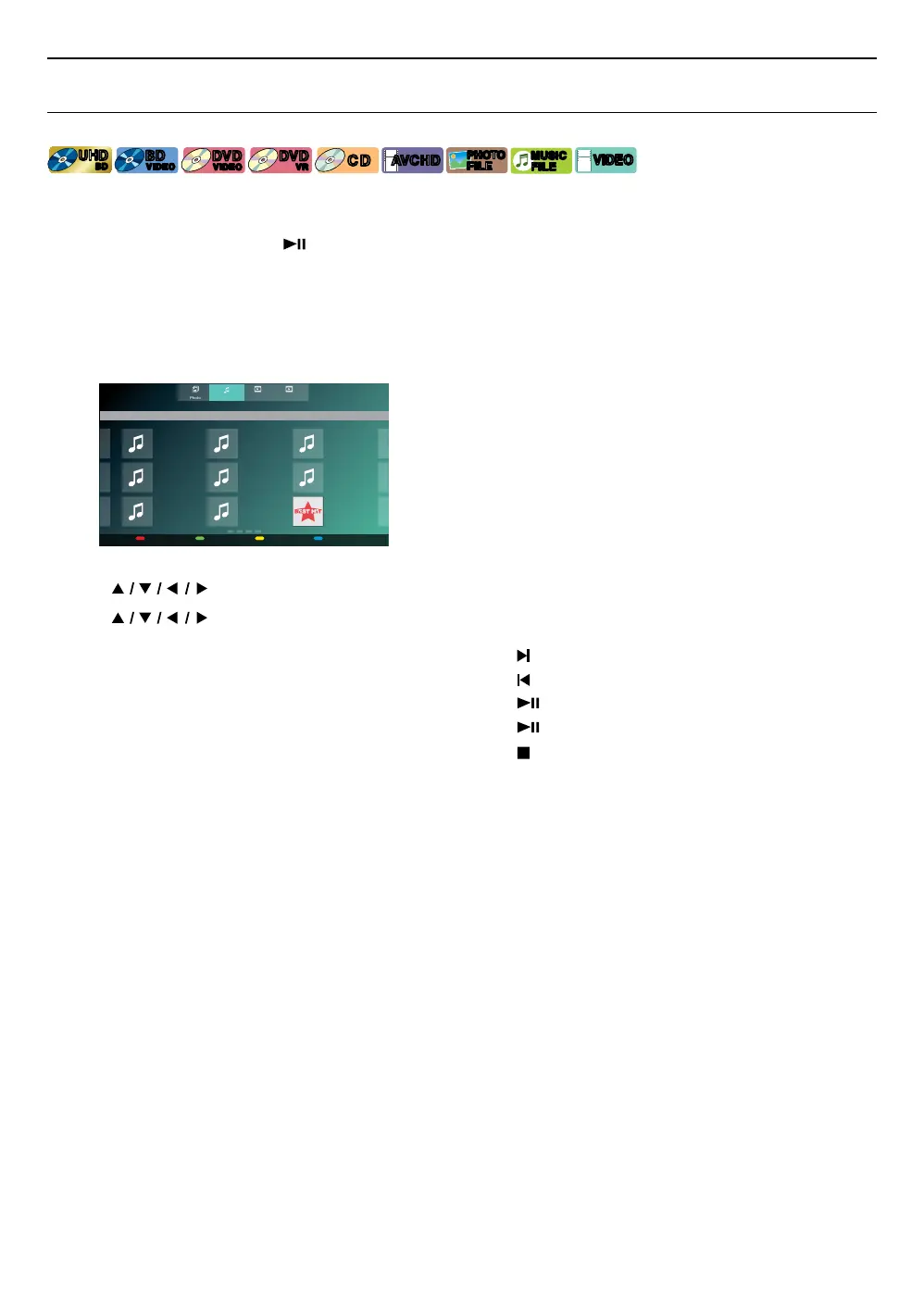
• When photo / music / video files are contained on the disc, the file list will be displayed.
• Some discs may show a title or a disc menu. In this case, refer to “Using the title / disc / pop menu” on page 35.
• “BD-ROM Data (USB) Check” message may be displayed while loading a Blu-ray Disc™.
In such cases, connect a USB memory stick first, then insert the disc. Refer to “Enjoying BD-Live™ discs using
Internet” on page 38.
(e.g.) File list: Music
Photo VideoMusic AVCHD
Music
Root Folder/Current Folder
Playable file(s) File information
RED GREEN YELLOW BLUE
Music Title
Artist Name
Album Name
4:50
Music Title
Artist Name
Album Name
4:50
Music Title
Artist Name
Album Name
4:50
Music Title
Artist Name
Album Name
4:50
Music Title
Artist Name
Album Name
4:50
Music Title
Artist Name
Album Name
4:50
Music Title
Artist Name
Album Name
4:50
Music Title
Artist Name
Album Name
4:50
Music Title
Artist Name
Album Name
4:50
Playable file(s) File information
RED GREEN YELLOW BLUE
• File list will be displayed.
2. Use [ ] to select a media tab (photo / music / video / AVCHD), then press [OK].
3. Use [
] to select a file to play, then press [OK].
To Skip to the next title / chapter / track / file: Press [ (SKIP)].
To Skip to the previous title / chapter / track / file: Press [
(SKIP)].
To Pause playback: Press [
(PLAY/PAUSE)].
To Return to normal playback: Press [
(PLAY/PAUSE)].
To stop playback: Press [
(STOP)].
• Playback will be in resume-on-stop mode.
continued on next page



 To Next Page