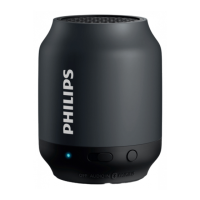
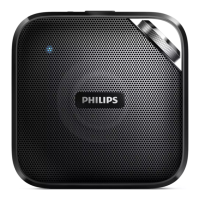
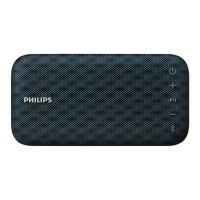
a
• Press and hold to switch on or off.
b +/-
• Adjust volume.
c
• Press and hold for more than 2
seconds to enter pairing mode
manually.
• Press and hold for more than 10
seconds to clear pairing information.
• Press to answer answer
an incoming call.
a
b
c
e
d
f
• Press and hold to reject
an incoming call.
• During a call, press to
end the current call.
d Waterproof protective cover
e AUDIO IN socket
• Connect an external audio device.
f USB charging socket
• Recharge the built-in battery.



 To Next Page