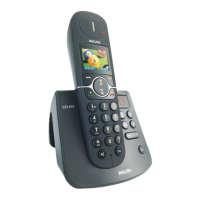
Troubleshooting
For more information, see the user manual that came with your CD140 or CD145.
Problem Solution
• No dialing tone • Check the connections
• Charge the batteries for at least 24 hours
• Use the line cable provided
• Poor audio quality • Move closer to the base station
• Move the base station at least one metre
away from any electrical appliances
• The icon is blinking • Register the handset to the base station
• Move closer to the base station
• The handset LCD displays nothing • Try again by disconnecting and connecting
the base station power supply and follow
the procedure to register a handset
• Make sure the two supplied rechargeable
batteries have been inserted into the
battery compartment
• Make sure the supplied batteries are
charged up
• Caller Line Identification • Check your subscription with your
(CLI) service does not work network operator
Need help?
User Manual
See the User manual that came with your CD140 or CD145.
Online help
www.philips.com/support
3111 285 32532



 To Previous Page