English
10
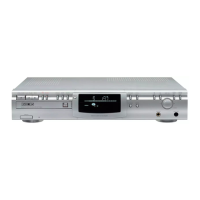
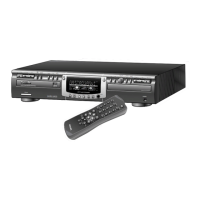
CD recorder
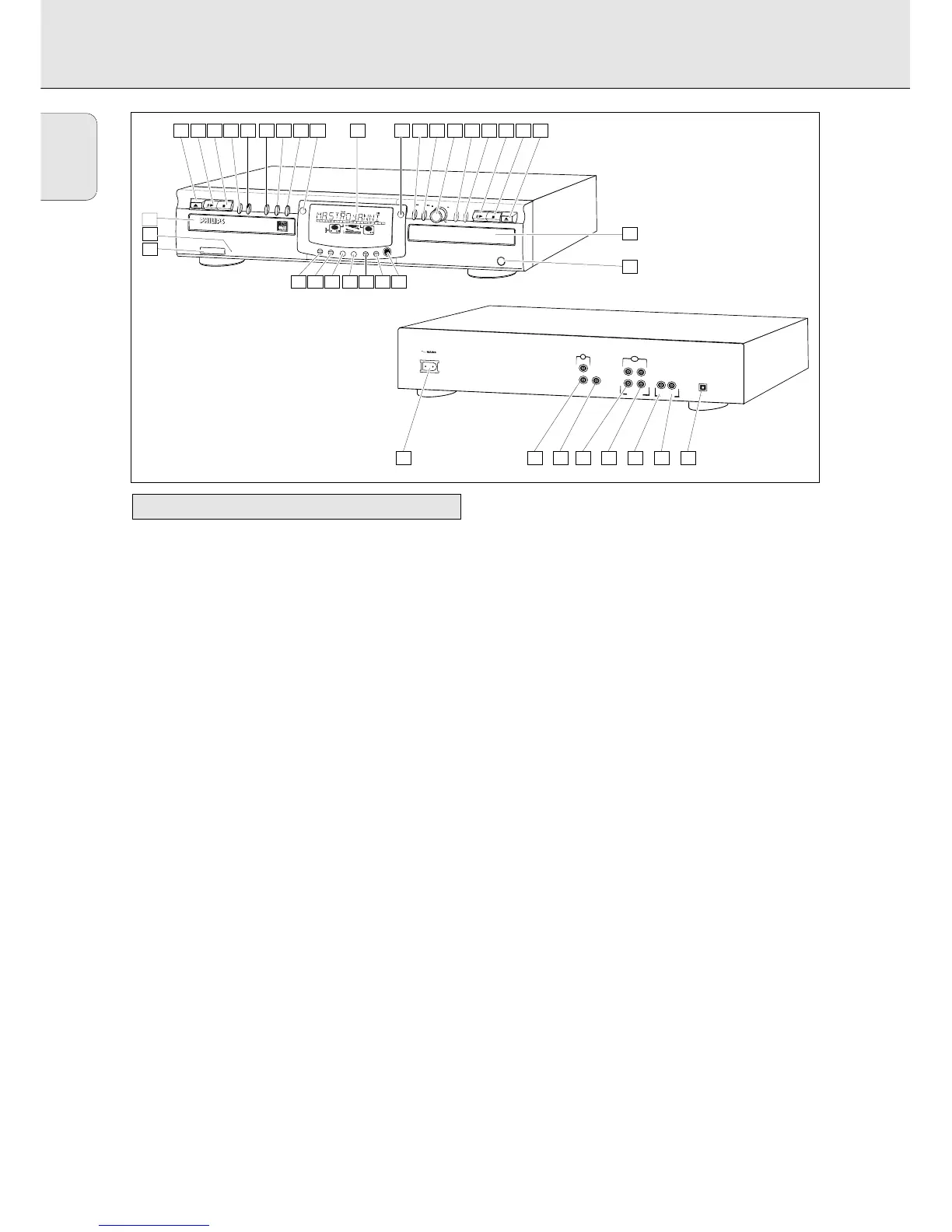
1 ON/OFF........................turns the CD recorder ON or OFF (if
the recorder is in Standby mode,
pressing any key will activate the
CD recorder)
2 Standby indicator
3 Disc tray
4 OPEN/CLOSE /..........opens/closes disc tray
5 PLAY/PAUSE 2;......starts play/interrupts play or
recording
6 STOP 9........................stops/clears a program
7 REC(ord) TYPE ............selects recording modes
8 RECORD ......................starts recording, finalizing, erasing
9 FINALIZE ....................selects finalize mode
0 ERASE..........................selects erasing mode (disc or track)
! EXT SOURCE ..............selects input source
@ CDR ............................selects CD recorder deck
display/keys
CD player
$ CD ..............................selects CD player deck display/keys
) PLAY/PAUSE 2;......starts play/interrupts play
¡ STOP 9........................stops/clears a program
™ OPEN/CLOSE /..........opens/closes disc tray
£ Disc tray
General
# Display..........................information screen
% Q ............................- searches backward
- cursor control in Menu/Prog.
review mode
^ R ............................- searches forward
- cursor control in Menu/Prog.
review mode
& ¡ EASY JOG ™ ........- previous/next track (Play and
(rotate) Program mode)
- recording level control (recording)
- selects settings (menu on)
ENTER..........................- plays selected tracks
(push) - selects settings in Menu mode
- programs track numbers
* STORE/MENU ............- stores Menu settings
- enters Menu mode
( CANCEL/DELETE ......- deletes tracks from a program
- deletes text in Menu mode
- returns to a higher level in the
menu
≤ IR sensor ....................receives signals from the remote
control
∞ PHONES......................socket for headphones
§ DJ MODE ....................separate play of CD recorder deck
and CD player deck
≥ REPEAT........................repeats play (All, program or track)
• SCROLL........................activates scrolling of text over the
display (once)
ª DISPLAY......................selects display information,
permanent text scrolling and time
º SHUFFLE......................plays CD(RW) or program in
random order
⁄ PROG(ram) ..................opens/closes program memory
Note: Unless stated otherwise, all controls are on the front of
the CD recorder. If the corresponding keys are also
provided on the remote control, you can use these after
selecting the CD recorder deck or CD player deck by
pressing CDR or CD.
Operating buttons on the front
OPERATING BUTTONS AND CONNECTIONS


 To Next Page