19EN
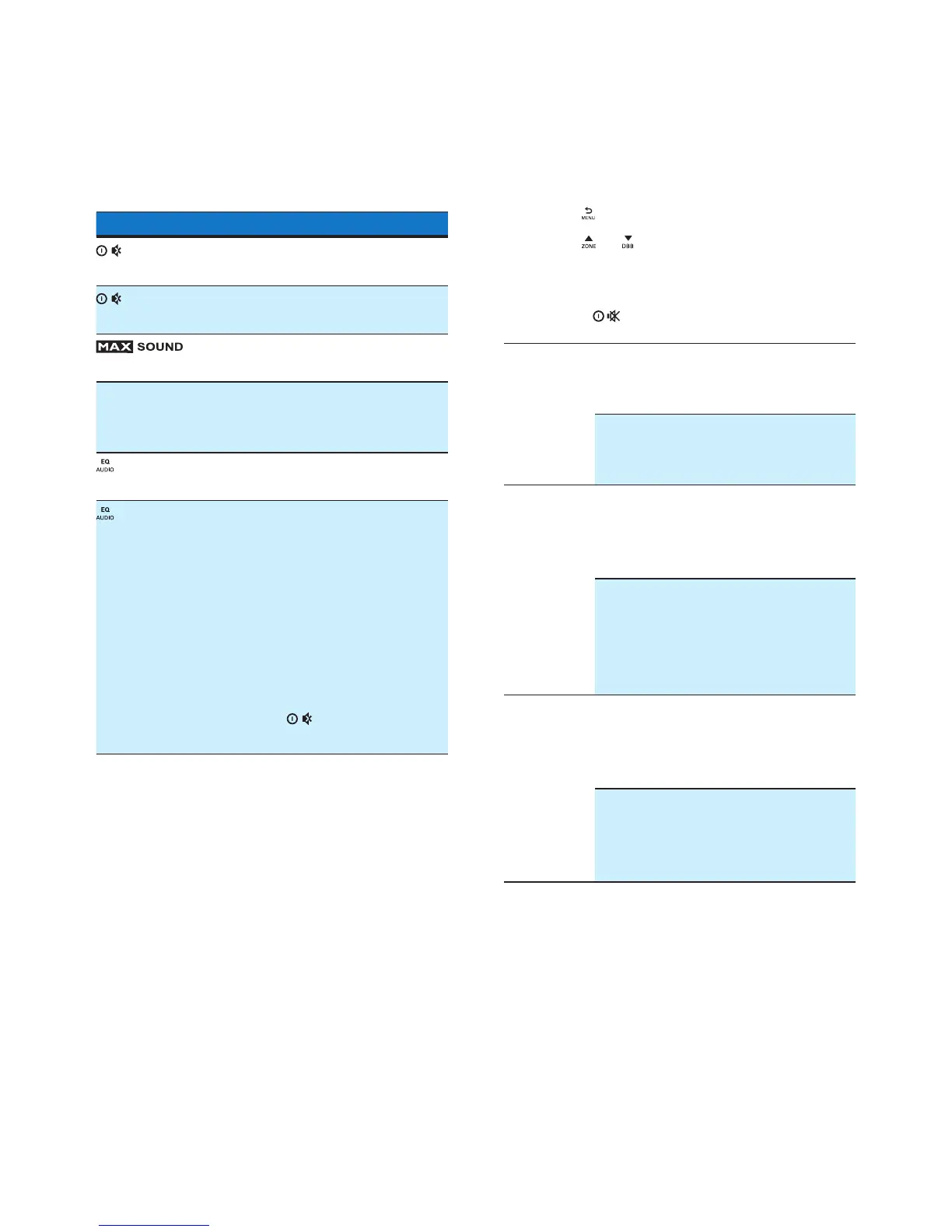
10 Adjust sound
The following operations are applicable to all
supported media.
Button Function
Rotate to increase or decrease
the volume level.
Press to mute the speakers or
release them from mute status.
Press to enable or disable the
MAX Sound feature.
DBB Press to enable or disable the
Dynamic Bass Boost (DBB)
effect.
Press repeatedly to select a
sound equalizer.
1 Press and hold to activate
the setup of customized
sound equalizer.
2 Press repeatedly to select
an option: [BASS] (bass),
[TREBLE] (treble), [BAL]
(balance), [FADER] (fader),
or [MIDDLE] (middle).
3 Rotate to adjust the
setting.
11 Adjust system
settings
1 Press to access system settings.
2 Press or repeatedly until one of the
following settings scrolls.
• [BEEP], [DIMM], or [DANCE]
3 Rotate to change the setting.
[BEEP] [BEEP ON] Enable the
beep sound
of buttons.
[BEEP OFF] Disable the
beep sound
of buttons.
[DIMM] [DIMMER HIGH] Increase the
brightness
level of the
screen.
[DIMMER LOW] Decrease
the
brightness
level of the
screen.
[DANCE] [DANCE ON] Enable the
spectrum
on the LCD
display.
[DANCE OFF] Disable the
spectrum
on the LCD
display.



 To Next Page