25
Note
If the new fuse gets damaged again, there may •
be an internal malfunction. Consult your Philips
dealer.
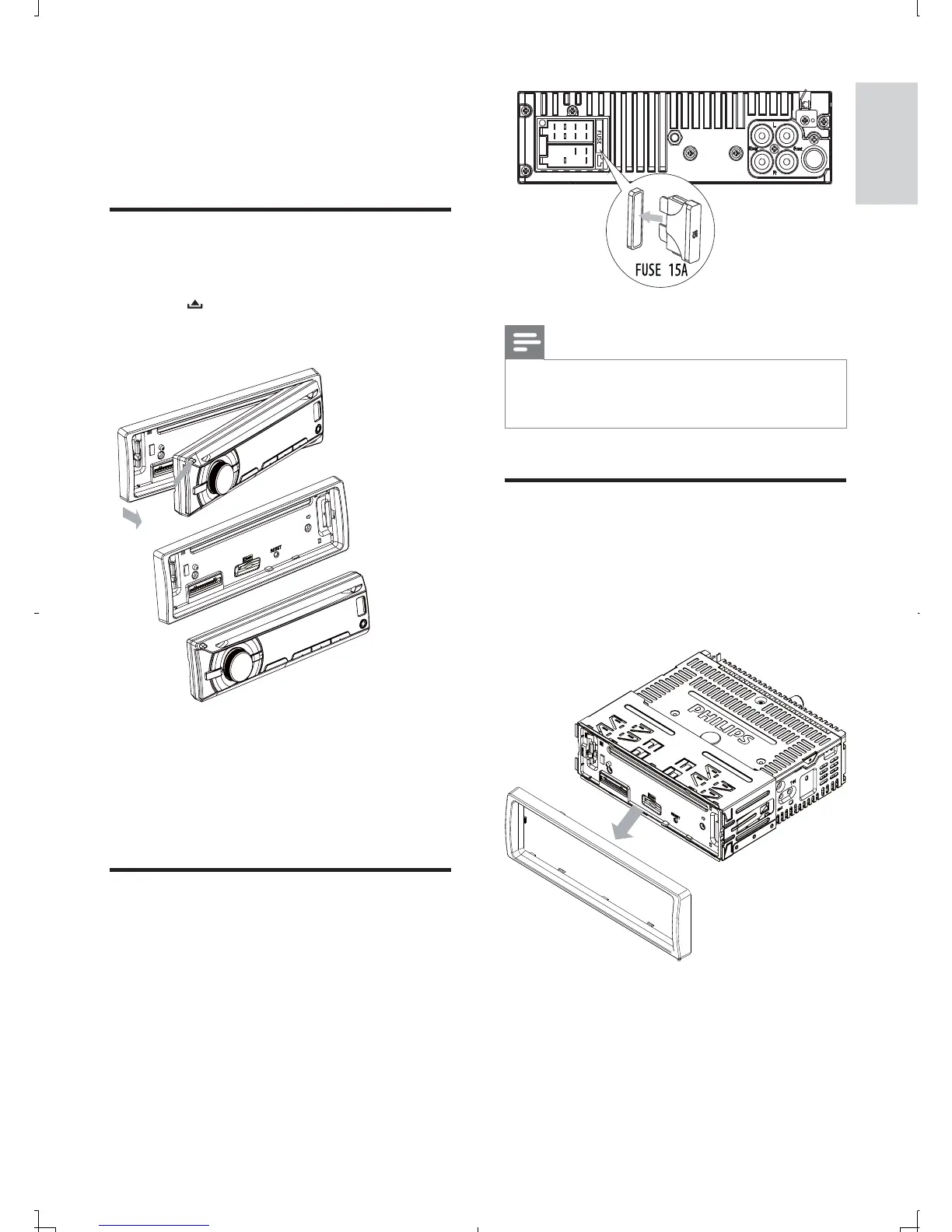
Remove the unit
You can remove the unit from the dashboard.
1 Detach the front panel.
2 Pull out the unit by using the disassembly
tools.
8 Additional
information
Detach the front panel
You can detach the front panel to deter theft.
1 Press to release the panel.
2 Push the left side of the panel rightward.
3 Pull the panel towards you to disengage it
from the chassis.
4 Store the panel in the supplied carry case
to protect it from dirt or damage.
Replace fuse
If the fuse is damaged,
1 Check the electric connection.
2 Buy a fuse that matches the voltage of the
damaged fuse.
3 Replace the fuse.
English
EN



 To Next Page