20
English
Step 1: Place the handle on the charger.
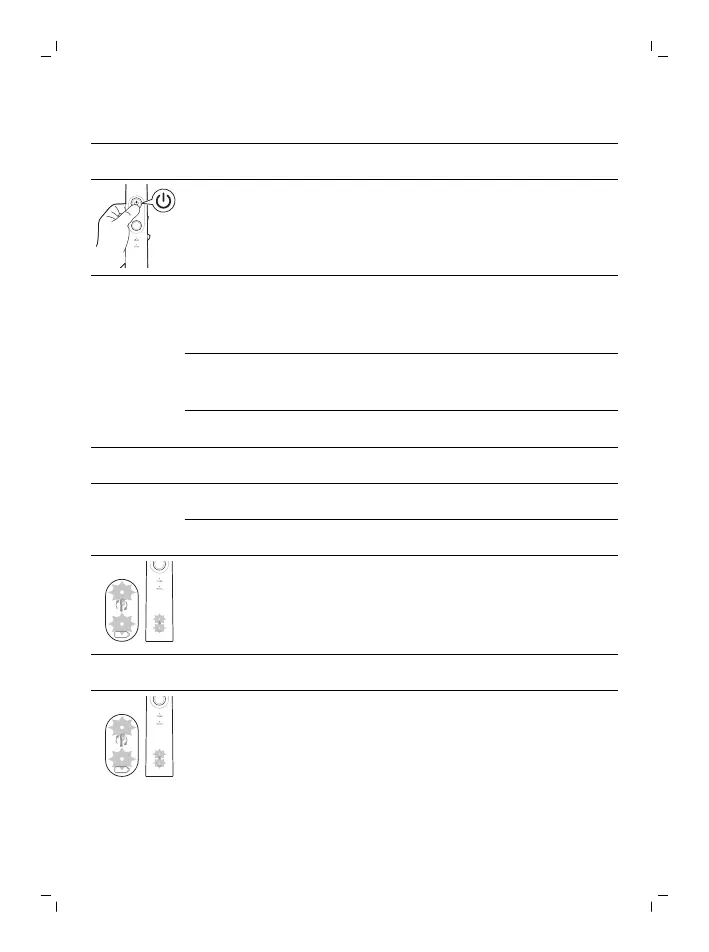
Step 2: Press and hold the power button for:
EasyStart Brush head
replacement
reminder
Pressure sensor
Up to 3
seconds
Up to 5
seconds
Up to 7 seconds
¯ ¯ ¯
Step 3: Let go power button when you hear
1 beep 2 beeps 3 beeps
¯ ¯ ¯
If you see the brush head replacement light and
battery indication light blink green 2 times, and
hear 3 tones from low to high, then the feature has
been activated.
OR
If you see the brush head replacement light and
battery indication light blink amber once, and hear
3 tones from high to low, then the feature has been
deactivated.






 To Next Page