EasyManua.ls Logo

Philips D 2999 - CONTROLS AND CONNECTIONS; Front Panel Controls; Rear and Side Panel Connections; Important Initial Settings

Philips D 2999
9 pages
Print Icon
To Next Page IconTo Next Page
To Previous Page IconTo Previous Page
Loading...
English
INTRODUCTION
This
booklet
gives
as
much
information
as
possible
on
the
actual
OPERATION
of
this
world
receiver.
Specific
details,
related
with
the
world'
of
SW
reception,
are
explained
in
the
separate
booklet
WORLD
RECEIVER’.
For
more
detailed
information
we
refer
to
the
'World
Radio
TV
Handbook',
an
annual
publication
of
Billboard
A.G.
(Editorial
address:
P.O.
Box
88,
DK-2650
Hvidovre,
Denmark),
available
in
Great
Britain
from
Fountain
Press
Ltd.,
65
Victoria
Street,
Windsor,
Berkshire
SL4
1EH.
Most
countries
have
a
local
SW
Broadcasting
Organisation.
For
Great
Britain
you
can
apply
to
BBC
Publicity,
P.O.
Box
76,
Bush
House,
London
WC2B4PH,
England
for
further
information.
CONTROLS
AND
CONNECTIONS
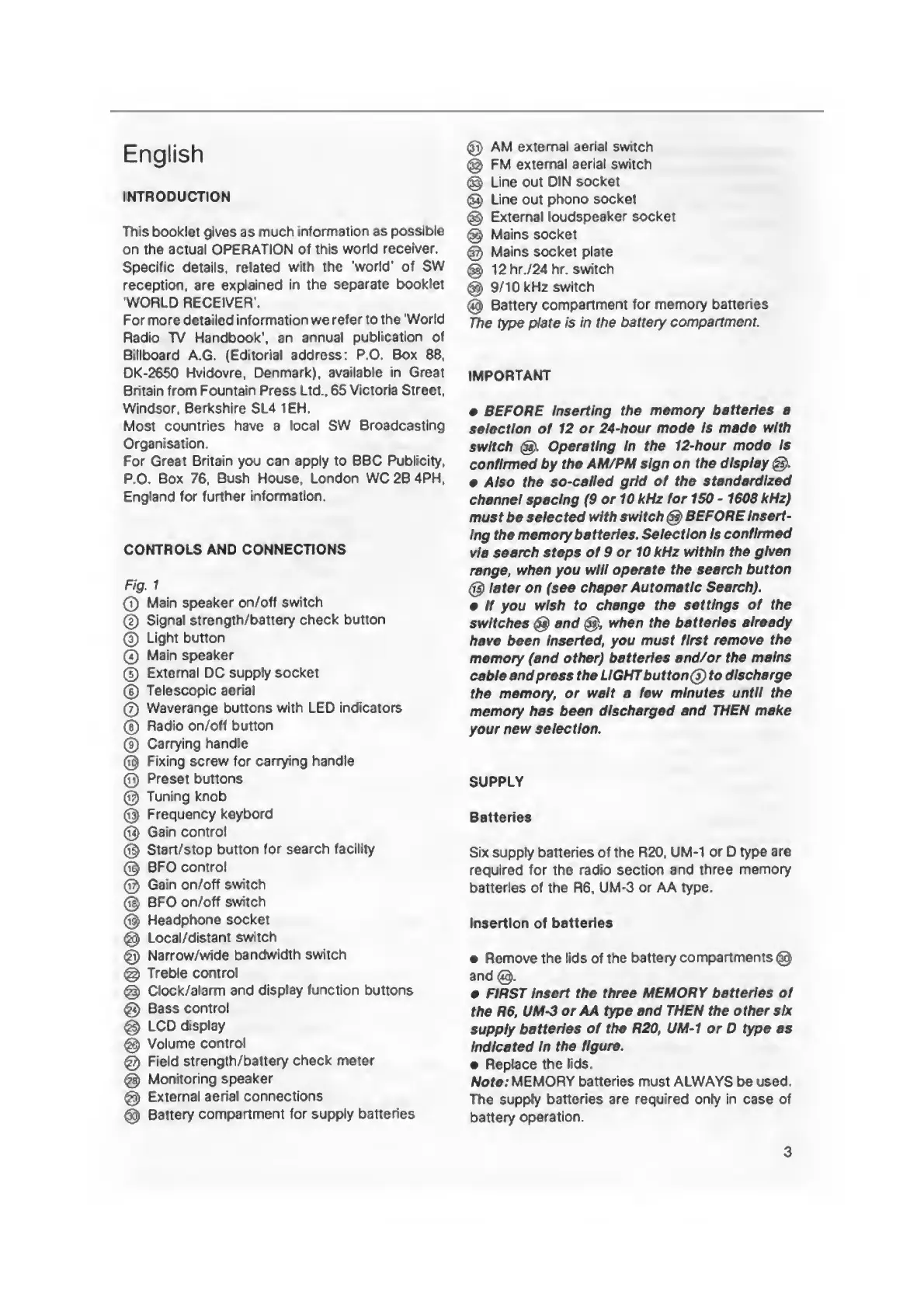
Fig.
1
0
Main
speaker
on/off
switch
®
Signal
strength/battery
check
button
®
Light
button
0
Main
speaker
0
External
DC
supply
socket
0
Telescopic
aerial
0
Waverange
buttons
with
LED
indicators
@
Radio
on/off
button
©
Carrying
handle
©
Fixing
screw
for
carrying
handle
0
Preset
buttons
@
Tuning
knob
0
Frequency
keybord
0
Gain
control
®
Start/stop
button
for
search
facility
0
BFO
control
®
Gain
on/off
switch
@
BFO
on/off
switch
0
Headphone
socket
0
Local/distant
switch
0
Narrow/wide
bandwidth
switch
0
Treble
control
©
Clock/alarm
and
display
function
buttons
0
Bass
control
@
LCD
display
@
Volume
control
@
Field
strength/battery
check
meter
@
Monitoring
speaker
0
External
aerial
connections
0
Battery
compartment
for
supply
batteries
0
AM
external
aerial
switch
0
FM
external
aerial
switch
0
Line
out
DIN
socket
@
Line
out
phono
socket
0
External
loudspeaker
socket
0
Mains
socket
0
Mains
socket
plate
0
12
hr./24
hr.
switch
0
9/10
kHz
switch
0
Battery
compartment
for
memory
batteries
The
type
plate
is
in
the
battery
compartment.
IMPORTANT
BEFORE
inserting
the
memory
batteries
a
selection
of
12
or
24-hour
mode
is
made
with
switch
0.
Operating
in
the
12-hour
mode
Is
confirmed
by
the
AM/PM
sign
on
the
display
e
Also
the
so-called
grid
of
the
standardized
channel
spacing
(9
or
10
kHz
for
150
-1608
kHz)
must
be
selected
with
switch
0
BEFORE
Insert¬
ing
the
memory
batteries.
Selection
Is
confirmed
via
search
steps
of
9
or
10
kHz
within
the
given
range,
when
you
will
operate
the
search
button
0
later
on
(see
chaper
Automatic
Search),
e
if
you
wish
to
change
the
settings
of
the
switches
0
and
0,
when
the
batteries
already
have
been
Inserted,
you
must
first
remove
the
memory
(and
other)
batteries
and/or
the
mains
cable
and
press
the
LIGHT
button
(5)
to
discharge
the
memory,
or
wait
a
few
minutes
until
the
memory
has
been
discharged
and
THEN
make
your
new
selection.
SUPPLY
Batteries
Six
supply
batteries
of
the
R20,
UM-1
or
D
type
are
required
for
the
radio
section
and
three
memory
batteries
of
the
R6,
UM-3
or
AA
type.
Insertion
of
batteries
Remove
the
lids
of
the
battery
compartments
0
and
0.
FIRST
Insert
the
three
MEMORY
batteries
of
the
R6,
UM-3
or
AA
type
and
THEN
the
other
six
supply
batteries
of
the
R20,
UM-1
or
D
type
as
Indicated
In
the
figure.
Replace
the
lids.
Note:
MEMORY
batteries
must
ALWAYS
be
used.
The
supply
batteries
are
required
only
in
case
of
battery
operation.
3

Other manuals for Philips D 2999

Related product manuals