6
EN
l
• Set the dial mode (pulse mode
or temporary tone mode). This
function is country dependent.
• Press and hold to switch
between the intercom call and
external call.
• Press and hold to make an
intercom call (for multi-handset
version only).
m
• Make and receive calls.
• Recall key.
n MENU/OK
• Access the main menu.
• Conrm selection.
• Enter the options menu.
• Select the function displayed
on the handset screen directly
above the key.
o Loudspeaker
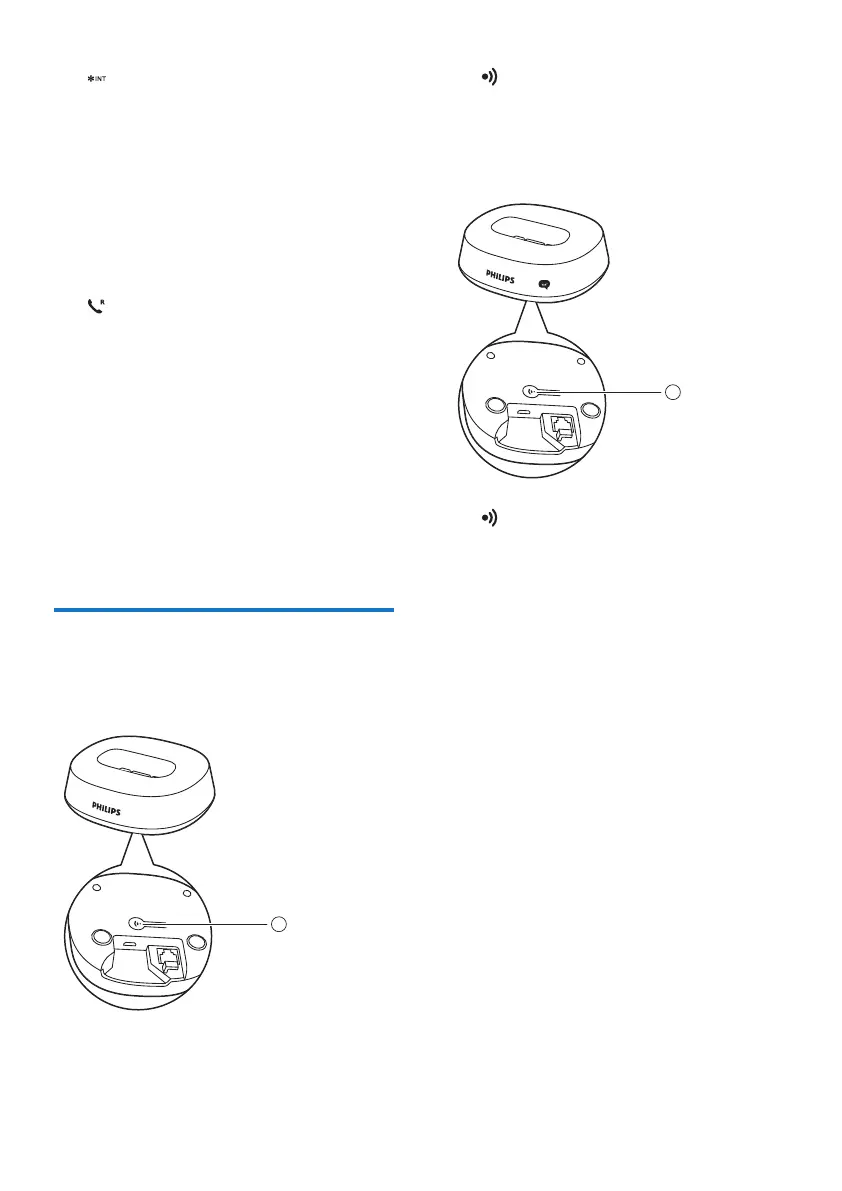
Overview of the base
station
D141
1
a
• Press to nd handsets.
• Press and hold to enter the
registration mode.
D146
a
• Press to nd handsets.
• Press and hold to enter the
registration mode.
1



 To Next Page