9EN
Auto registration
Extra handsets of the same model can be auto-
registered. Place the unregistered handset on
the base station.
» The handset detects the base station
and registers automatically.
» Registration is complete in less
than two minutes. The base station
automatically assigns a handset number
to the handset.
Manual registration/Pairing
If auto registration fails or if you register a
handset of a different model, register your
handset manually to the base station.
1 If the handset is in [Unregistered] status,
go to step 4. If the handset is in [searching]
and [Unavailable] status, press [Menu] >
/ to select , then press [Select].
2 Select [Register], then press [OK] to
conrm.
3 Press and hold on the base station for
10 seconds.
Note
• For models with an answering machine, you hear a
conrmation beep indicating that the base is now in
registration mode.
4 Enter the system PIN/passcode. Press
[Clear] to make corrections.
5 Press [OK] to conrm the PIN/passcode.
» Registration is complete in less than 2
minutes.
Note
• If the PIN/passcode is incorrect or no base is found
within a certain period, a notication message will be
displayed on your handset.
• The preset PIN/passcode is 0000. No change can be
made on it.
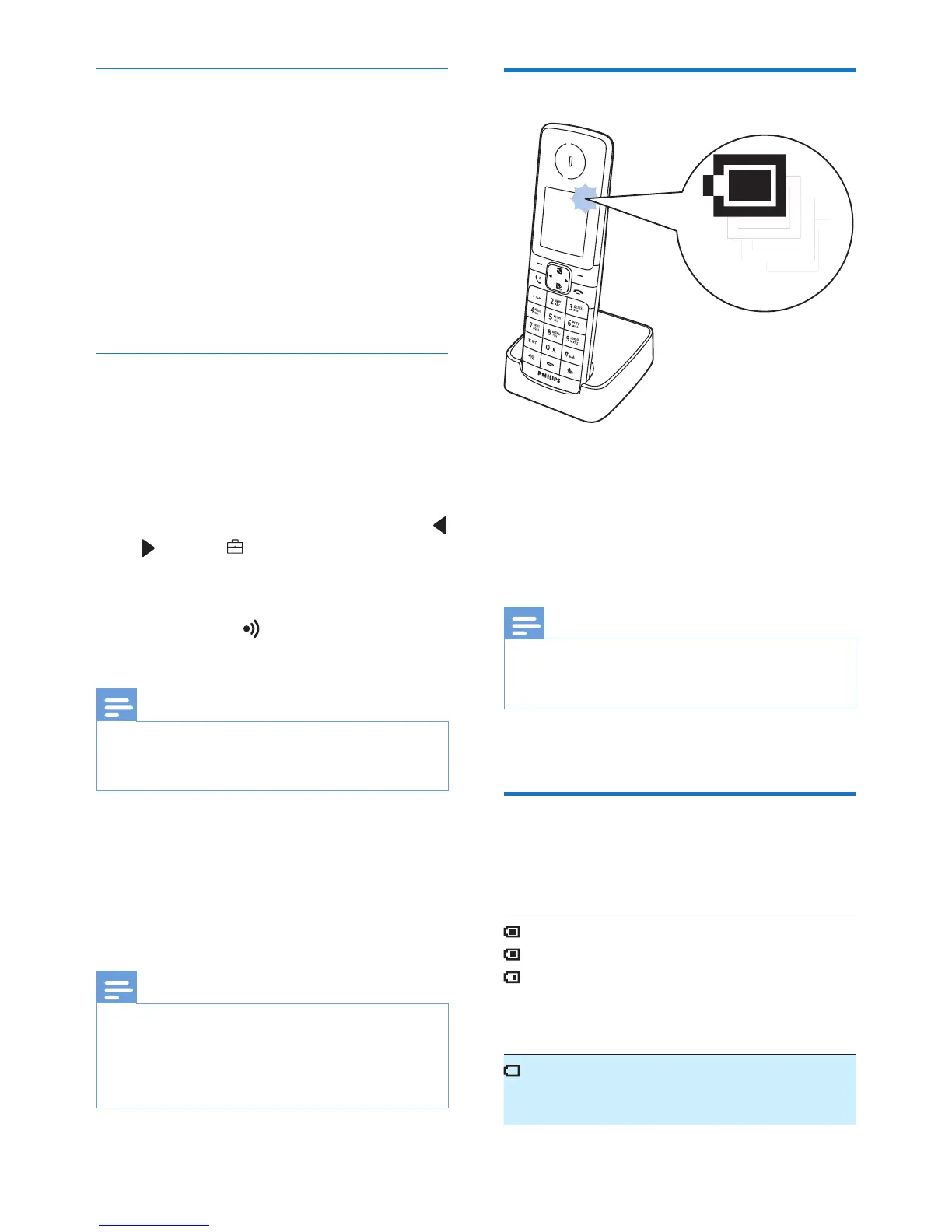
Charge the handset
Place the handset on the base station to
charge the handset. When the handset is
placed correctly on the base station, you hear a
docking sound.
» The handset starts charging.
Note
• Charge the batteries for 8 hours before rst use.
• If the handset becomes warm when the batteries are
being charged, it is normal.
Your phone is now ready to use.
Check the battery level
The battery icon displays the current battery
level.
When the handset is off the
charger, the bars indicate the
battery level (from full to low).
When the handset is on the
charger, the bars ash until
charging is complete.
The empty battery icon ashes.
The battery is low and needs
recharging.



 To Next Page