25EN
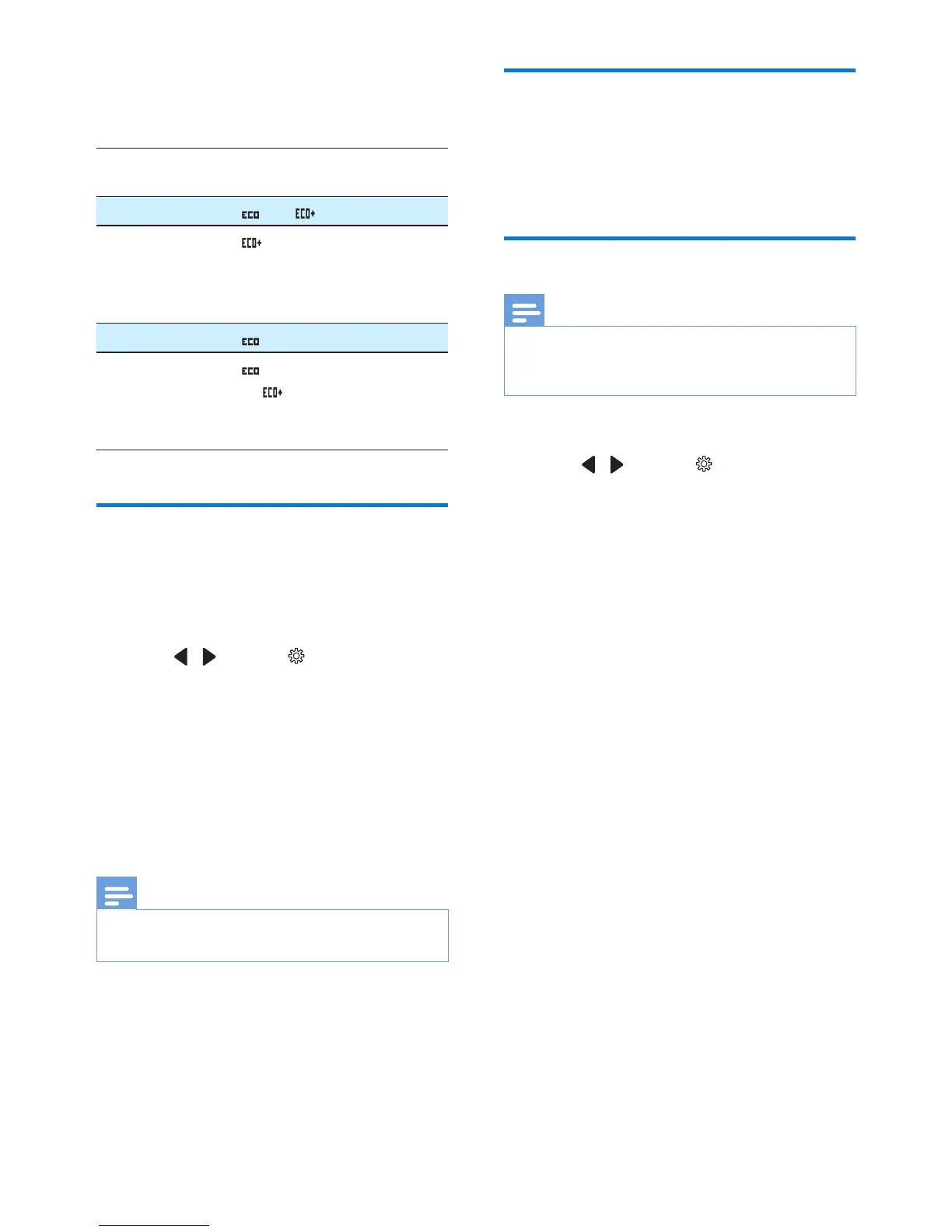
The following table shows you the current
status of the handset screen with different Eco
mode and ECO+ mode settings.
Eco
mode
ECO+
mode
Handset icon display
[Off] [Off]
and are off.
[Off] [On]
is displayed only
after the ECO+ mode is
activated during standby
mode .
[On] [Off]
is displayed.
[On] [On]
is displayed and changed
to when the ECO+
mode is activated in
standby mode.
Name the handset
The name of the handset can be up to 16
characters.
1 Select [Menu].
2 Press / to select , then press
[Select].
3 Select [Phone name], then press [OK] to
conrm.
4 Enter or edit the name. To erase a
character, select [Clear].
5 Press [Save] to conrm.
» The setting is saved.
Note
• You can see the handset name in standby mode only
after you have set it through this menu.
Set the date and time
For further information, see chapter 'Get
started', sections 'Set the date and time' and
'Set the date and time format'.
Set the display language
Note
• This feature only applies to models with multiple-
language support.
• Languages available vary from country to country.
1 Select [Menu].
2 Press / to select , then press
[Select].
3 Select [Language], then press [OK] to
conrm.
4 Select a language, then press [OK] to
conrm.
» The setting is saved.



 To Next Page