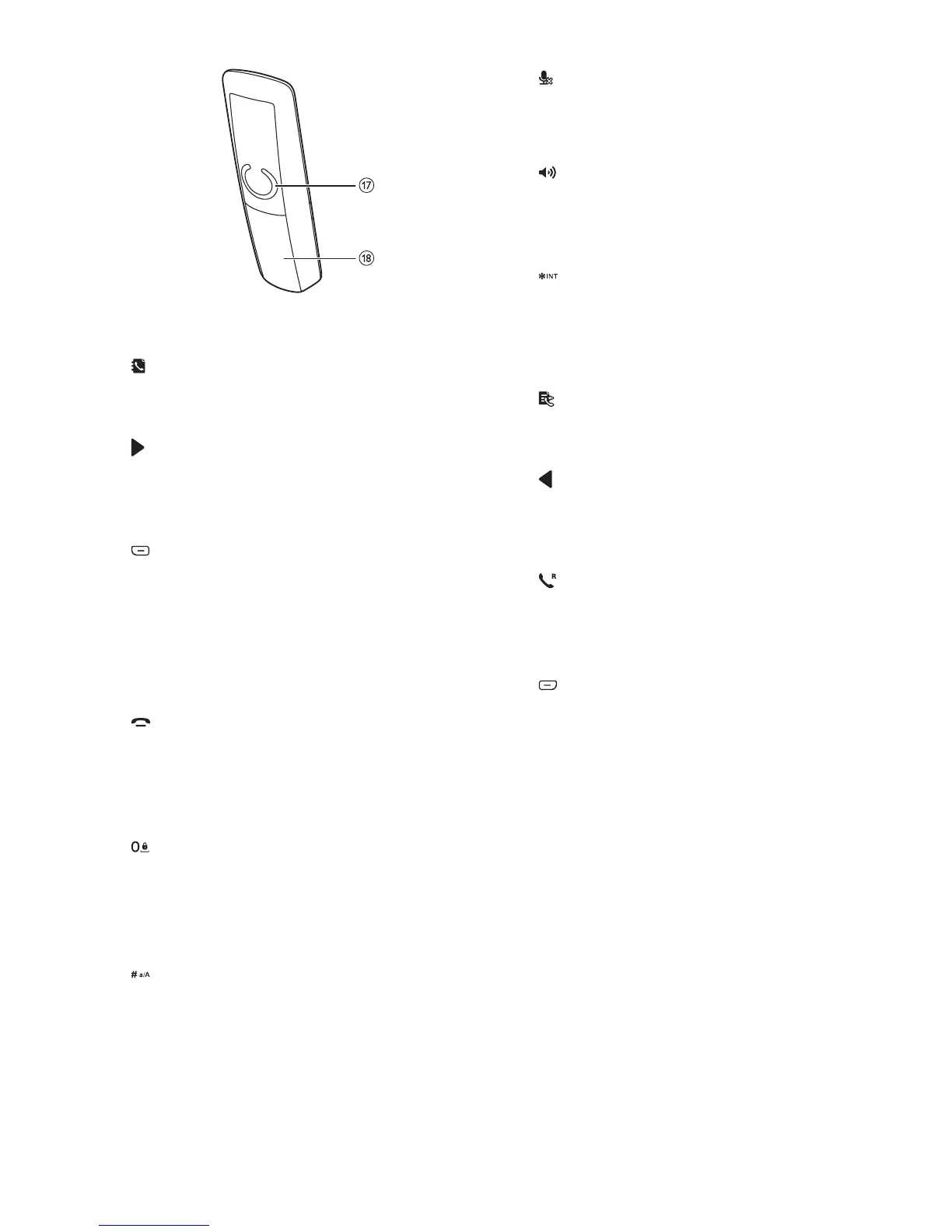
a Earpiece
b
• Scroll up on the menu.
• Increase the earpiece/speaker volume.
c
• Move the cursor to the right in editing
mode.
• Scroll to the right in main menu mode.
d
• Press to delete individual text or digit.
Press and hold to remove all text.
• Cancel operation.
• Change the sound prole during a call.
• Select the function displayed on the
handset screen directly above the key.
e
• End the call.
• Exit the menu/operation.
• Press and hold to power on/off the
handset.
f
• Press to enter a space during text
editing.
• Press and hold to lock/unlock the
keypad in standby mode.
g
• Press and hold to enter a pause when
when editing the contact's name and
number.
• Switch to upper/lower case during
editing.
h
Mute or unmute the microphone.
i Microphone
j
• Turn the speaker phone on/off.
• Make and receive calls through the
speaker.
k
• Press and hold to make an intercom
call (for multi-handset version only).
• Set the dial mode (pulse mode or
temporary tone mode).
l
• Scroll down on the menu.
• Decrease the earpiece/speaker volume.
m
• Move the cursor to the left in editing
mode.
• Scroll to the left in main menu mode.
n
• Make and receive calls.
• Recall key (This function is network
dependent.)
o
• Access the main menu in standby
mode.
• Conrm selection.
• Enter the options menu
• Select the function displayed on the
handset screen directly above the key.
p LED indicator
• Off: no new event.
• Flashing: new missed calls/new
messages on answering machine/new
voice mails.
q Loudspeaker
r Battery door



 To Next Page