12 EN
Setting the Timer
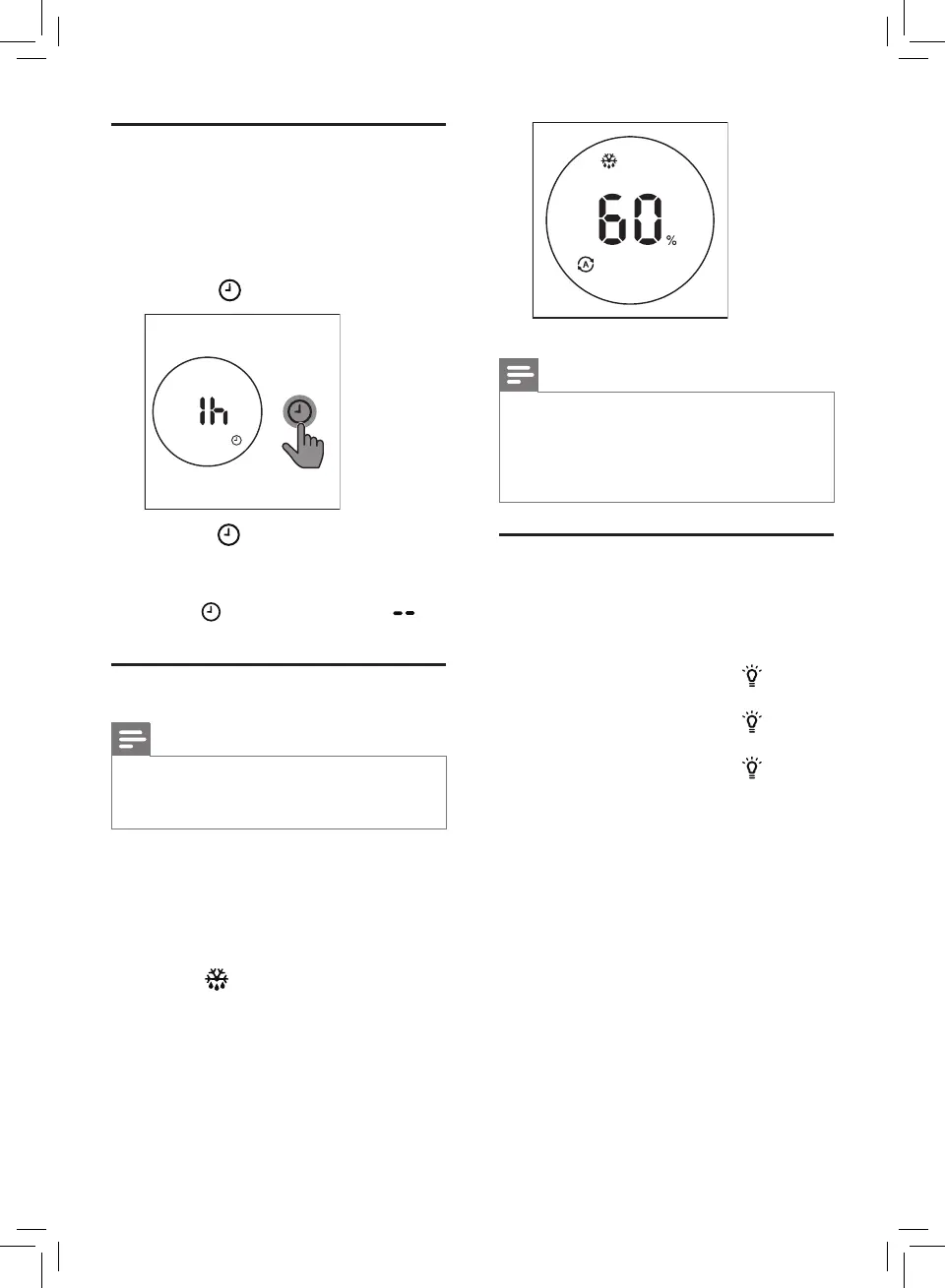
Withthetimerfunction,youcanletthe
dehumidieroperateforasetnumberof
hours.Whenthesettimehaselapsed,the
dehumidierautomaticallyturnso.Thetimer
isavailablefrom1to9hours.
1 Touch the button to activate the timer.
2 Touch the button repeatedly to
choose the number of hours you want the
dehumidiertooperate.
• Todeactivatethetimerfunction,touch
the button repeatedly until is
displayed on the screen.
Defrostingthedehumidier
Note
• The defrosting function is enabled only
whenthedehumidieroperatesunder
dehumidifying mode.
Thedehumidierisequippedwithadefrosting
sensor to make sure it is in optimal condition
when being used in cold weather. The
dehumidierautomaticallydetectsifdefrosting
isrequired.
Whendefrostingisrequired:
» The indicator is on.
» Defrosting will begin defrosting and
continueuntilthedehumidieris
completely defrosted.
Note
• Duringdefrosting,thedehumidier
operates in clothes dry mode.
• Thedehumidierwillresumeworking
and operate the previous settings after
defrosting is completed.
Usingthelighton/o
function
With the light on/obutton,youcanswitchon
orothehumiditylightorthedisplayscreen.
1 Touchthelighton/obutton once,the
humiditylightwillgoo.
2 Touchthelighton/obutton again,
the display screen will dimmed.
3 Touchthelighton/obutton for the
thirdtime,alllightswillbeonagain.


 To Next Page