7
English
Functional Overview
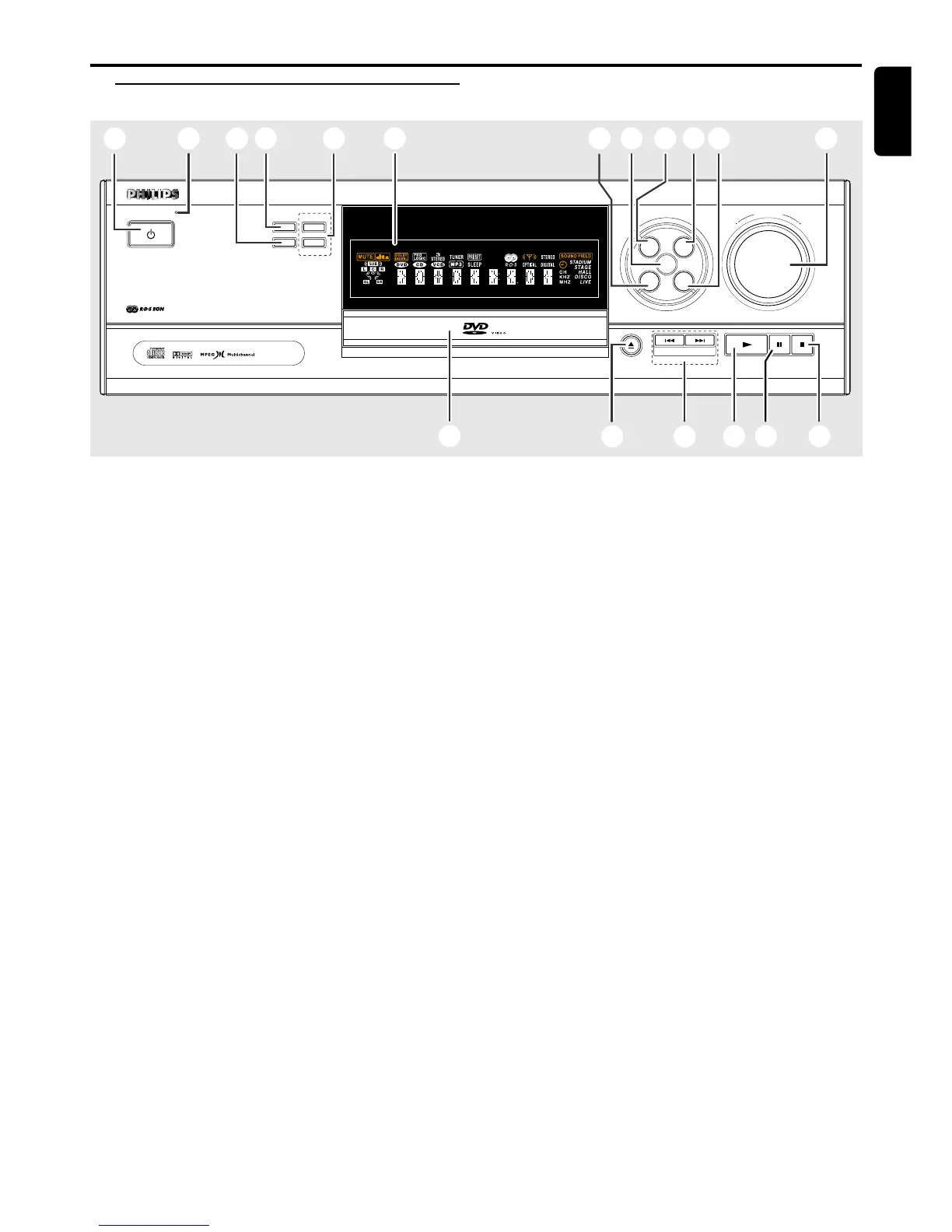
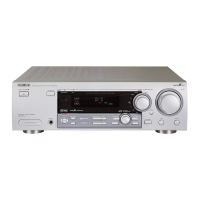
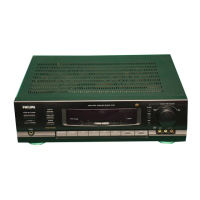
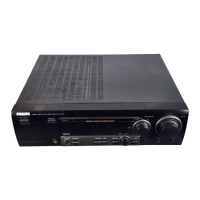
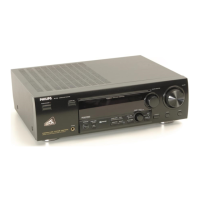
Front Panel
DVD /CD PL AYER
-
DIGITAL AV SURROUND RECEIVER
POWER/STANDBY
PRESETS FREQUENCY
▲
SURR. MODE
FREQUENCY
▲
SOURCE SELECT
CDR
VCR
TUNER
TV
PAUSE
OPEN
/
CLOSE
STOP
NEXT
PLAY
PREV
VOLUME
DIGITAL CINEMA CENTER
1
3
4
5
6
7
8
9
0
! @
#$%
^
*
&
2
DVD
1 POWER / STANDBY y
– to switch between Power On and Standby modes.
2 Standby LED indicator
– to indicate Standby mode.
3 SURR. MODE
– to select various surround modes or soundfield
modes.
4 PRESETS (Tuner mode only)
– to select preset function.
5 FREQUENCY 4 3 (Tuner mode only)
– to tune the radio frequency down or up.
6 Display screen
– to display details for user’s information.
7 VCR
– to select the VCR as the input source.
8 DVD
– to select the DVD/CD mode.
9 CDR
– to select the CDR as the input source.
0 TV
– to select the TV as the input source.
! TUNER
– to select the Tuner mode. It can also switch between
MW and FM band.
@ VOLUME
– to adjust the master volume. Turn clockwise to
increase and anti-clockwise to decrease.
# STOP Ç (DVD/CD mode only)
– to stop playing the disc.
$ PAUSE Å (DVD/CD mode only)
– to freeze the picture and sound.
% PLAY £ (DVD/CD mode only)
– to play the disc.
^ PREV S / NEXT T (DVD/CD mode only)
– to skip to the previous or next chapter/track.
& OPEN/CLOSE 0 (DVD/CD mode only)
– to open or close the disc tray.
* Disc Tray
FUNCTIONAL OVERVIEW


 To Next Page