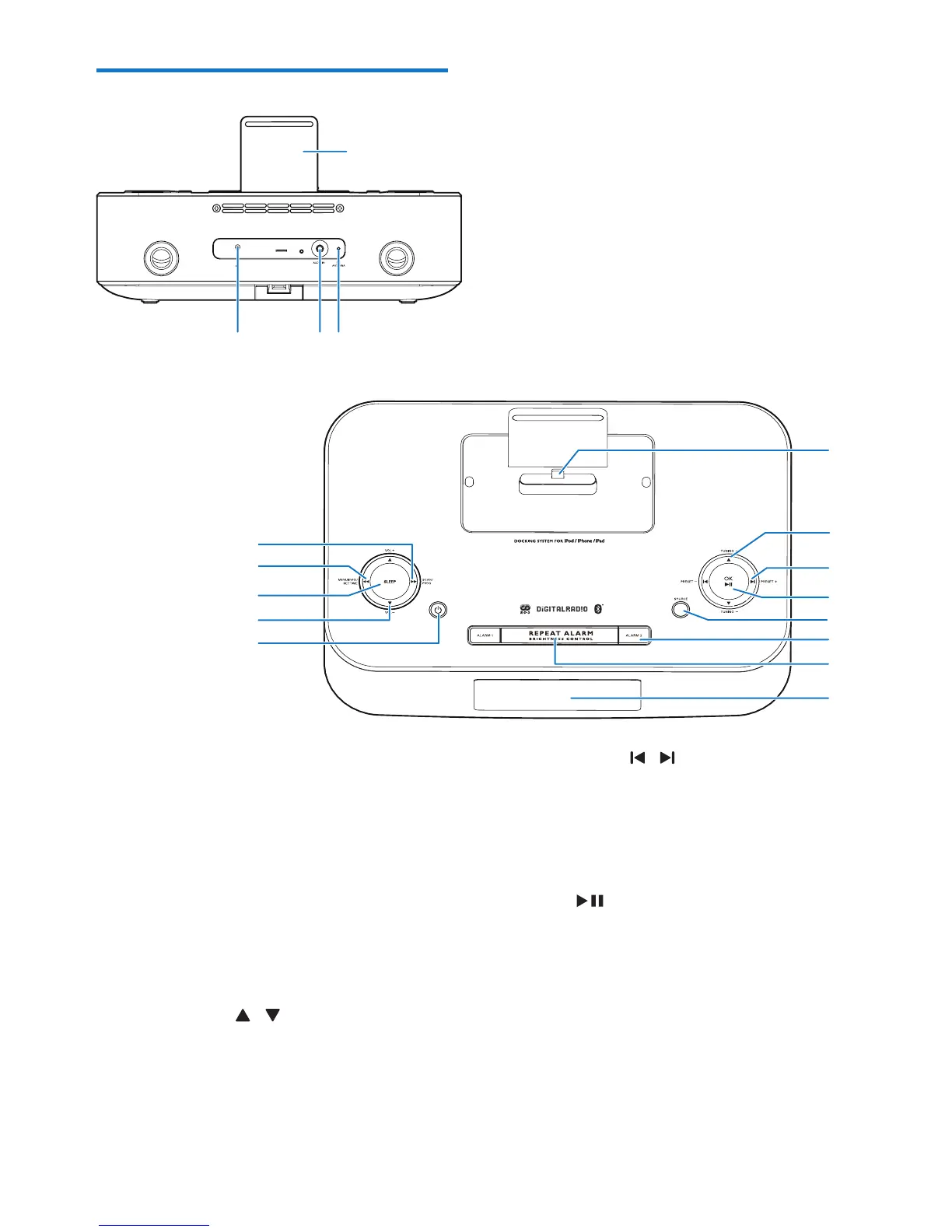
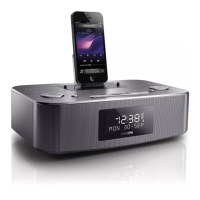
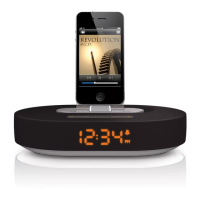
a Dock for iPod/iPhone/iPad
b FM antenna
• Improve FM reception.
c AUDIO IN
• 3.5mm audio input socket.
d DC IN (7.5V 2.5A)
• Power supply socket.
e Lightning dock connector
f TUNING +/- /
• Tune to a radio station.
• Adjust time.
• Switch between the DAB and FM
menus.
e
f
g
h
j
i
l
k
DC IN
7.5V
2.5
A
d
a
cb
m
o
n
p
q
g PRESET +/- /
• Skiptotheprevious/nextaudiole.
• (Press and hold) fast backward/forward
withinanaudiole.
• Select a preset radio station.
h OK/
• In DOCK and BT mode, start or pause
play.
• Conrmselection.
• Select FM stereo or FM mono.
i SOURCE
• Select an audio source: BT, DAB, FM,
AUDIO IN, DOCK.


 To Next Page