21
English
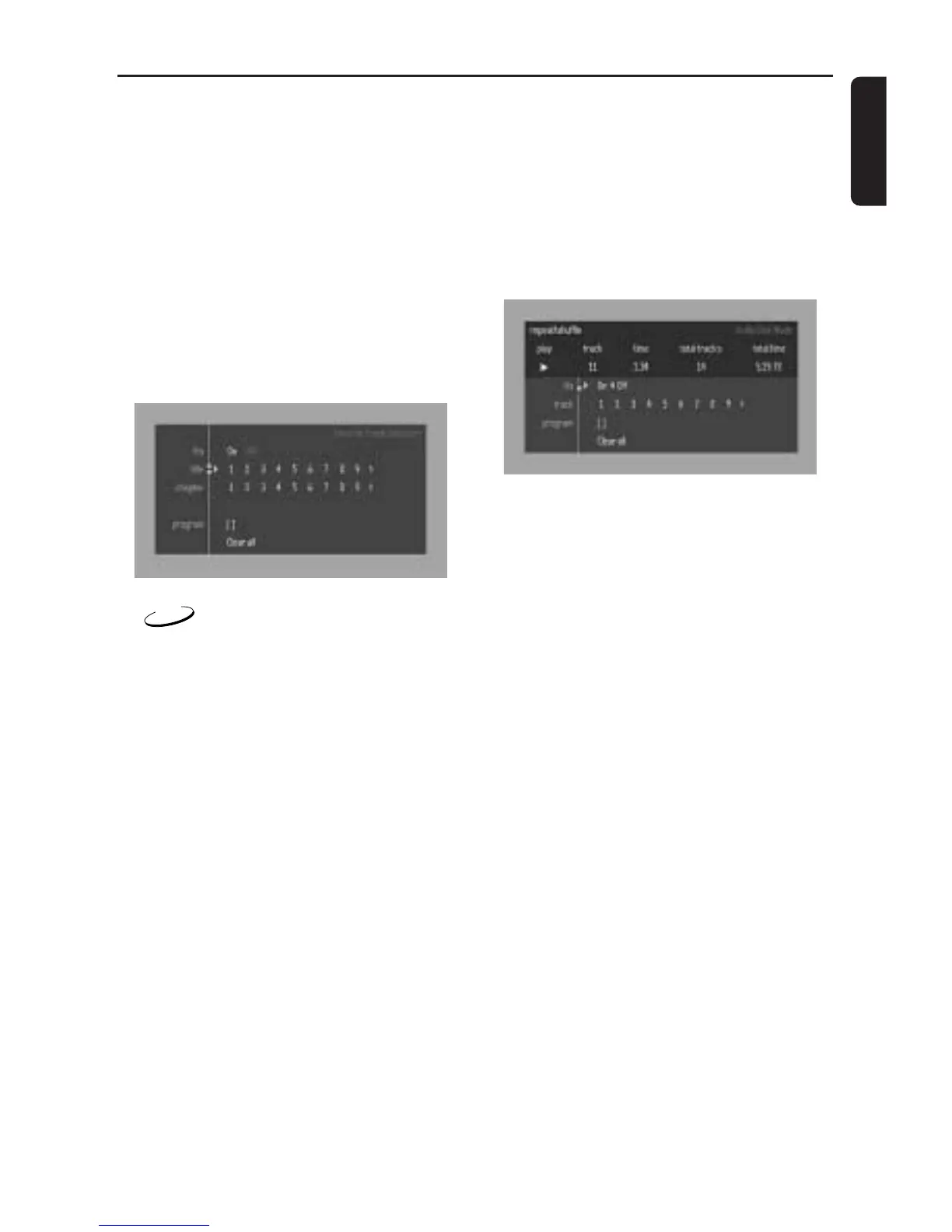
Erasing a selection in a Programme
1 While playback is stopped, select VIDEO FTS
c in the menu bar.
2 Use 4 to select PROGRAM.
3 Use 2 and 1 to select the required number.
4 Press OK to erase the selection.
5 Press SYSTEM MENU to exit.
Erasing all selections
1 While playback is stopped, select VIDEO FTS
c in the menu bar.
2 Use 4 to select CLEAR ALL and press OK.
➜ All selections will be erased.
3 Press SYSTEM MENU to exit.
CD
Storing a Programme
1 Load a disc and stop playback.
2 Press 4 to go to the list of available tracks.
3 Use 2 and 1 to select the required tracks or
directly using remote control numeric key.
4 Press OK to store the selected tracks.
➜ The track number will be added to the list of
selections.
Switching a Programme ON/OFF
1 Use 34 to move and select desired tracks.
2 Press 2 or 1 to select either ON or OFF.
Erasing a track in a Programme
1 Use 4 to go to the programmed tracks.
2 Use 2 and 1 to select the required number.
3 Press OK to erase the selection.
4 Press SYSTEM MENU to exit.
Erasing all selections
● Use 4 to select CLEAR ALL and press OK.
➜ All selections will be erased.
Operation



 To Next Page