21
Playing MP3 Recordings
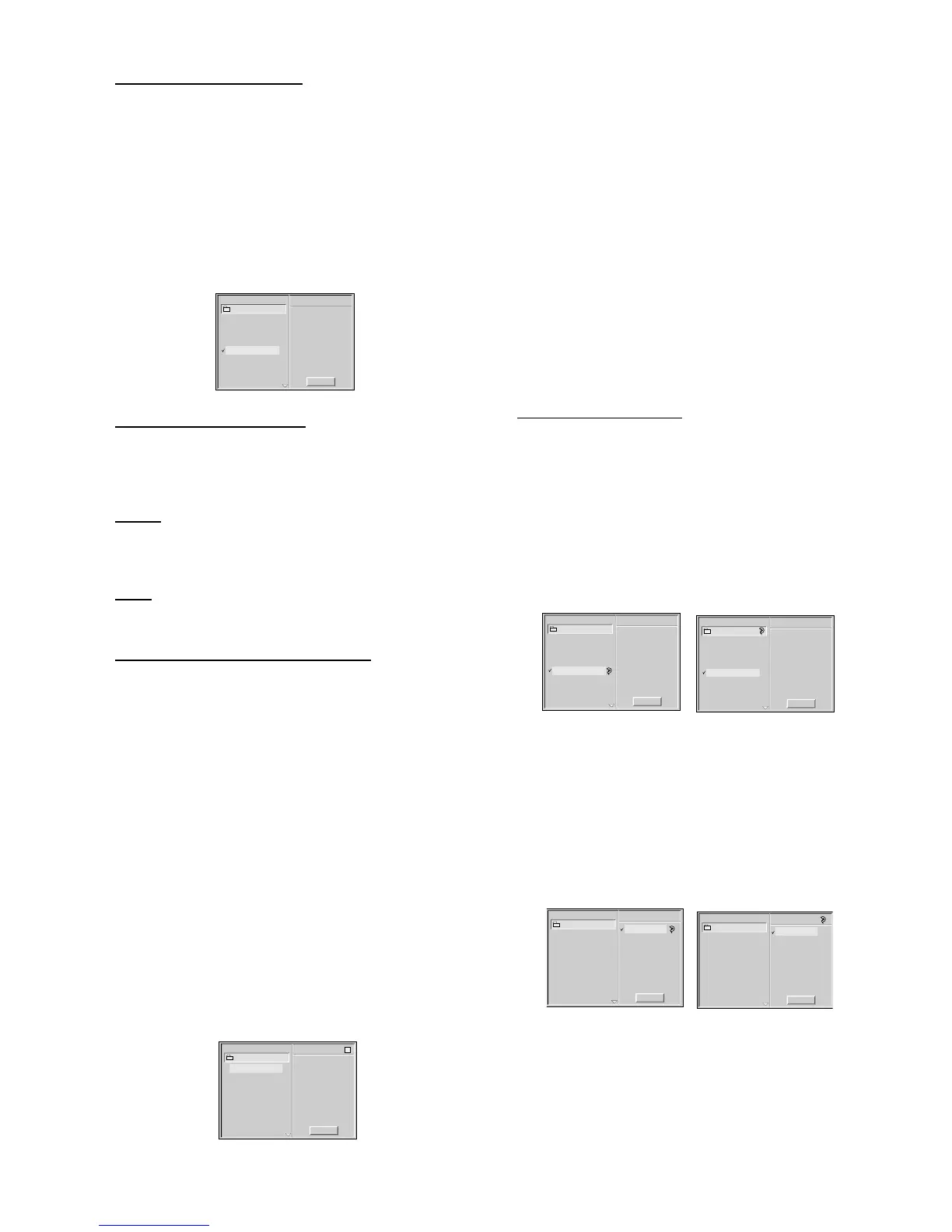
1 Insert a disc and close the tray.
➜ The MP3 menu appears on the TV screen.
Note
– It may take over 30 seconds to read the MP3 files,
depending on the contents of the disc.
2 Press 3/4 to select the MP3 file you want to play.
3 Press PLAY.
➜ Playback starts; playback will end when all tracks on the
disc have played.
Program
MP3-1
MP3
Clear All
TRACK 1.mp3
TRACK 2.mp3
TRACK 3.mp3
TRACK 4.mp3
TRACK 6.mp3
TRACK 7.mp3
TRACK 8.mp3
TRACK 9.mp3
TRACK 5.mp3
Moving to another track
¶ Press T or S briefly during playback to go to the
next track, or press 3/4 to select the desired track in the
menu and press PLAY.
Pause
¶ Press PAUSE during playback.
¶ To return to playback, press PLAY or PAUSE again.
Stop
¶ Press STOP during playback.
Programmed playback with MP3
1 Insert the disc and close the tray.
➜ The MP3 menu is displayed on the TV screen.
2 Press FTS while playback is stopped to enter the Program
Edit mode.
➜ The E mark will appear to the right of the word Program
on the right side of the MP3 menu.
Note
– Press RETURN or FTS to exit the Program Edit mode;
the E mark will disappear.
3 Press 3/4 to select a track.
4 Press OK to place the selected track on the MP3 Program.
➜ Repeat steps 3 to 4 to place additional tracks in the
program.
5 Press PLAY to start.
➜ Playback begins in the order in which you programmed
the tracks.
➜ Playback stops after all of the tracks on the Program
have played once.
Program
MP3-1
MP3
Clear All
TRACK 2.mp3
TRACK 2.mp3
TRACK 3.mp3
TRACK 4.mp3
TRACK 6.mp3
TRACK 6.mp3
TRACK 7.mp3
TRACK 7.mp3
TRACK 8.mp3
TRACK 9.mp3
TRACK 9.mp3
TRACK 5.mp3
E
TRACK 1.mp3
– Erasing a track from a Program
1 Press FTS while playback is stopped.
➜ The E mark will appear.
2 Press 2 to move to the Program list.
3 Use 3/4 to select the track that you wish to erase from
the Program list.
4 Press CLEAR.
➜ The track will be erased from the Program.
– Erasing the complete Program
1 Press FTS while playback is stopped.
➜ The E mark will appear.
2 Use 1/2 to select Clear All, then press OK.
➜ The complete Program for the disc will be erased.
➜ The programs are also cleared when the disc is
removed.
MP3-Repeat track/all
– MP3 - Repeat track/all
¶ To repeat the track currently playing, press REPEAT.
➜ The Repeat icon appears to the right of the track name.
¶ To repeat all the tracks, press REPEAT a second time.
➜ The Repeat icon appears to the right of the directory
name.
¶ To exit Repeat mode, press REPEAT a third time.
➜ The Repeat icon disappears.
Program
MP3-1
MP3
Clear All
TRACK 1.mp3
TRACK 2.mp3
TRACK 3.mp3
TRACK 4.mp3
TRACK 6.mp3
TRACK 7.mp3
TRACK 8.mp3
TRACK 9.mp3
TRACK 5.mp3
Program
MP3-1
MP3
Clear All
TRACK 1.mp3
TRACK 2.mp3
TRACK 3.mp3
TRACK 4.mp3
TRACK 6.mp3
TRACK 7.mp3
TRACK 8.mp3
TRACK 9.mp3
TRACK 5.mp3
– MP3 - Repeat Programs
¶ During Program playback, to repeat the current track, press
REPEAT.
➜ The Repeat icon appears to the right of the track name.
¶ To repeat all of the programmed tracks, press REPEAT a
second time.
➜ The Repeat icon appears to the right of Program.
¶ To exit Repeat mode, press REPEAT a third time.
➜ The Repeat icon disappears.


 To Next Page