8
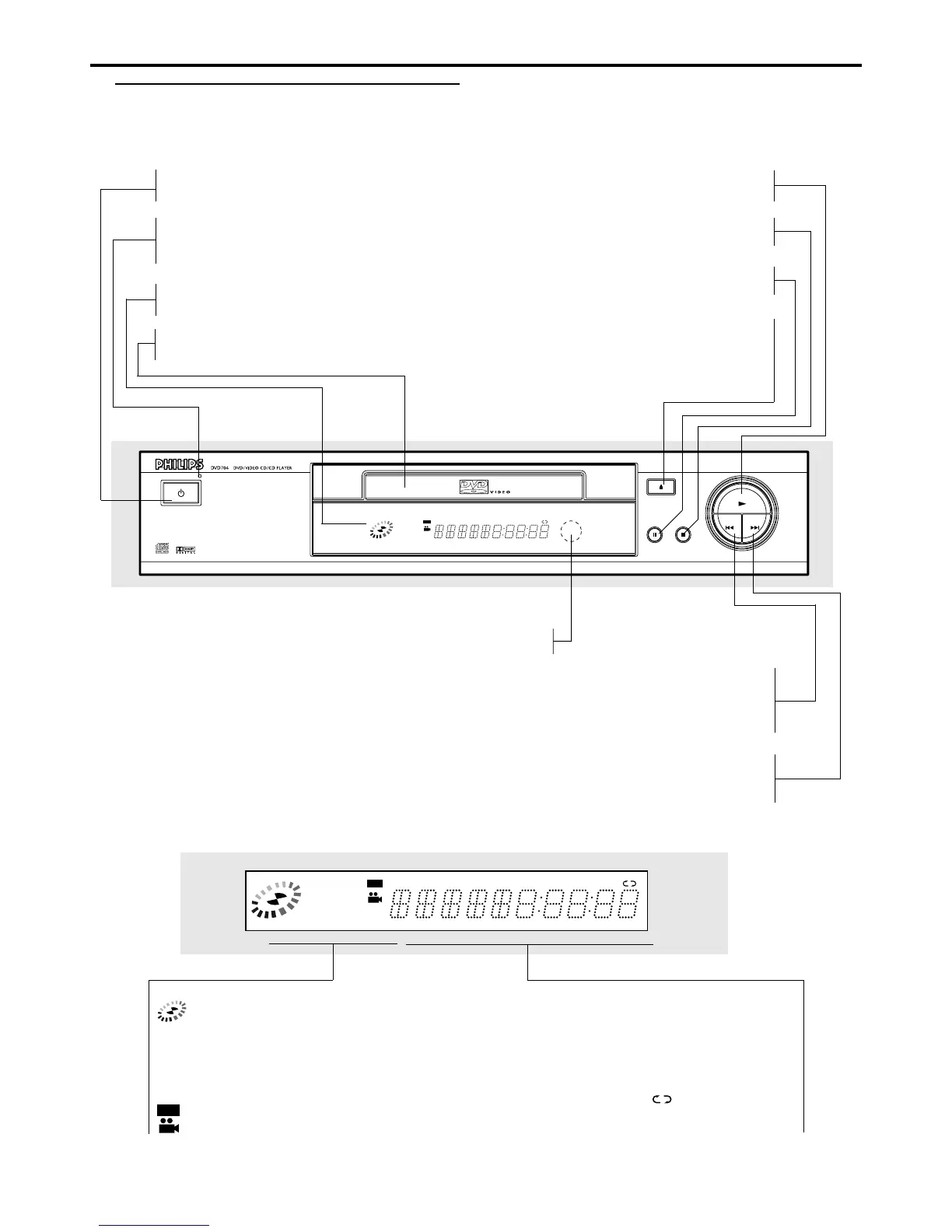
Functional Overview
TITLEMP3 VCD CD A
PROG.
RANDOM ALL
AB
CHP/TRK
DVD
STANDBY-ON
OPEN/ CLOSE
PAUSE
STOP
NEXT
PLAY
PREV
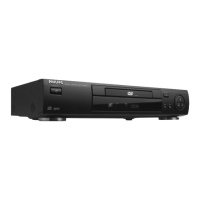
STANDBY-ON
– switches the player to ON or OFF
STANDBY INDICATOR
– lights red when the player is in Standby
mode (off)
DISPLAY
– shows the current status of the player
DISC TRAY
– insert a disc here
S PREV
– go to beginning of current title/chapter/track or to
PREVious title/chapter/track
press and hold for two seconds for a fast reverse search
T NEXT
– go to NEXT title/chapter/track
press and hold for two seconds for a fast forward search
FUNCTIONAL OVERVIEW
Front Panel and Display
2 PLAY
– starts playback
9 STOP
– stops playback
; PAUSE
– interrupts playback
/ OPEN/CLOSE
– opens/closes the disc tray
TITLEMP3 VCD CD
PROG.
RANDOM ALL
AB
CHP/TRK
DVD
Indicates current player function:
Playback, Pause, etc.
MP3 MP3 disc inserted
VCD Video CD inserted
CD Audio CD inserted
DVD
DVD inserted
ANGLE active
TITLE Current Title number
CHP/TRK Current Chapter or Track number
PROG. PROGRAM playback active
RANDOM RANDOM playback active


 To Next Page