English
64
Creating a photo playlist
(album)
You can customise the JPEG photos
slideshow playback by storing your
selection in an album.
This recorder can handle up to a
maximum of 100 albums. Each album can
contain up to 100 images.
Note:
This feature is only available for photos
stored in the Hard Disk.
A Press HOME.
B Select { Hard Disk } in the menu and
press .
C Move to { Photo } > { Photo folders }
in the menu, then press .
Copy To Album
Delete
Photo foldersSorting
roll 2
roll 3
roll 1
Date sort
Name sort
D To select all the photos in the selected
folder, press SELECT on the remote
control.
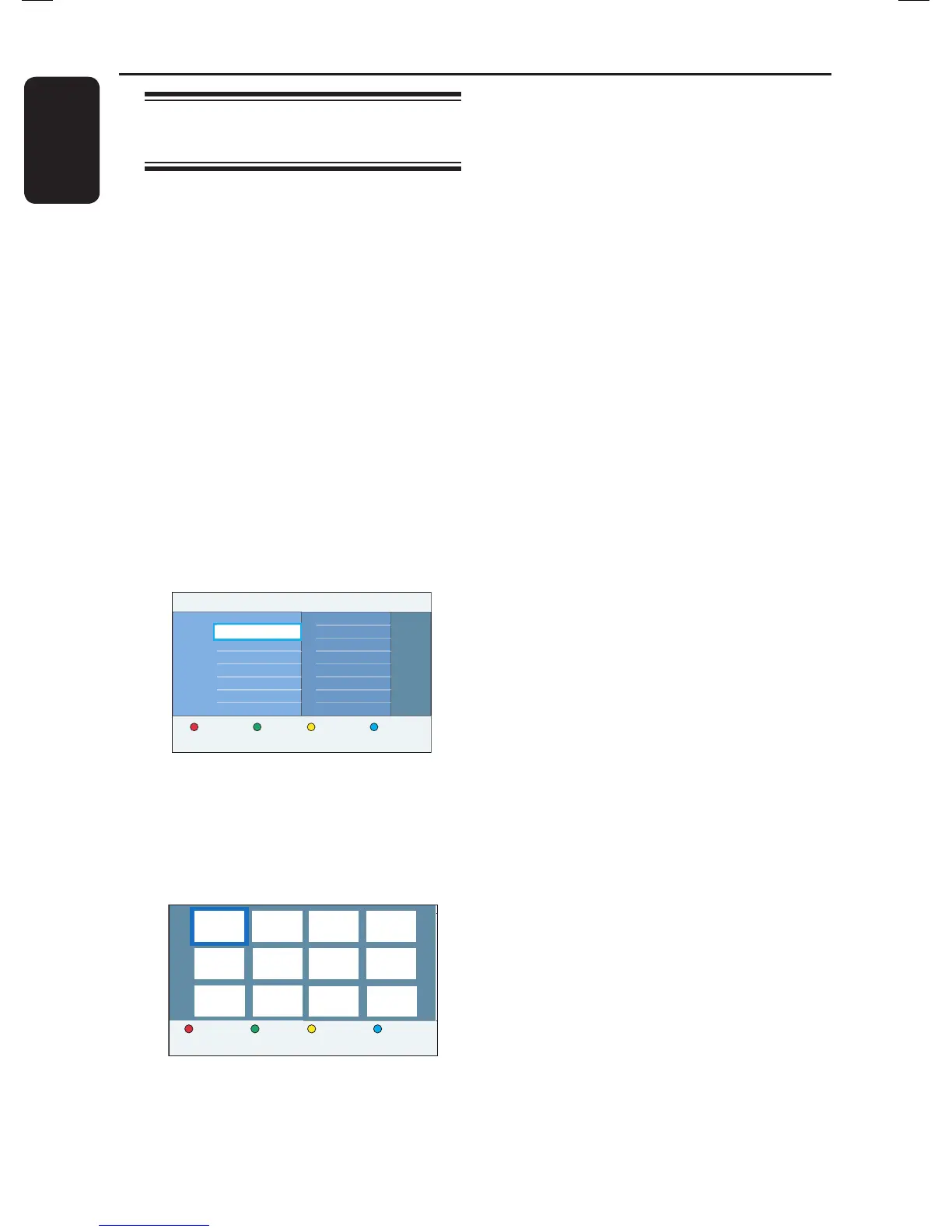
E To select a speci c photos in the folder,
press OK to show the overview images.
Delete Copy To Album Rotate
F Use keys to navigate and press
SELECT to select the photo.
A marking appears on the top right
hand corner of the selected photo(s).
To delete a photo or the selected
photo(s), press the Red button for
{ Delete }.
G Press the Yellow button on the remote
control for { To Album }.
The { Add Photo to Album } menu
appears.
H Create a new album or select an existing
album, then press OK to add the
photo(s) to it.
The selected photos are now stored
in the album.
I To exit the menu, press HOME.
Additional Playback Features (continued)















 To Next Page