English
66
Additional Playback Features (continued)
SUBTITLE
INFO SELECT EDIT SCART
AUDIO
PAUSE LIVE TV
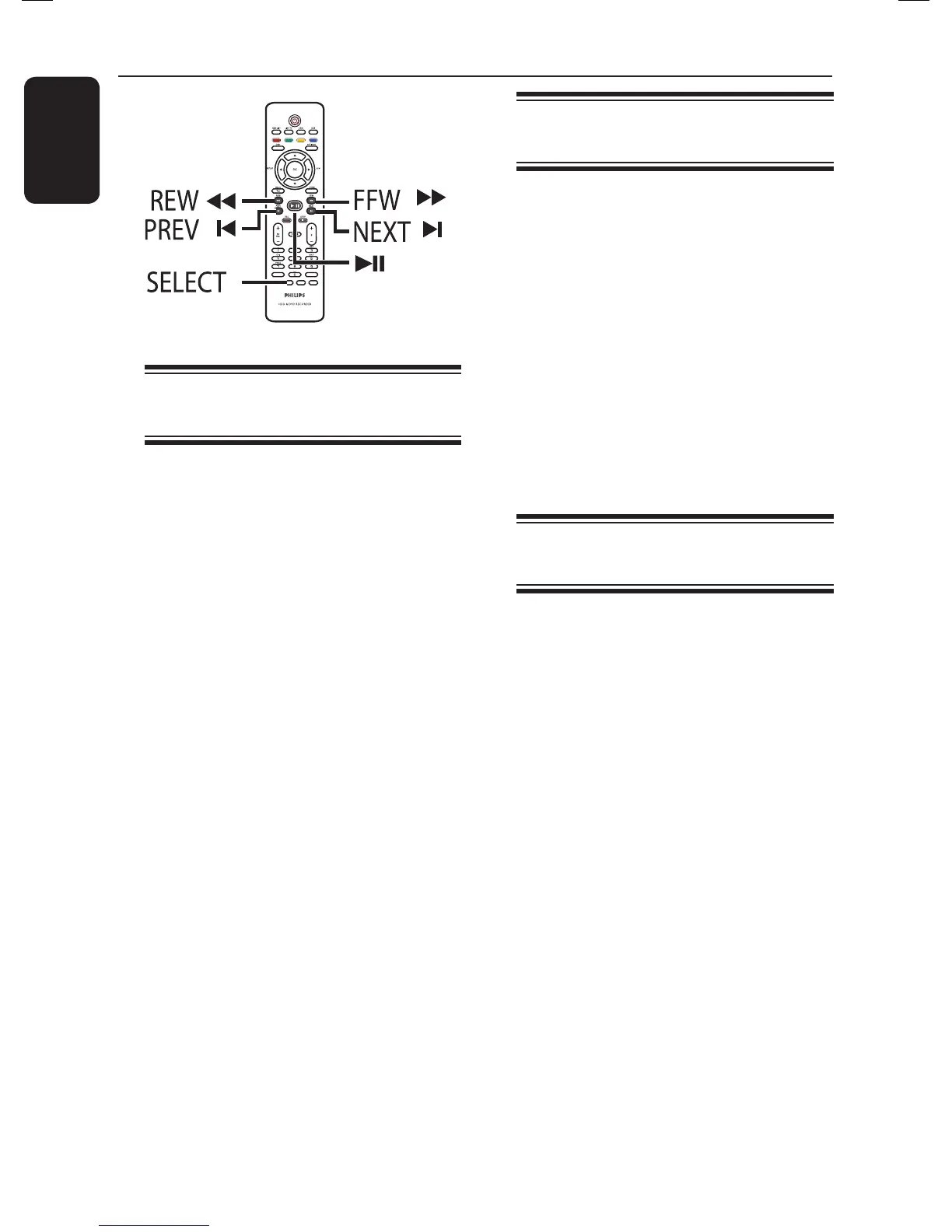
Selecting another title/
chapter/ track
When a disc contains more than one
track, title or chapter, you can change to
a different track, title or chapter as
follows.
During playback,
Press ë to go to the next title/chapter/
track.
Press í to return to the start of the
current title/chapter/track.
Pressing í twice can return to the start
of the previous title/chapter/track.
OR
Use the alphanumeric keypad 0-9 to
input the title/chapter/track number.
OR
Press SELECT on the remote control
to toggle between ‘Title’ or ‘Chapter’,
then press í / ë to select the previous
or next title/ chapter.
Searching forwards/
backwards
You can fast forward or fast reverse a
disc during playback and select a desired
search speed.
A During playback, press m (reverse) or
M (forward) until the search speed
status bar (4X) appears on the TV.
The sound will be muted.
B Press m (reverse) or M (forward)
repeatedly to cycle through the different
search speed (4X, 8X, 32X).
C To resume normal playback, press u.
Pausing playback / slow
motion play
A During playback, press u to pause
playback and display a still picture.
B Press m (reverse) or M (forward)
until the slow motion status bar (1/8X)
appears on the TV.
The sound will be muted.
C Press the m (reverse) or M
(forward) repeatedly to cycle through the
different slow motion speed (1/8X, 1/4X,
1/2X).
D To resume normal playback, press u.















 To Next Page