Playable Discs
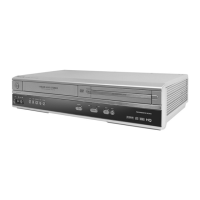
The DVD Player of the DVD/VCR will play the following Discs.
is a trademark of DVD Format/Logo Licensing Corporation.
Windows Media is a trademark of Microsoft Corporation.
DVDs must have a Region Code of ALL regions or Region 1.
8239 300 38902
1VMN20422A/H9820UD/H982AUD****
Quick-Use Guide (cont’d)
Quick-Use Guide (cont’d)
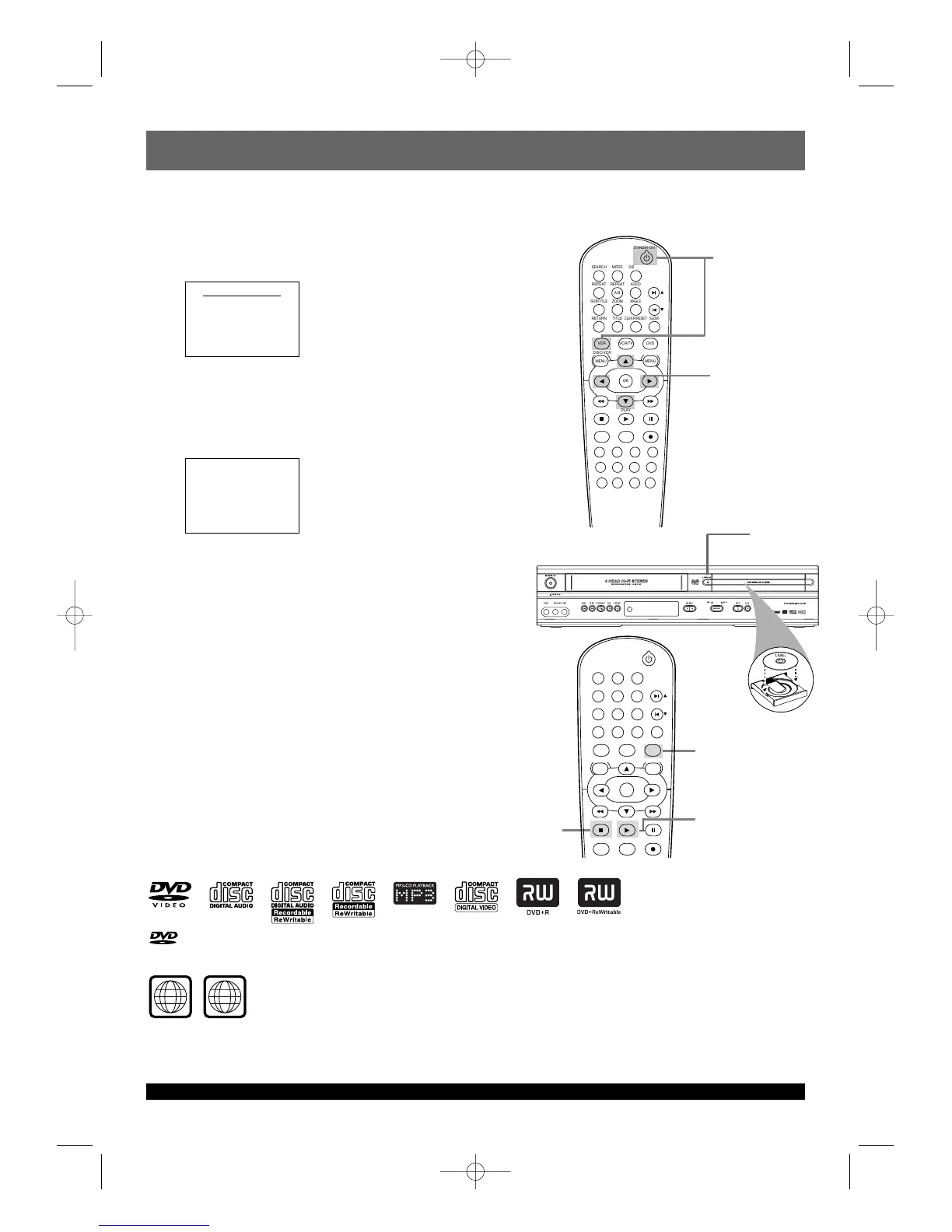
Playing a Disc
1
Turn on the TV and set it to the correct Audio/Video In
channel.
2
With the TV and DVD/VCR turned on, press DVD to put
the DVD/VCR in DVD mode.
3
Press OPEN/CLOSE A to open the disc tray.
Put a Disc in the tray with the label facing up and the shiny side
facing down.
Press PLAY B to close the disc tray.
4
Playback may start automatically. If not, press PLAY B.
If a DVD Disc menu appears, use the s BKL, OK, or Number
buttons to select features or start playback. Follow the
instructions in the menu.
5
To stop playing a Disc, press STOP C.
First-Time DVD/VCR Setup
1
Turn on the TV and set it to the correct Audio/Video In
channel.
2
Press VCR, then press STANDBY-ON y. VCR light will appear on
the front of the DVD/VCR. The TV display shown below will appear.
3
Press K or L to select ENGLISH, FRANCAIS (French), or
ESPAÑOL (Spanish) as the language for VCR on-screen
displays. Then, press B.
4
The AUTO SET UP message will appear. Press B to set up TV
channels for the VCR. When setup is complete, the lowest TV
channel will appear on the TV.
Turn on the TV and set it to the
correct Audio/Video In channel.
3-4
2
1
3
5
2
4











 To Next Page