English
Before Operation - VCR part
12
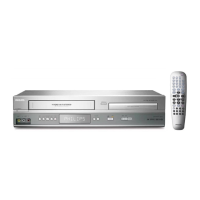
Using your DVD+VCR for the very first time
For the following steps we assume that you have just
connected your DVD+VCR for the very first time.
To make tuning TV stations an easy task your DVD+VCR
incorporates the Automatic Channel Memory
System (ACMS).This system will automatically tune,
store TV channels and set the clock (date & time) in your
DVD+VCR.
1
Make sure that you have correctly installed your
DVD+VCR.
Press
11
to turn on your DVD+VCR.
If the initial Menu Screen doesn’t appear on screen, make
sure that you have tuned your TV to a video channel. Or if
this is correct it may mean that your DVD+VCR is already
tuned.
2
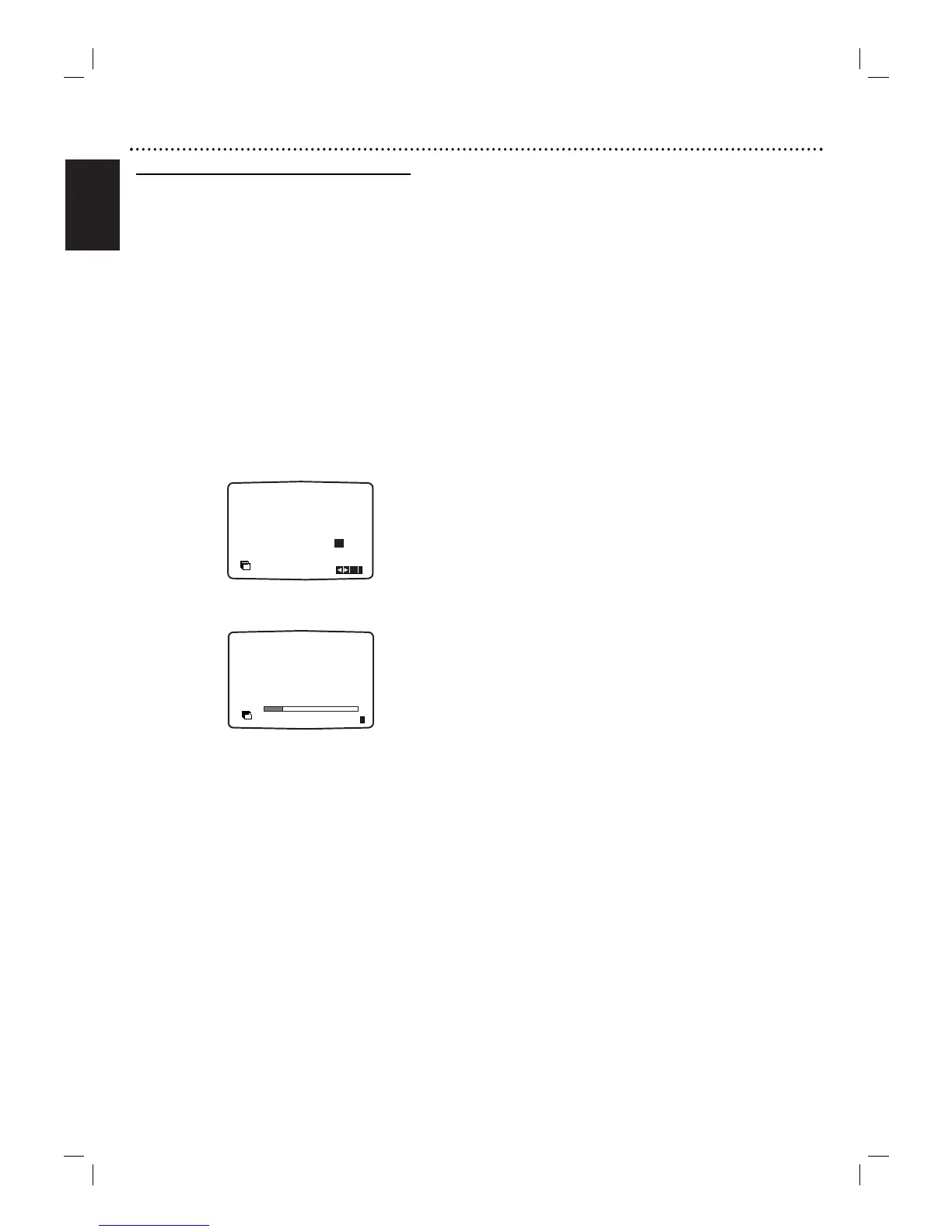
Press b or B to select the desired country.
(A:Austria, B: Belgium,CH: Switzerland, D: Germany, DK:
Denmark, E: Spain, F: France, I: Italy, N: Norway, NL:
Netherlands, P: Portugal, S:Sweden, SF: Finland, OTHERS)
3
Press OK to start the automatic tuning process.
Programme number TV Station
PR01 TF 1
PR02 FR 2
PR03 FR 3
PR04 ARTE
PR05 TV 1
PR06 TV 2
The TV station shown above may vary according to the
area you live in.
4
Press SYSTEM MENU to remove the menus from
the TV screen.



 To Next Page