English
Before Operation - VCR part
13
Setting the clock Manually
The clock in your DVD+VCR controls time and date
settings for your DVD+VCR.
The clock is set automatically during ACMS (Automatic
Channel Memory System) when you DVD+VCR detects a
channel that broadcasts a Teletext signal. If the broadcast
signal is weak the clock will not be set and will require
setting manually.
1
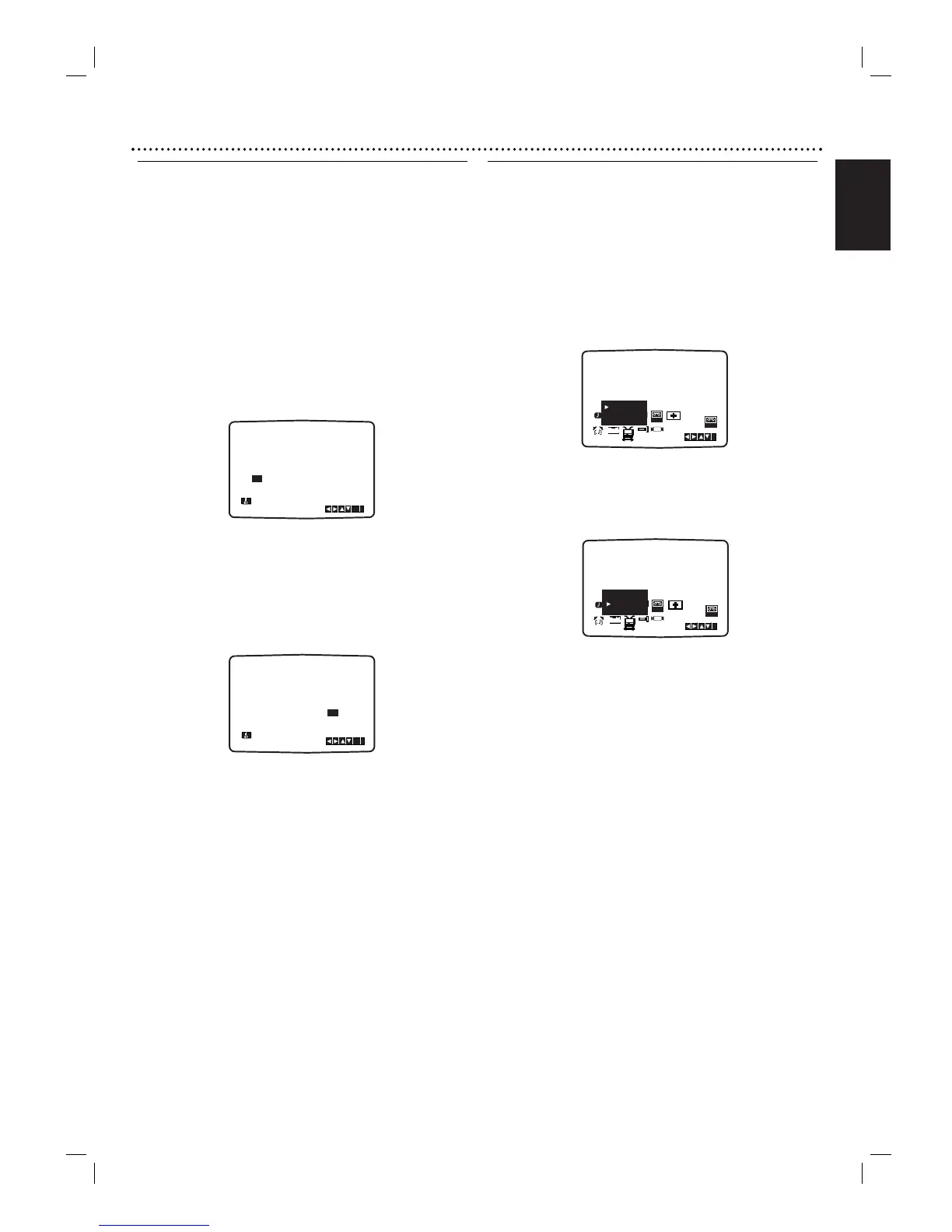
Press SYSTEM MENU.
Press b or B to select SET.
Press OK.
The auto adjust mode can be set to ‘OFF’ by pressing
OK if you want to set the time manually.
2
Use 3 or 4 on the remote control to alter the
HOURS, MINUTES, DAY, MONTH and YEAR.
Please note your DVD+VCR uses a 24 hour clock. e.g.
1pm will be displayed as 13:00.
The day of the week will appear automatically when you
enter the year.
3
If you make a mistake press
bb
or
BB
and enter the
correct details.
4
Press SYSTEM MENU.
To set the colour system
1
Press SYSTEM MENU.
2
The main menu will appear on the TV screen.
3
Press 1 or 2 to select the SYS and press OK.
4
Press 3 or 4 to select according to the COLOUR
system used.
5
Press 2 to select the RF AUDIO.
Press 3 or 4 to select according to the RF AUDIO
used.
6
Press SYSTEM MENU to remove the menus from the
TV screen.








 To Next Page