13
EN
English
Options
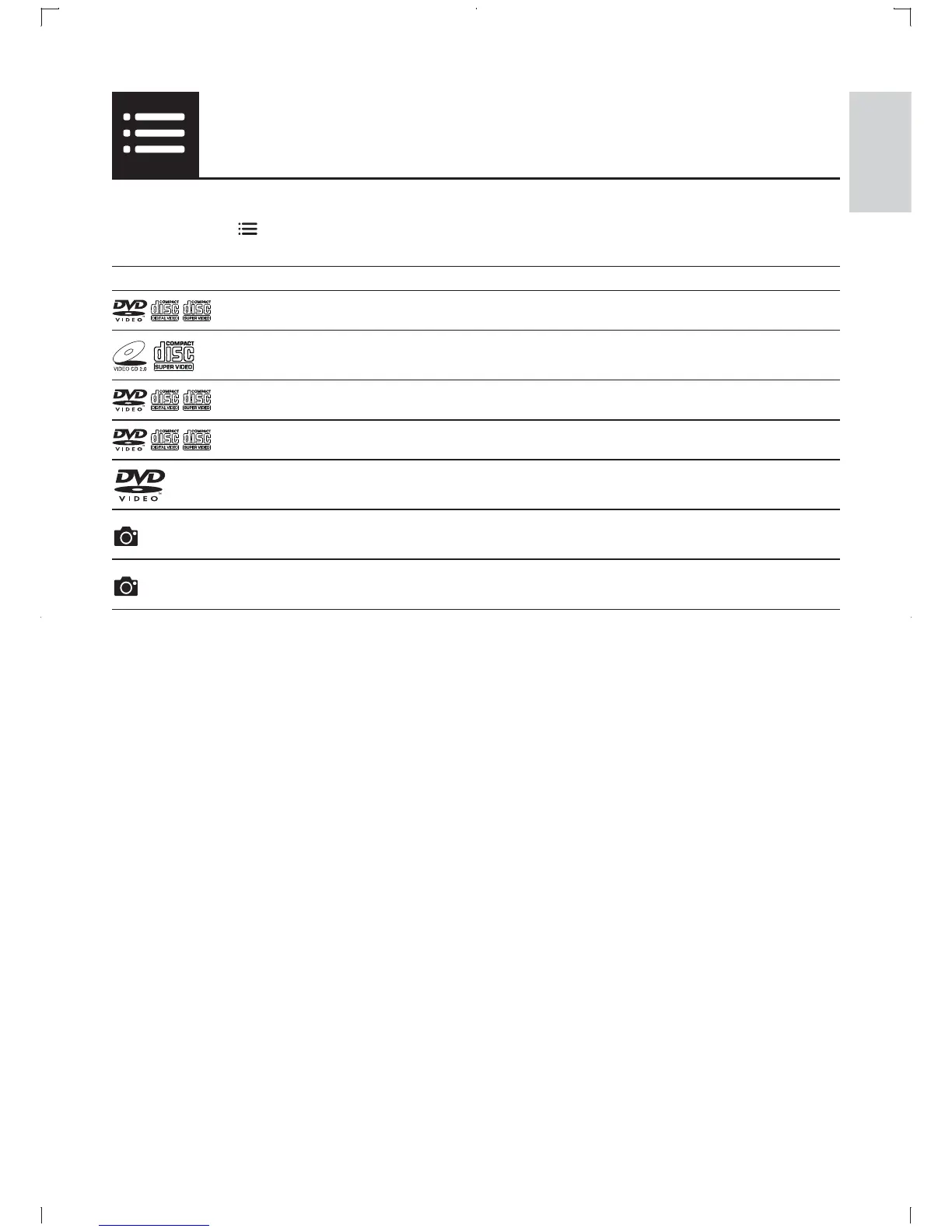
During play, press ࿎ཟ to access the following items.
Media Setting item Function
[Info] Display the play information.
[PBC] Enable or disable PBC.
[Aspect ratio] Select a display ratio of picture on TV.
[Volume] Adjust the volume level.
[Angle] Select an available camera angle.
[Colour] Select Fun Mode (photos in color) or Simple Mode
(photos in black and white).
[Photo preview] Display the thumbnail of photos.



 To Next Page