5
2. Setting up the monitor
2. Setting up the
monitor
2.1 Installation
Package contents
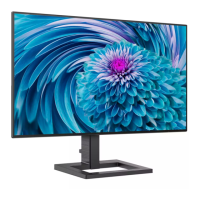
288E2A/288E2E
AC/DC Adapter
* HDMI
* DP
* Audio cable
(288E2A)
*288E2E*288E2A
Register your product and get support at
www.philips.com/welcome
Quick
Start
E Line
288E2
288E2UAE
AC/DC Adapter
* HDMI * DP * USB A-B
Register your product and get support at
www.philips.com/welcome
Quick
Start
E Line
288E2
* Different according to region.
Note
288E2A/288E2E: Use only the AC/DC
adapter model: Philips ADPC2065.
288E2UAE: Use only the AC/DC adapter
model: Philips ADPC2090.






 To Next Page