Pause
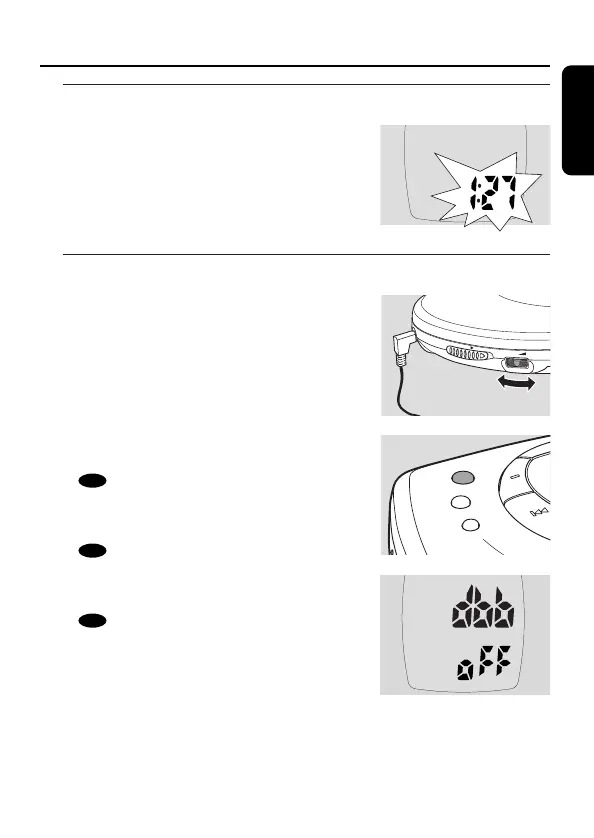
1 Press 2; to interrupt playback.
➜ The elapsed playing time blinks.
2 To resume playback press 2; again.
Volume and sound
Volume adjustment
● Adjust the volume by using VOL E.
Sound adjustment
1 Press DBB for a moderate bass enhancement.
➜ appears and dbb1 is displayed.
2 Press DBB again for a strong bass
enhancement.
➜ appears and dbb2 is displayed.
3 Press DBB again to switch the bass
enhancement off.
➜ disappears and dbb oFF is displayed.










 To Next Page