EasyManua.ls Logo

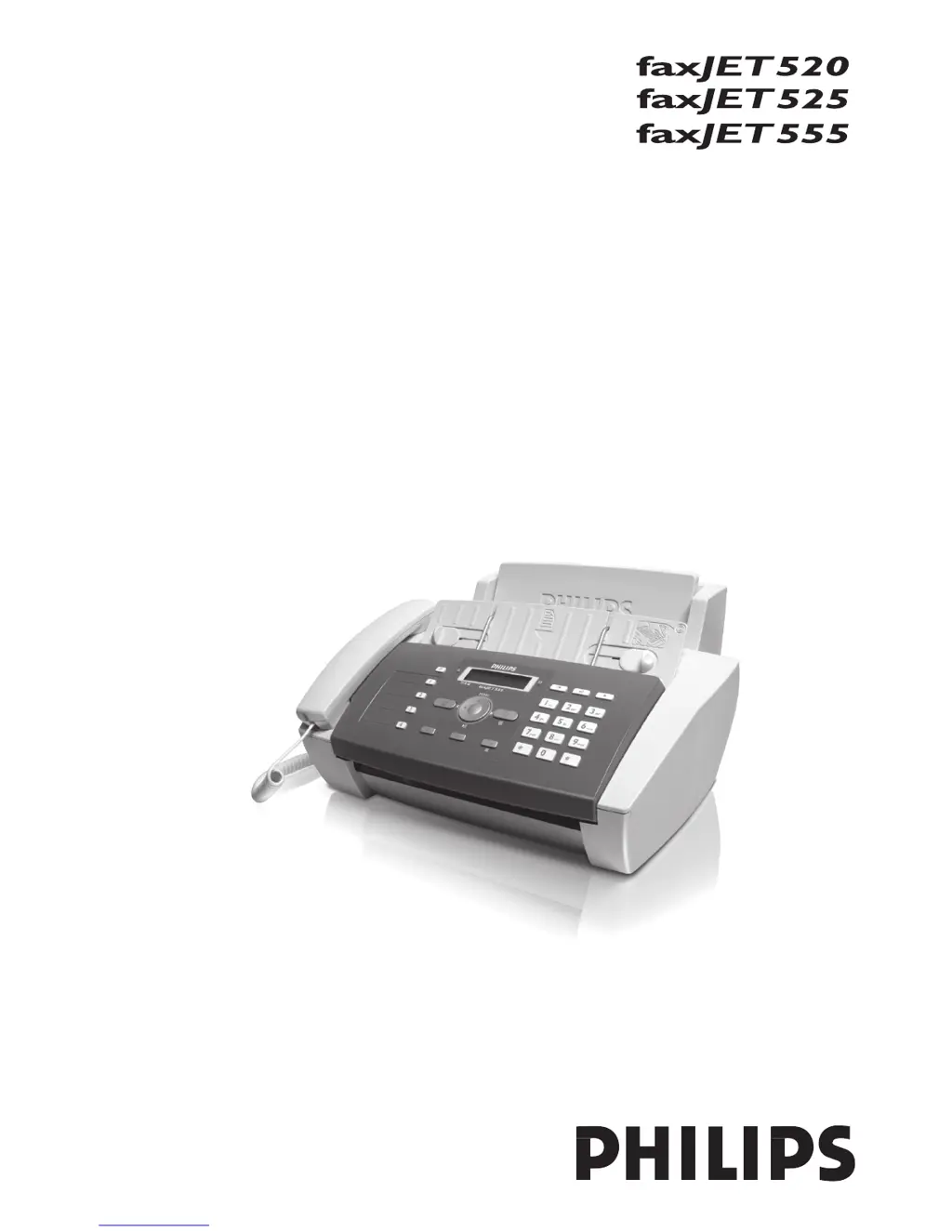
Philips FaxJet 520 - User Manual

Philips FaxJet 520
40 pages
Print Icon
To Next Page IconTo Next Page
Loading...
User Manual

Table of Contents

Questions and Answers

Summary

Installation Guide

Inserting Paper

Instructions on how to load paper into the machine.

Connecting Handset

Procedure for connecting the telephone handset to the device.

Connecting Power Cord

Guide to connecting the device to the power supply.

Inserting Ink Cartridge

Detailed steps for installing the ink cartridge.

Initial Installation

Steps for the initial setup process after connecting the device.

Activating Printing Head

Procedure for activating the printing head and printing a test page.

General Safety Information

Setting Up the Machine

Guidelines for safe and proper placement and operation of the device.

Power Supply

Safety precautions regarding the device's power connection and supply.

Repairs

Instructions and warnings concerning device repairs and maintenance.

Consumable Materials

Information on using original consumables and proper disposal.

Telephone Functions

Speed Dialing

Steps to assign and use speed dial buttons for quick dialing.

Telephone Book

Instructions for saving, editing, and deleting entries in the phone book.

Answering Machine

Switching Answering Machine On;Off

Steps to activate or deactivate the answering machine function.

Editing Outgoing Message

Instructions for recording and managing outgoing announcement messages.

Setting Up Remote Access

Procedure to set an access code for remote control of the answering machine.

Fax Operations

Sending Fax

Instructions for inserting documents and initiating fax transmission.

Sending Fax Manually

Step-by-step guide to sending a fax manually.

Sending to Multiple Recipients

Procedure for sending a single fax to multiple numbers (broadcasting).

Fax Reception

Information on receiving and printing incoming faxes.

SMS Functions

Sending SMS

Instructions for composing and sending SMS messages.

Settings

Entering Date and Time

Procedure to set the device's date and time accurately.

Selecting Country

Instructions to set the country for correct telephone network operation.

Setting Fax Switch

Configuring the device to distinguish between fax and telephone calls.

Telephone Lines and Additional Devices

Service

Changing Ink Cartridge

Step-by-step guide to replacing the ink cartridge.

Fixing Document Jam

Procedure to resolve document jams in the feeder.

Fixing Paper Jam

Instructions for clearing paper jams from the paper feed.

Troubleshooting

Problems with Faxing or Printing

Solutions for common fax and print quality issues.

Problems with Connection

Troubleshooting steps for dial tone and transmission interruptions.

Philips FaxJet 520 Specifications

General IconGeneral
Group dial3
Modem speed14.4 Kbit/s
Color faxingNo
Print technologyInkjet
Fax coding methodsMH, MMR (Fax coding method), MR
Standard input capacity100 sheets
Auto document feeder (ADF) input capacity20 sheets
ISO A-series sizes (A0...A9)A4
Maximum print size210 x 297 mm
Grayscale levels64
Maximum number of copies9 copies
Maximum resolution300 x 300 DPI
Power requirements220 - 240 V, 50/60 Hz
Fax memory150 pages
Product colorGray
Storage temperature (T-T)-15 - 45 °C
Operating temperature (T-T)5 - 35 °C
Operating relative humidity (H-H)20 - 80 %
Recommended operating temperature range (T-T)15 - 85 °C
Power consumption (standby)5 W
Power consumption (typical)25 W
SafetyEN 60950-1
Package weight4700 g
Weight and Dimensions IconWeight and Dimensions
Weight3500 g
Dimensions (WxDxH)372 x 293 x 198 mm

Related product manuals