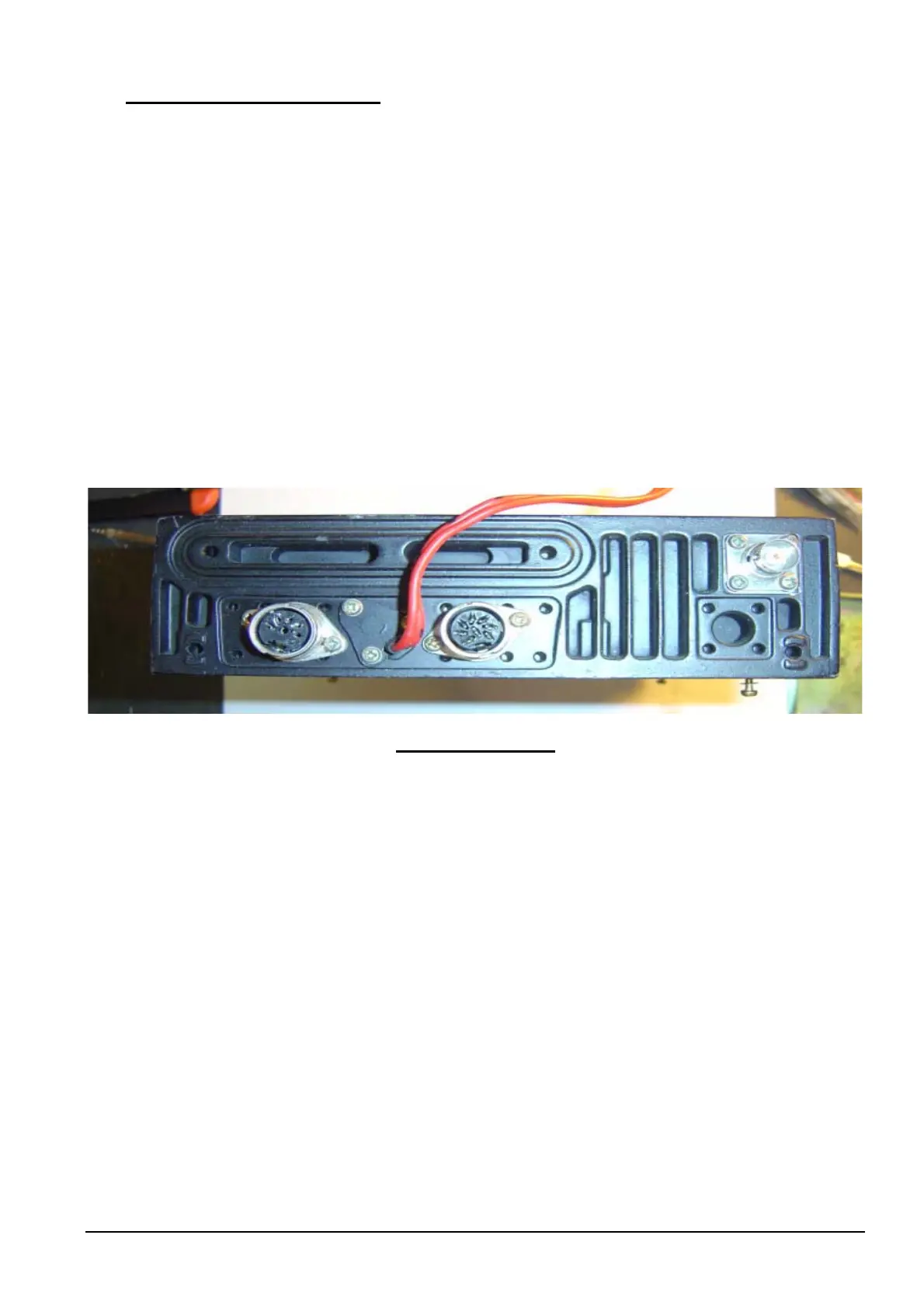
14: Speaker Socket Change:
This change is only conducted if you are converting a Philips FM92E local control head and do not intend to use
the rear 5 pin for the speaker socket.
NOTE: The FM900 remote head has a built in speaker, thus this change is not necessary.
5 pin DIN -> Earth - Black Pin # 2
Speaker - Grey Pin # 4
Cradle - Mauve Pin # 1
You only need to change the speaker 5 pin DIN output socket, if you intend to keep all of your speaker leads
standard as a 3.5mm socket.
Remove 5pin din socket from rear of chassis.
Replace with flat piece of metal or similar material approximately 20mm by 30mm.
Mark mounting holes from removed 5 pin din socket mounting points.
Mark center from above two marked holes.
Drill 2 holes, the outer two for the two mounting screws.
Drill 1 hole in center to hold 3.5mm socket.
Mount 3.5mm socket.
Black wire to outer shell & grey wire to center pin.
Isolate the move wire by shrink tubing.
FM92E Rear View.
Philips FM92E Conversion to 6 Meters: Version 3.9 Page 17



 To Next Page