17
English
3139 115 21281
DSC (Digital Sound Control)
The DSC feature enables you to adjust the
system to suit your type of music.
1 Press DSC.
➜ DSC button lights up
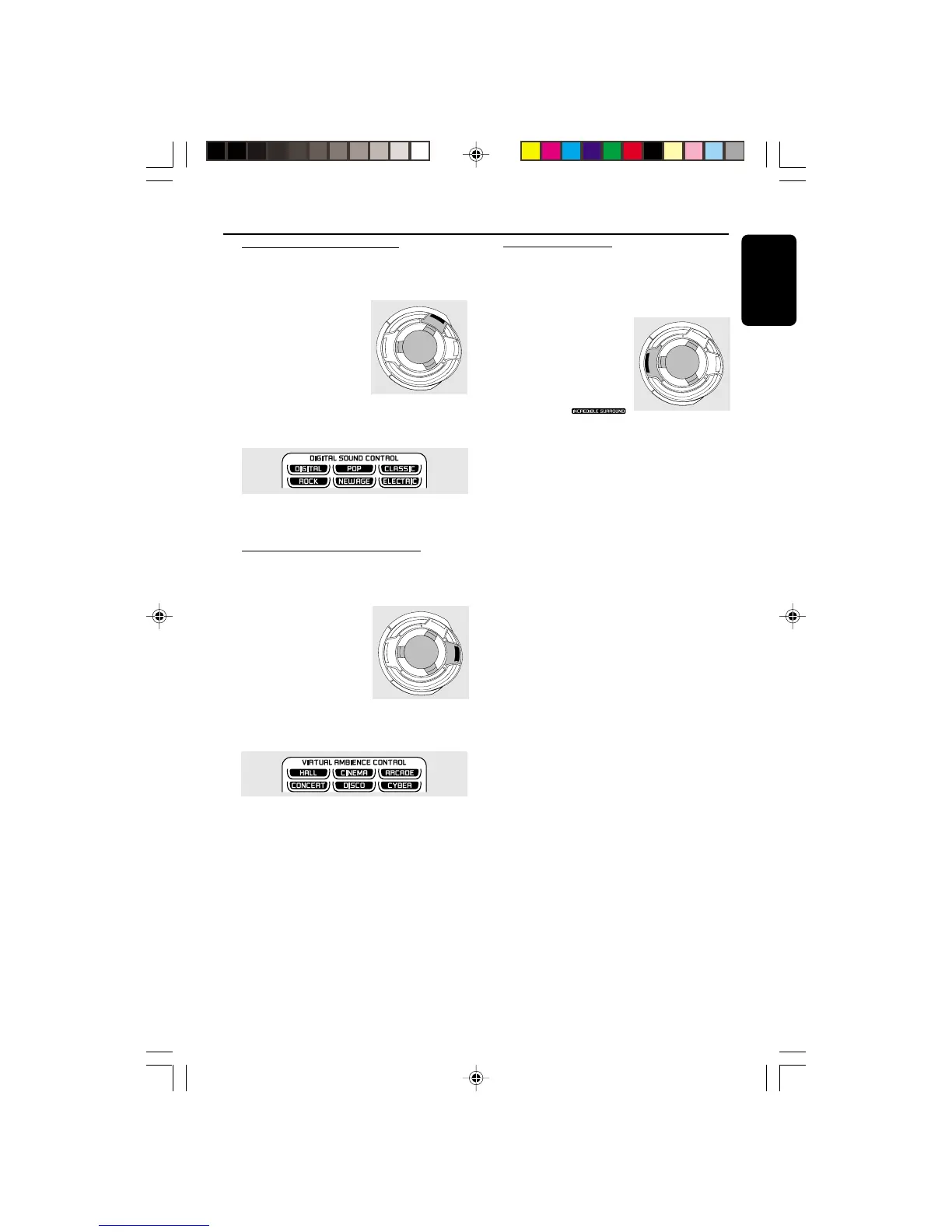
2 Adjust the JOG
CONTROL (or press
DSC on the remote
control repeatedly) to
select the desired Digital
Sound Control effect : DIGITAL, ROCK, POP,
NEWAGE, CLASSIC or ELECTRIC.
➜ The selected DSC will be highlighted.
Note:
– For a neutral sound effect, select CLASSIC.
VAC (Virtual Ambience Control)
The VAC feature enables you to adjust the
system to select a type of environment.
1 Press VAC.
➜ VAC button lights up.
2 Adjust the JOG
CONTROL (or press
VAC on the remote
control repeatedly) to
select the desired Virtual
Ambience Control effect : HALL, CONCERT,
CINEMA, DISCO, ARCADE or CYBER.
➜ The selected VAC will be highlighted.
Note:
– When you select VAC, Incredible Surround will
switch on automatically.
Incredible Surround
The Incredible Surround magnifies the virtual
distance between the front speakers for an
incredibly wide, enveloping, stereo effect.
● Press INCREDIBLE
SURROUND (or IS on
the remote control)
repeatedly to activate/
deactivate the surround
sound effect.
➜ If activated,
will appear on the display and the INCREDIBLE
SURROUND button lights up.
➜ If deactivated, “IS OFF” will be displayed.
Basic Functions
S
U
R
R
O
U
N
D
V
A
C
D
S
C
I
N
C
R
E
D
I
B
L
E
S
U
R
R
O
U
N
D
V
A
C
D
S
C
I
N
C
R
E
D
I
B
L
E



 To Next Page