EasyManua.ls Logo

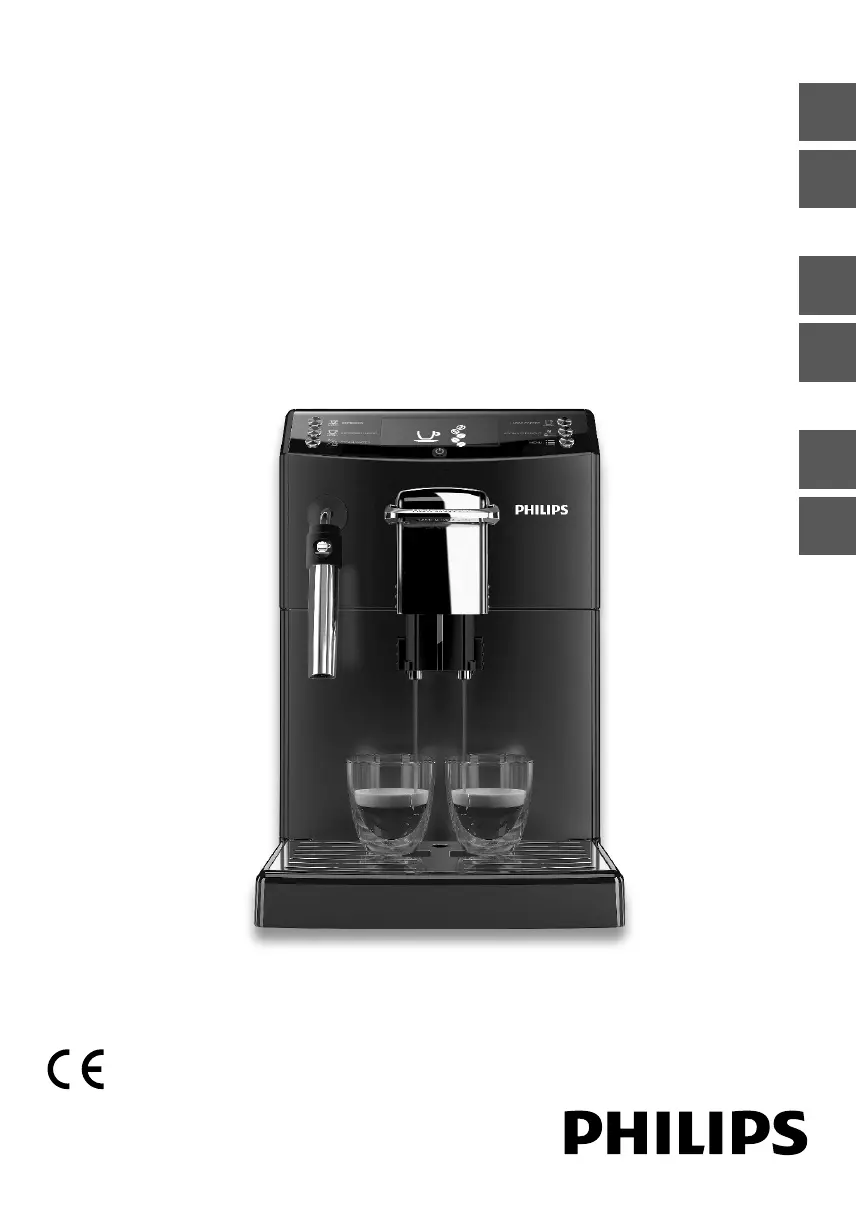
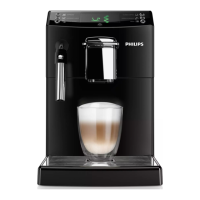
Philips HD8842 - User Manual

Philips HD8842
72 pages
Print Icon
To Next Page IconTo Next Page
Loading...
Quick Instruction Guide
READ THIS GUIDE CAREFULLY BEFORE USING THE MACHINE.
FOR COMPLETE INSTRUCTIONS DOWNLOAD USER MANUAL FROM WWW.PHILIPS.COM/SUPPORT
Register your product and get support at
www.philips.com/welcome
Super automatic espresso machine
4000 series
HD8841
HD8842
EnglishItalianoDeutschFrançaisEspañolPortuguês

Table of Contents

Questions and Answers

  • C
    cindywebsterSep 22, 2025
    Why some picture elements do not light up on Philips Digital Signage?
    • K
      Kimberly MillerSep 22, 2025
      This display is manufactured using an extremely high level of precision technology: however, sometimes some pixels of the display may not display. This is not a malfunction.
  • M
    Michelle CrawfordSep 23, 2025
    What to do if the picture on my Philips Digital Signage is distorted?
    • Q
      qgarciaSep 23, 2025
      If the picture is distorted with abnormal patterns, it could be due to these reasons: 1. The signal cable is not connected properly. Make sure that the signal cable is firmly attached. 2. The input signal is beyond the display's capabilities. Check the video signal source to ensure it is within the display's range, referring to the display’s specification section.
  • K
    Kimberly KnoxSep 23, 2025
    What to do if the Philips Digital Signage image doesn’t fill the screen?
    • J
      Joseph DavisSep 23, 2025
      If the display image doesn’t fill up the full size of the screen, it could be due to: 1. The zoom mode is not set correctly. Use the Zoom mode or Custom zoom function in the Screen menu to fine-tune display geometry and time frequency parameter. 2. Scan Mode may be set incorrectly to underscan. 3. If the image exceeds the screen size, Scan Mode may need to be set to Underscan.
  • J
    Jennifer WrightSep 23, 2025
    Why is there interference on my Philips Digital Signage display?
    • M
      Martha GeorgeSep 23, 2025
      Interference displayed on the display or audible noise is often caused by surrounding electrical appliances or fluorescent lights. Try moving the display to another location to see if the interference is reduced.
  • S
    Scott SantanaSep 23, 2025
    Why do I see after-images on my Philips Digital Signage?
    • J
      John CarrilloSep 23, 2025
      After-images can occur if a still picture is displayed for an extended period. To prevent this, avoid displaying a still image for an extended period of time, as this can cause a permanent after-image to remain on the display.
  • C
    Christine Vang MDAug 31, 2025
    Why is coffee leaking from the dispensing spout of my Philips Coffee Maker?
    • M
      marshmelindaAug 31, 2025
      If coffee leaks from the dispensing spout of your Philips Coffee Maker, the spout is likely clogged. Clean the coffee dispensing spout and its holes.
  • M
    Matthew PerkinsAug 25, 2025
    Why can I see picture but no sound is heard on my Philips Monitor?
    • T
      Tonya FullerAug 25, 2025
      If you can see a picture but hear no sound on your Philips Monitor, check the following: 1. Ensure both video and sound input cables are correctly connected. 2. Make sure the volume isn't turned all the way down; press the volume buttons to increase it. 3. Verify that Mute is off using the Mute button. 4. If using external speakers, ensure they are connected and the volume is at a suitable level.
  • D
    Debra WilliamsAug 25, 2025
    How to fix a Philips Coffee Maker that does not turn on?
    • D
      duncanashleyAug 26, 2025
      If your Philips Coffee Maker doesn't turn on, ensure it's properly connected to the electric network and that the power button is switched to the “I” position.
  • K
    katiemorrowAug 26, 2025
    Why can't my device connect to my Philips Speaker System soundbar?
    • K
      Kristin AustinAug 26, 2025
      If a device cannot connect with your Philips soundbar, it might be due to several reasons. The device may not support the compatible profiles required for the soundbar. Ensure you have enabled the Bluetooth function of the device (refer to the device's user manual). Also, check if the device is correctly connected. If the soundbar is already connected to another Bluetooth device, disconnect that device and try again.
  • H
    hannahgarciaAug 27, 2025
    How to reset Master PIN Code on Philips Door locks?
    • R
      Rachel ChapmanAug 27, 2025
      If you forgot your Master PIN Code for your Philips Door locks, perform a factory reset. This will clear all PIN codes, and the Master PIN Code will revert to the default: 12345678.

Philips HD8842 Specifications

General IconGeneral
BrandPhilips
ModelHD8842
CategoryTV
LanguageEnglish

Related product manuals