EasyManua.ls Logo

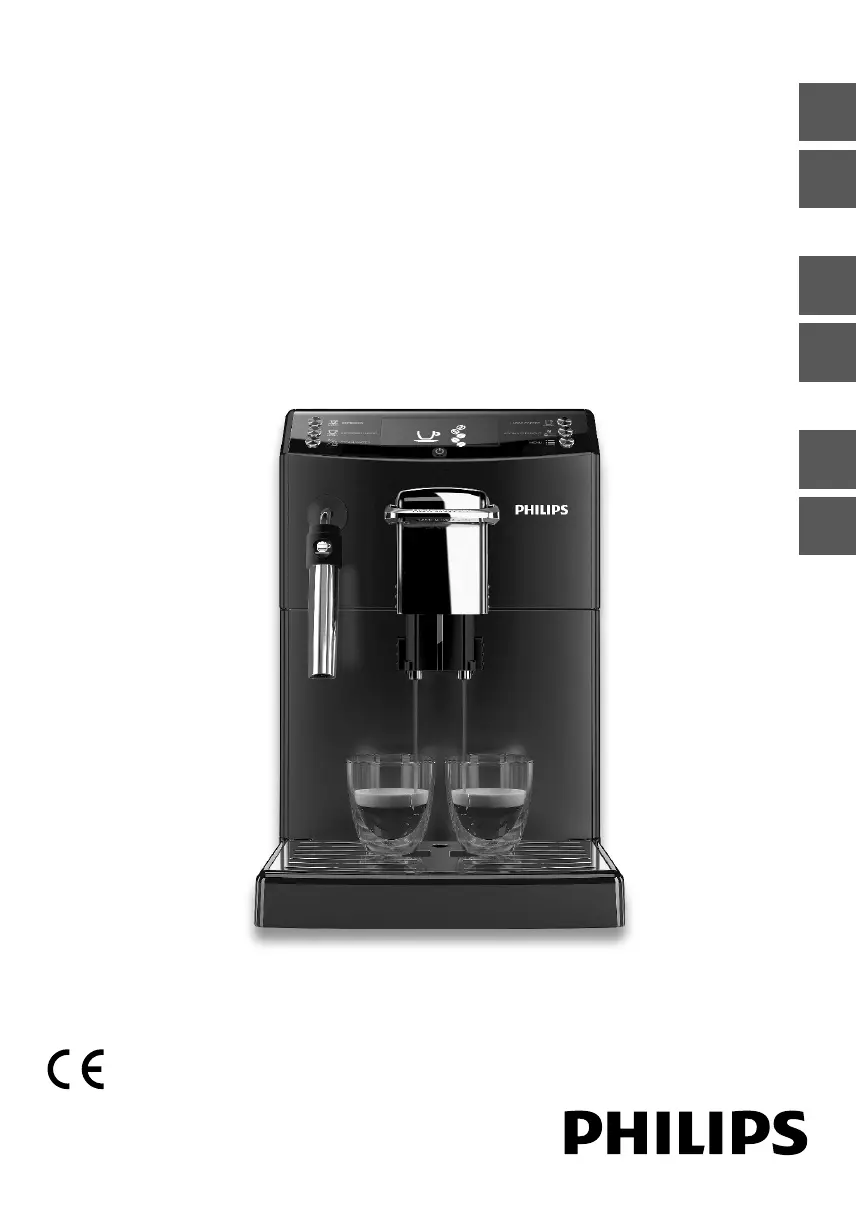
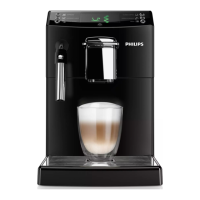
Philips HD8842 - User Manual

Philips HD8842
72 pages
Print Icon
To Next Page IconTo Next Page
Loading...
Quick Instruction Guide
READ THIS GUIDE CAREFULLY BEFORE USING THE MACHINE.
FOR COMPLETE INSTRUCTIONS DOWNLOAD USER MANUAL FROM WWW.PHILIPS.COM/SUPPORT
Register your product and get support at
www.philips.com/welcome
Super automatic espresso machine
4000 series
HD8841
HD8842
EnglishItalianoDeutschFrançaisEspañolPortuguês

Table of Contents

Questions and Answers

  • A
    Amy JohnsonSep 2, 2025
    How to troubleshoot a Philips Speaker System with no power?
    • Y
      yarnoldSep 2, 2025
      If your Philips Speaker System has no power, first ensure that the AC cord is properly connected. Then, verify that there is power at the AC outlet. Finally, press the power button on the remote control or the soundbar to turn the soundbar on.
  • C
    Craig FaulknerSep 2, 2025
    Why is my Philips Speaker System remote control not working?
    • J
      Jack PowellSep 2, 2025
      If the remote control for your Philips Speaker System isn't working, try these steps: * First, select the correct source before pressing any playback control button. * Reduce the distance between the remote control and the unit. * Ensure the battery is inserted with correct polarities (+/-). * Replace the battery. * Aim the remote control directly at the sensor on the front of the unit.
  • M
    Mark GraySep 3, 2025
    What to do if there is no sound from my Philips Speaker System soundbar?
    • C
      Christopher BarnettSep 3, 2025
      If there is no sound from your Philips soundbar speaker, try the following: * Connect the audio cable from your soundbar to your TV or other devices. * Select the correct audio input on the remote control. * Ensure that the soundbar is not muted. * Reset the product to its factory settings (see 'Factory reset').
  • A
    Anthony BarkerSep 3, 2025
    What to do if the buttons on my Philips Speaker System don't work?
    • R
      rita43Sep 4, 2025
      If the buttons on the main unit of your Philips Speaker System do not work, disconnect it from the power supply for a few minutes, and then connect it again.
  • L
    Linda DuncanSep 4, 2025
    Why is there no picture on my Philips Digital Signage?
    • K
      Kayla SmithSep 4, 2025
      There might be several reasons: 1. The power cord could be disconnected, so ensure it is properly plugged in. 2. The main power switch on the back of the display might not be switched on, so check that it is on. 3. The selected input may not have a connection; in this case, connect a signal to the display. 4. The display might be in standby mode.
  • A
    Amy JohnsonSep 5, 2025
    Why is the touchscreen not responding on my Philips Door locks?
    • M
      Matthew WilliamsonSep 5, 2025
      If the touchscreen on your Philips Door locks isn't responding, and the battery indicator flashes continuously, replace the batteries with 4 new AA alkaline batteries. Also, ensure the batteries are inserted correctly and the cable is properly connected and undamaged.
  • D
    Dawn GreenSep 5, 2025
    Why doesn't the latch bolt operate correctly on my Philips Door locks?
    • J
      james71Sep 5, 2025
      If the Latch Bolt on your Philips Door locks does not operate correctly after installation, ensure the backset on the Latch Bolt is set to the proper length, make sure the Latch Bolt is retracted before installation and restore the lock to the factory default setting, then enter the default Master PIN Code to set up the lock.
  • S
    shepardjacquelineSep 6, 2025
    Why is lock handing not activated on my Philips Door locks?
    • M
      Mackenzie ZamoraSep 6, 2025
      If the lock handing is not activated after installing the batteries in your Philips Door locks, restore the lock to the factory default setting to activate the lock-handing process again.
  • A
    amyhughesSep 6, 2025
    Why does my Philips Door locks turn in the wrong direction?
    • J
      johnsonstacySep 7, 2025
      If your Philips Door locks turns in the wrong direction, restore the lock to the factory default setting to activate the lock-handing process again. If resetting doesn't solve it, re-install the lock and reset it again.
  • F
    fwilliamsSep 7, 2025
    What to do if I failed to scan the SmartStart QR Code on Philips Door locks?
    • M
      matthewdanielSep 7, 2025
      If you failed to scan the SmartStart QR Code on your Philips Door locks, scan the code in a well-lit environment, use your phone's flashlight, ensure sufficient distance between your phone and the QR Code, and center the QR Code on your screen. Avoid direct lighting or sunlight.

Philips HD8842 Specifications

General IconGeneral
BrandPhilips
ModelHD8842
CategoryTV
LanguageEnglish

Related product manuals