4.0 MECHANICAL INTRUCTIONS
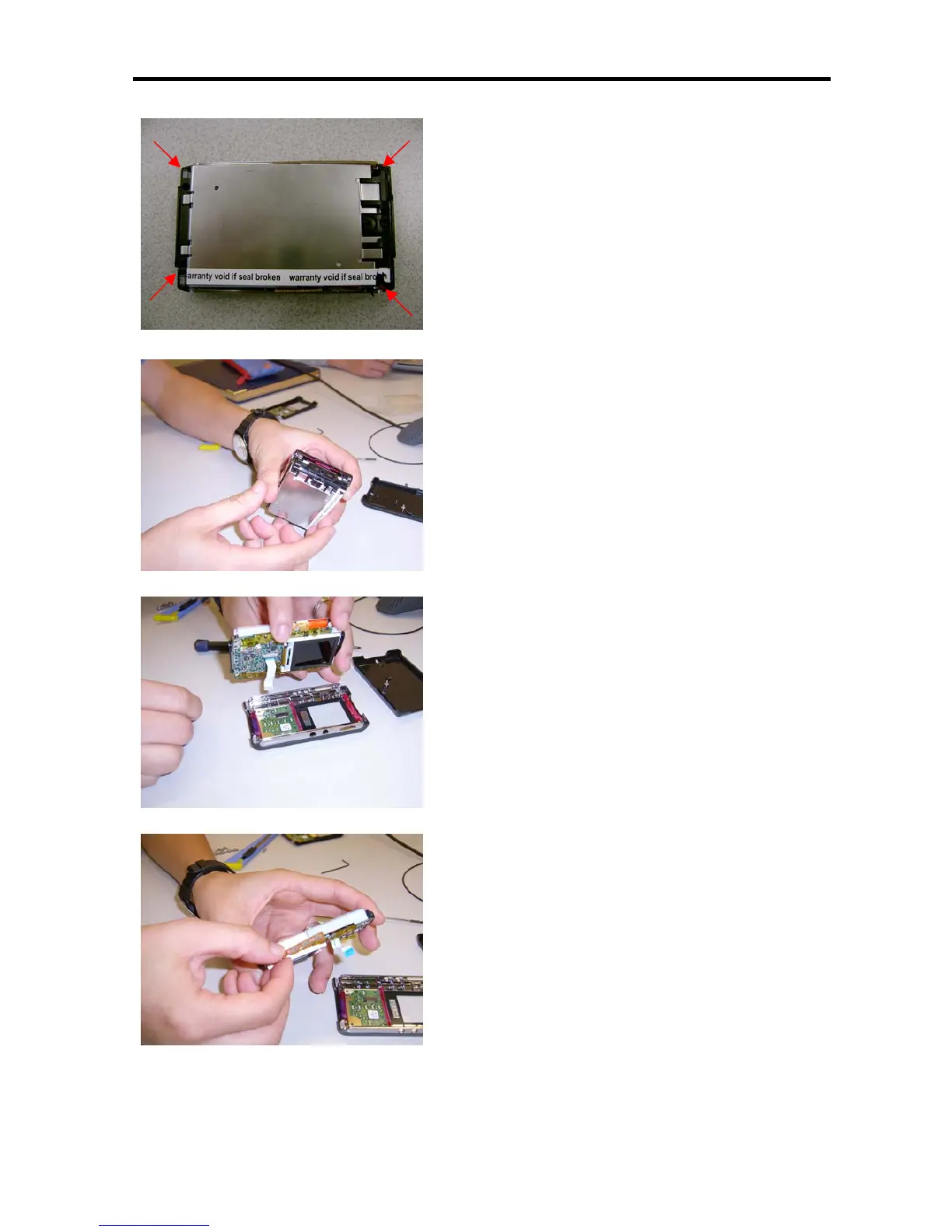
5. Remove the 4 screws on four corners. See pointed
arrows.
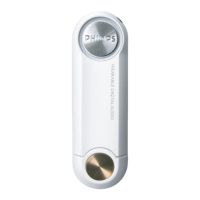
6. Carefully pull out the mainboard assy, which include the
HDD drive, LCD, battery and PCBA board.
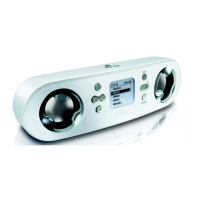
7. Disconnect the flex cable from the front touch screen
module carefully, then free the top cover assy.
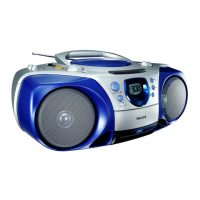
8. Lift up the double side tape of the side buttons.







 To Next Page