4.0 MECHANICAL INTRUCTIONS
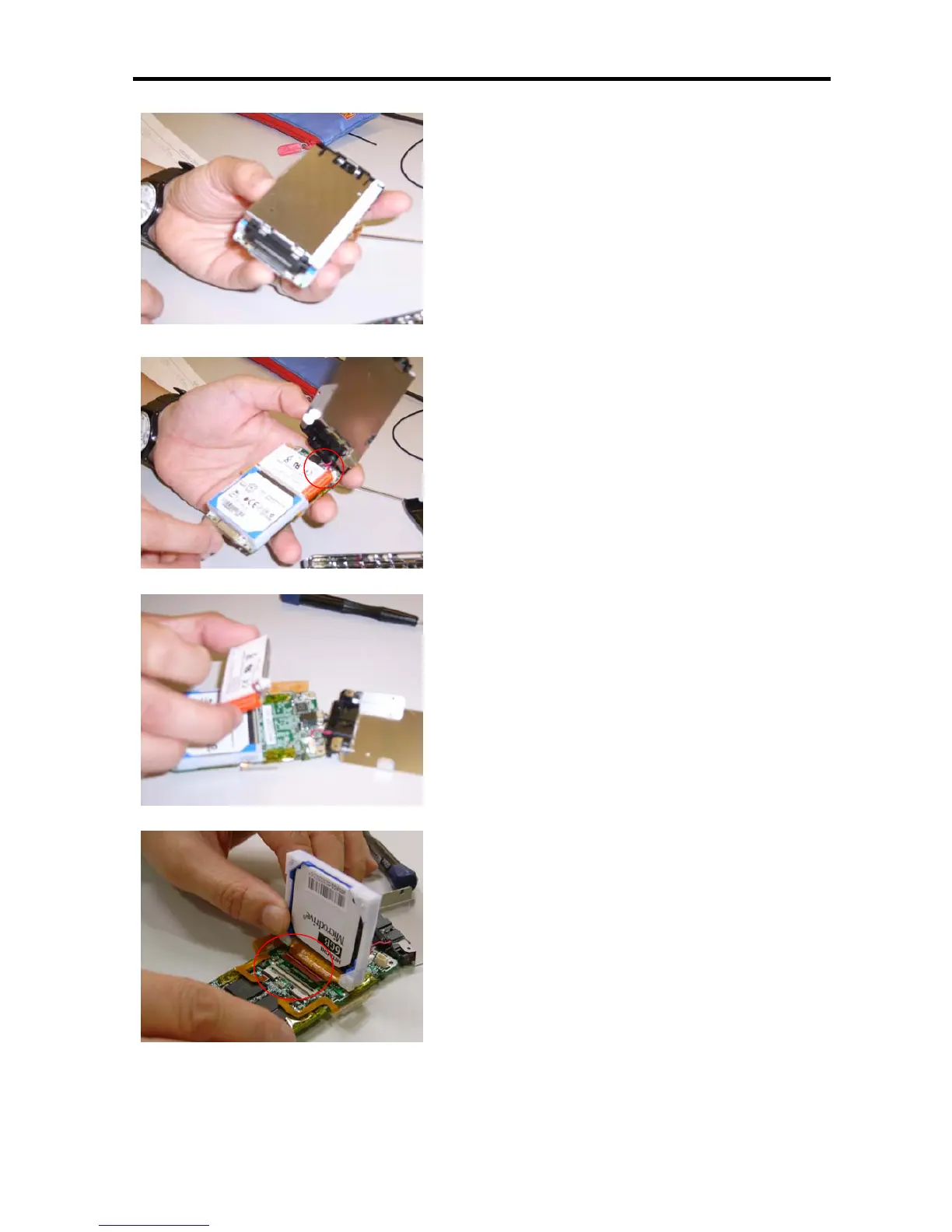
9. Turn to the bottom side.
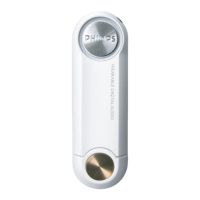
10. Open up the metal shielding and disconnect the cable
connected to the battery. Carefully disassemble the
mini mic as circled in the picture from the plastic audio
jack holder.
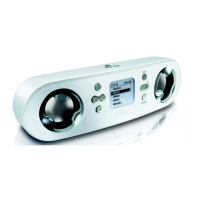
11. Remove the battery part form PCBA.
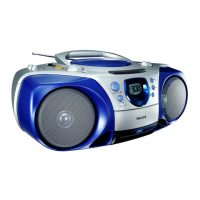
12. Lift up the hard disk and disconnect the flex cable
underneath from the PCBA.







 To Next Page