10
About Daily Use Remote Visit Tinnitus Warnings
More info
Change program
A program is a preset sound adjustment for your hearing aids.
Each program is optimised for specic sound environments or
remote sound sources.
Volume is adjusted independently for each program.
To change programs
1. On the tab bar, tap Sound.
2. On the navigation bar, in the program selector, tap the
down arrow to see your available programs.
3. Tap the desired program to select it.
You can also toggle between your available programs by
tapping the right and left arrows in the navigation bar.
Your hearing care professional can dene up to four dierent
listening programs at your tting session.
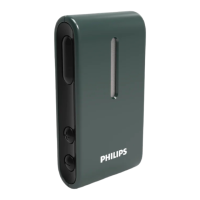
Additional programs for TV Adapter, AudioClip and/or
Tinnitus SoundSupport™ may also be available.



 To Next Page
 Loading...