4-6
PHILIPS MEDICAL SYSTEMS
NOTE:The data card is typically capable of storing a number of incidents.
However, it is recommended that it be cleared or replaced after every use.
In the unlikely event that the card fills up during an incident, no further data
can be recorded, so it is important for you to monitor the
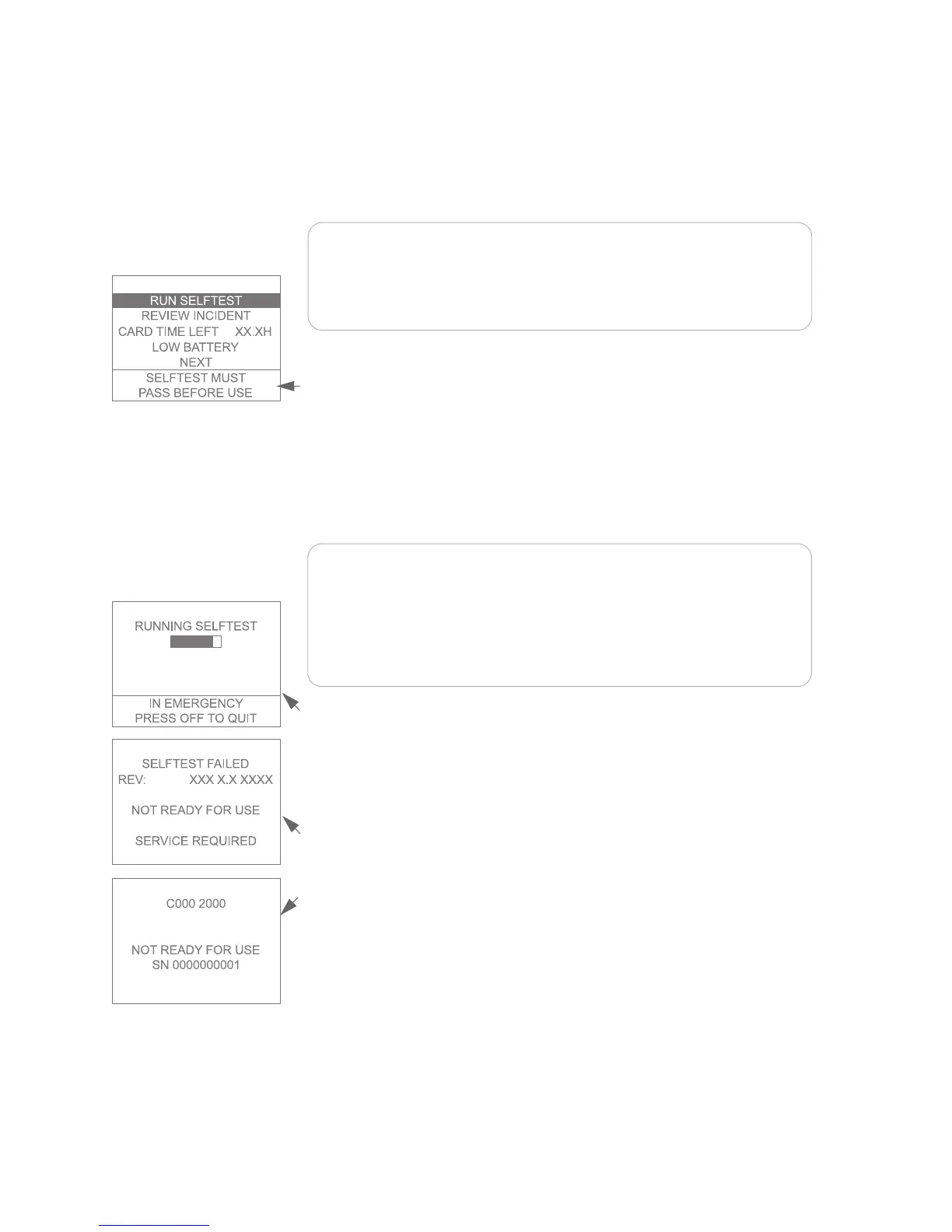
CARD TIME LEFT
information on this screen.
Text prompts tell you if the battery power is low. If so, replace the battery. If a
previous selftest has failed, the screen displays a message that the FR2+ must
pass a selftest before being used.
It is a best practice to always have a spare battery available. However, if you do
not have a spare battery when a screen display prompts you to replace the
battery or the Status Indicator shows a flashing red X, you can continue to use
the FR2+ until the battery is completely depleted. This may be necessary in an
emergency.
NOTE:The FR2+ rechargeable battery should not be used as a spare or
backup battery.
NOTE:If you connect defibrillator pads (that are applied to the patient) or
the FR2+ ECG assessment module to the FR2+ during a battery insertion
selftest, the selftest will stop and the FR2+ will go to its standby mode to be
ready for use.
During the automatic part of the selftest, the screen displays a bar that fills in as
the test continues. When that part of the test is finished, the FR2+ beeps. If a
data card was inserted in the FR2+ prior to installing the battery, the results of
the selftest are automatically recorded on the data card.
If the automatic part of the selftest detects a problem:
• The screen displays a message that the selftest has failed. After a short time,
an error code is displayed. Write down the error code and serial number.
• The Status Indicator shows a flashing or solid red X.
Replace the battery with a new battery and repeat the test. If the second selftest
fails, contact Philips for technical support.



 To Next Page