23EN
BEFORE YOU START
After you have completed all the connections, you must find the viewing channel (external input channel) on your TV.
Finding the Viewing Channel on Your TV
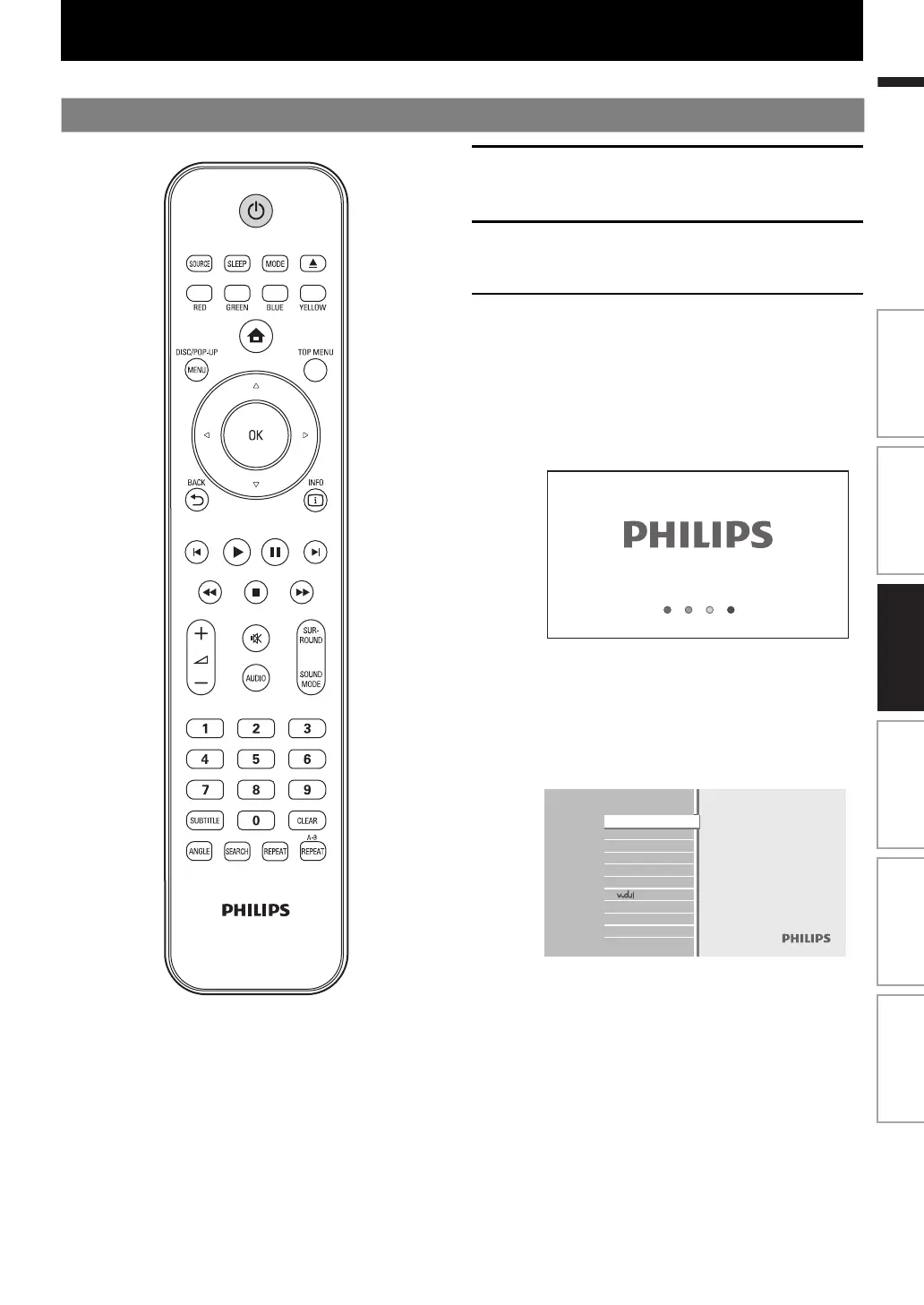
1
After you have made all the necessary
connections, press [Q (standby/on)] to
turn on the unit.
2
Turn on your TV.
3
Press the button on the TV’s remote
control that accesses the external input
channel. It may be labeled “SOURCE”,
“AV” or “SELECT” (refer to your TV’s
user manual). Or press “2” on the TV’s
remote control, then press channel
down button repeatedly until you see
the PHILIPS splash screen.
This is the correct viewing channel (external
input channel).
• If a certain amount of time has passed since
you turned on the unit, you may see the home
menu instead of the PHILIPS splash screen.
Home menu:
Blu-ray Disc Home Theater System
Disc Tray
SD Card
External audio input
FM
Settings
Product Info
Watch HD movies
Introduction Connections Basic Setup Playback OthersFunction Setup
E1S07UD_E1S08UD_EN.book Page 23 Monday, January 31, 2011 2:42 PM



 To Next Page